RDP to AzureAD Computer

Hello!
I've tryed to connnect to AzureAD only computers (Autopilot), but it will always failed with the following prompt. I've tryed every username combination (for example AZUREAD\user@domain.com) and disabled NLA but i get always the same error. When i enter the password in the failed login prompt the connection will be established. Also if i use the Windows build in Remote Desktop Connection program the connection will be established. Maybe someone have an idea? I'm on the latest version of RDM. Thank you. Best regards!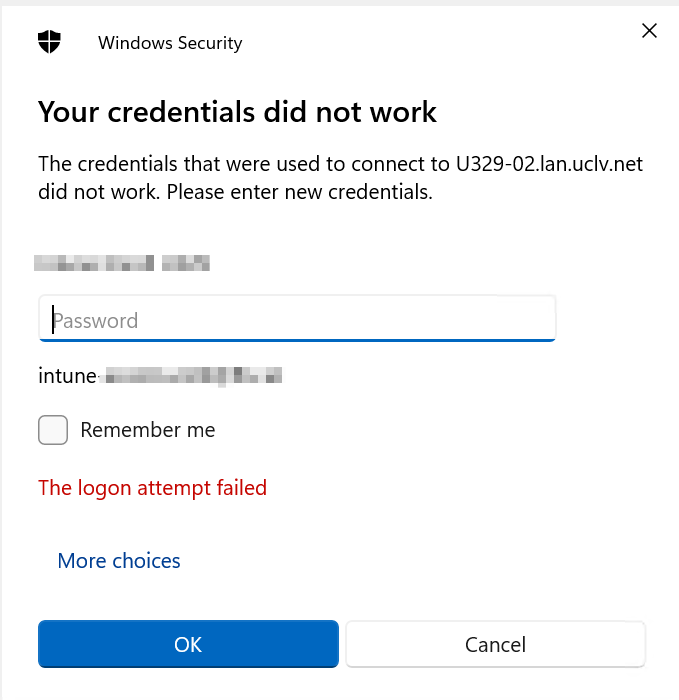
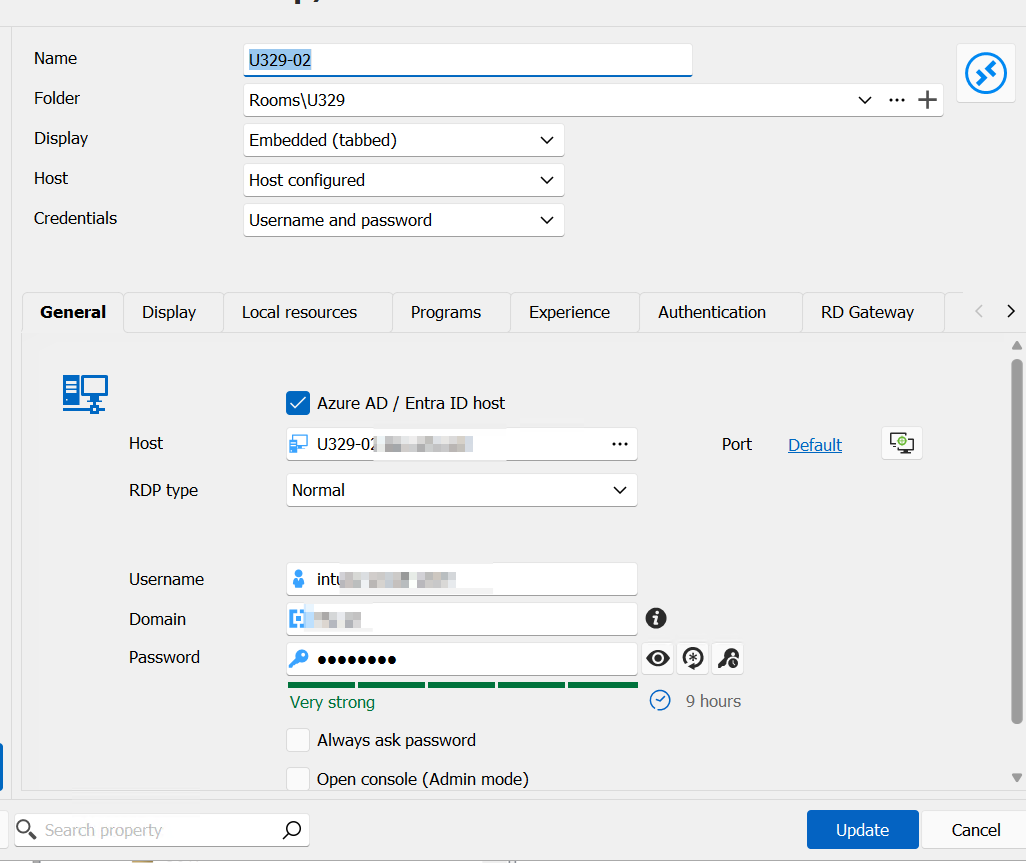
rdm2.png
rdm1.png
All Comments (3)
Hello
What specifically are the remote machines? Are they regular VMs running in Azure, or something else (e.g. Azure Virtual Desktop)?
Is your client system a member of the same domain? Or a different domain, or not domain joined at all?
Does it work via RDM if you change the "Display" to "External"?
Please, let me know if something isn't clear or you have other questions
Kind regards,
Richard Markievicz
Hello!
Thanks for your reply. These are normal PCs installed with Autopilot, without a local domain onpremise. The computers are only AzureAD joined but physicaly computers in our house.
The client system is also only AzureAD joined.
When i change to External it is the same behaviour, sadly.
With the build in Remote Desktop from MS it works. I'm really confused. ;-)
Thanks! Best regards.
Hello
Sorry for the delayed response.
You earlier wrote
When i enter the password in the failed login prompt the connection will be established
So, does the prompt have the proper username already entered? And you just need to provide the password? Or you need to manually fix the username as well?
When you login with MS RDP, what format of username do you use?
Do you have any stored credentials for the server in Windows Credential Manager?
Thanks and kind regards,
Richard Markievicz