No valid license on RDM macOS 2024.2.7.4 (but Windows works)
No valid license on RDM macOS 2024.2.7.4 (but Windows works)

Hi,
On RDM for macOS 2024.2.7.4, when connecting to a MS SQL datasource, I get an error the license is invalid or expired, even though the user has a license assigned: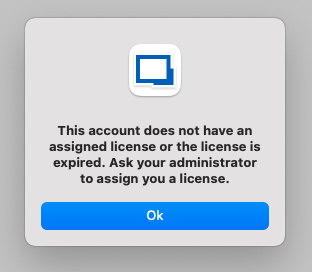
While it is correct the license will expire in a few days (06/30/2024), using the same datasource and user on Windows does not result in the same error. Connecting to Devolutions Hub (where the same RDM license was added) also works without problems.
Best regards,
Jelle Hillen
Screenshot 2024-06-27 at 10.25.30.png
All Comments (21)
Hello,
I have opened a bug ticket so we can look into the issue.
It possible we might have some questions.
In the meantime, if there anything or you think you saw something that might be relevant to the issue, don't hesitate to communicate with us.
Best regards,
Michel Lambert
Any update on this? We can use the Web-client, but the Mac client is useless at the moment. 
RDM.png
Hi lasseedvardsen,
What is your current RDM version?
Best regards,
Jesse Galarneau
Hi lasseedvardsen,
What is your current RDM version?
Best regards,
Hi Jesse Galarneau,
I use 2024.2.7.4 on my laptop. Not sure what I use on my stationary, but I have not updated that because of the error.
HI dear Michel Lambert
I also have the same issue with may Macbook. Everything works fine in Windows client with the same user. Do you have any updates on when the fixed version will be released?
BR
Sanith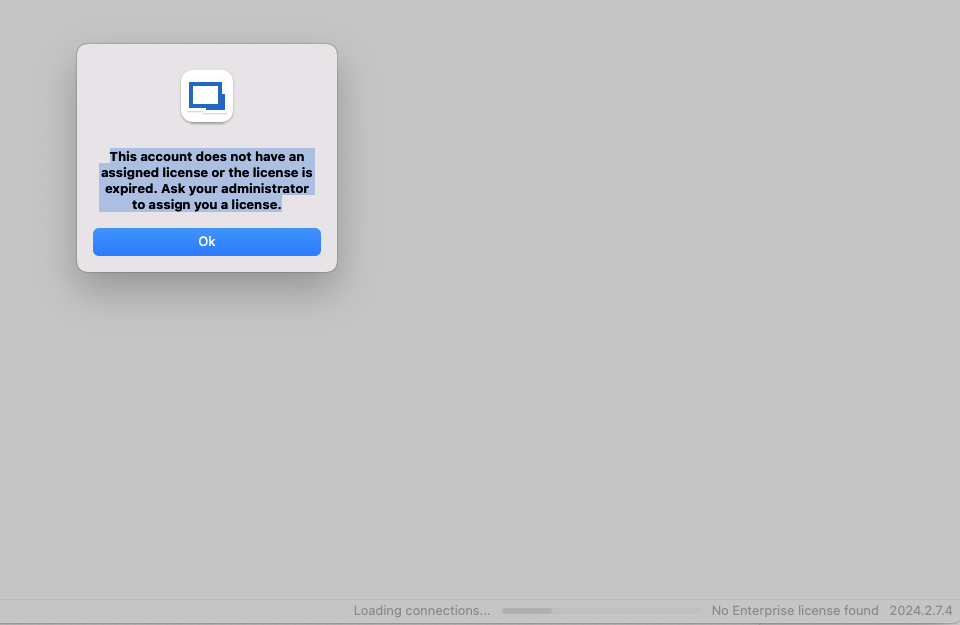
e92c2823-61f3-4b95-a864-b8b42ec82a40.png
Hello,
Is your user assigned to a license under the Administration -> Licenses menu ?
Best regards,
Jeff Dagenais
Dear Jeff
Yes, the license is assigned. As I mentioned, with the same user, I can work with a Windows client. However, on my MacBook, I am getting the given error. I have already tried reinstalling and removing the data source several times, but nothing has helped so far.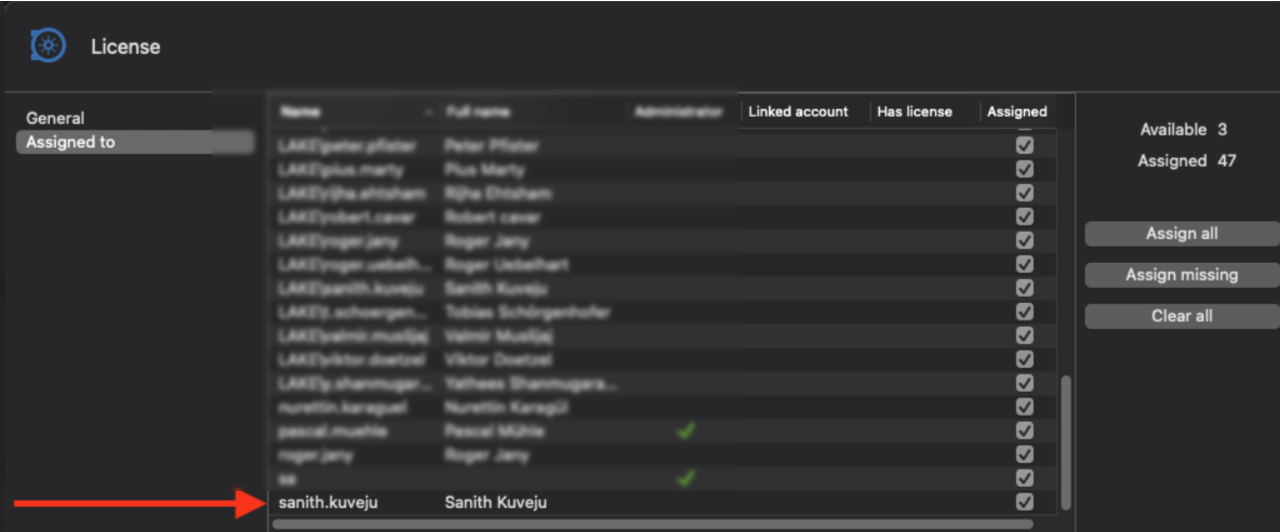
fdc4876b-0516-45c6-b120-e2617cd1def8.png
Hello!
Just so we can properly identify the issue:
The issue happen on a normal user or one with administration rights?
Which datasource are you using? SQL?
Best regards,
Michel Lambert
Hi Michel
I have normal sql user (without Windows AD Authentication), and my user do not have any Admin rights. And also we have a MS SQL database.
BR
Sanith
We have the same issue using AD Authentication, if you downgrade the Client application it works. So I think this is a bug in the RDM Client?
I also tried the 2024 versions listed below, but they didn’t work. Unfortunately, I cannot use other versions due to the version enforcement policy from Admin. Is there any update regarding the next version with a bug fix?
Thank you
64a83db5-c17f-4edc-b344-7248647b8af8.png
Hello KuvejuSanith,
Just to be sure it might not be an old issue we thought solved. In what language is your MacOs system?
Best regards,
Michel Lambert
Hi Michel
English.
I am farcing the same issue. Windows works, MAC OS does not. Using "Workspaces" connecting to the same Server endpoint is working.
Hi @devolutions49 @info84 @kuvejusanith,
What is the expiration date of your licenses, we think that you might have an old license type.
Best regards,
Jesse Galarneau
Hy,
Remote Desktop Manager
Valid until: 01.06.2025
Multi-Sites
@Jesse:
Hi Jesse Galarneau
Remote Desktop Manager
Valid until: 30.06.2025
Hello all,
The new version of RDM Mac (2024.2.8.4) is released and the problem with the license should be solved.
As usual, if there's anything, dont' hesitate to communicate with us.
Best regards,
Michel Lambert
Perfect. Looks good to me.
Thank you so much!!
Works for me too :) Thank you for the update!