Direct Connection to Dell iDRAC Virtual Console

Hi All,
I am currently using Remote Desktop Manager and have a question regarding connecting to Dell iDRAC.
Specifically, I would like to know if it is possible to directly connect to the Dell iDRAC Virtual Console using Remote Desktop Manager.
At present, I have to connect to the iDRAC web interface and then open the Virtual Console from there.
Is there a way to streamline this process and establish a direct connection to the Virtual Console through Remote Desktop Manager?
Thank you for your assistance!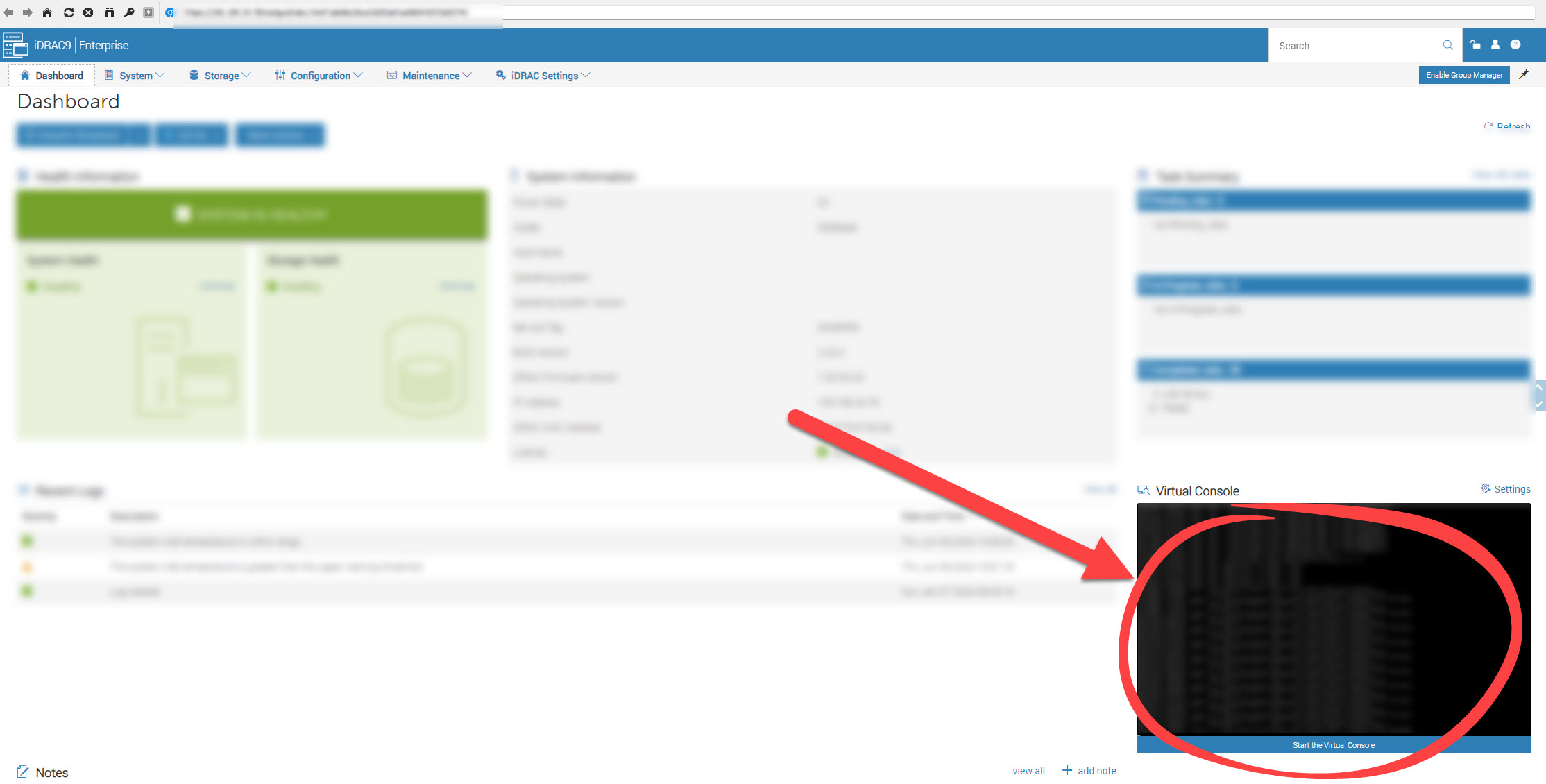
devolutions.jpg
All Comments (5)
Hello
Yes this is possible in recent (2023.3 and higher) versions of RDM Windows.
The session type you are looking for is "Dell iDRAC" in Session > Remote connections (versus the "Dell iDrac (web)" you are currently using).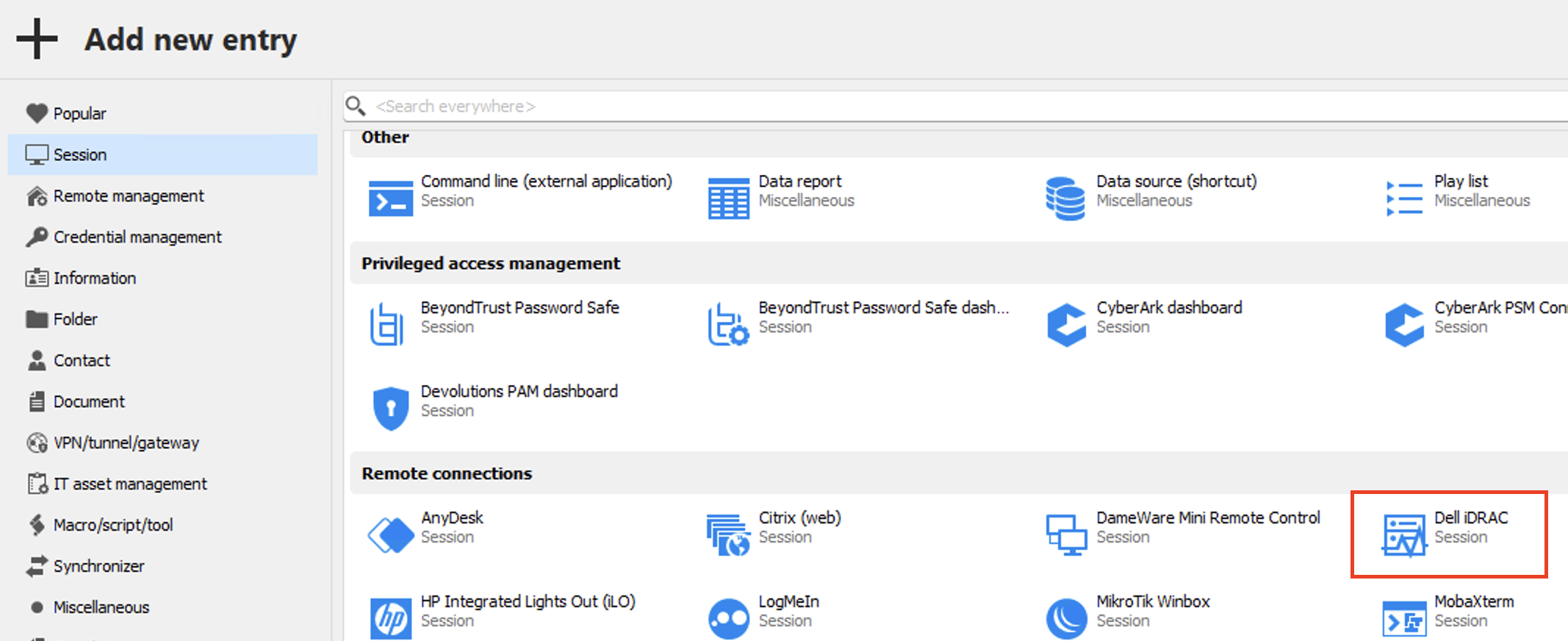
The best way to configure the session is as follows:
- Set the host to the IP address or hostname and port used by the web interface (the port is important, it's likely 443 but this session type will default to 5900 for use with older firmware versions)
- Set the "Console type" to "Automatic"
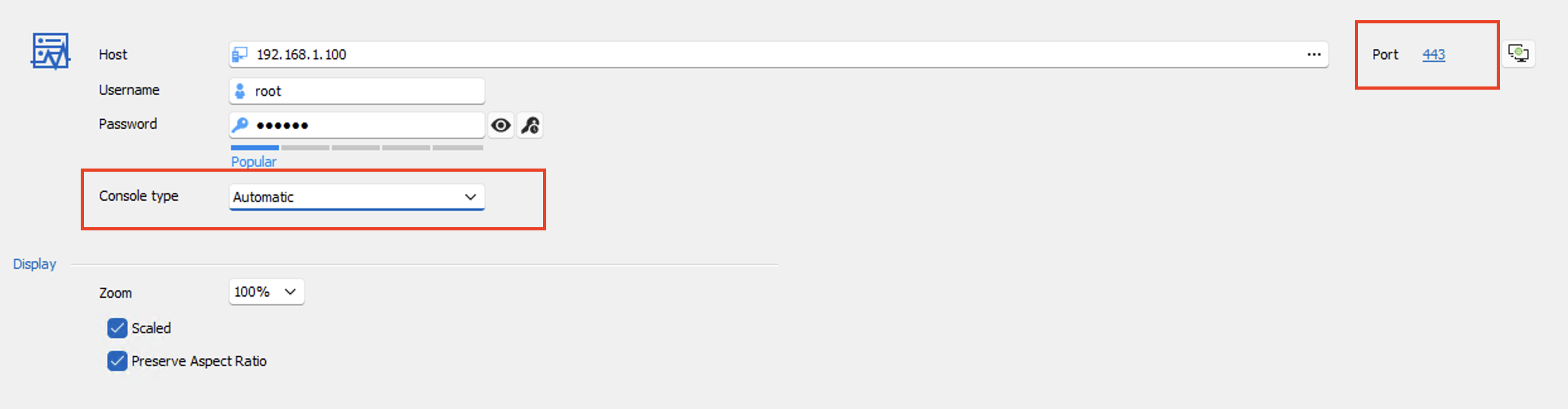
This is necessary because Dell have offered different console technologies over different DRAC versions (the older servers use a custom protocol, more modern servers use a variant of VNC tunnelled over websockets, and regular VNC is also usually supported).
If you encounter any problems or have questions, please don't hesitate to post back.
Thanks and kind regards,
Richard Markievicz
Screenshot 2024-06-26 at 09.00.07.png
Screenshot 2024-06-26 at 08.56.52.png
Thanks for your reply!
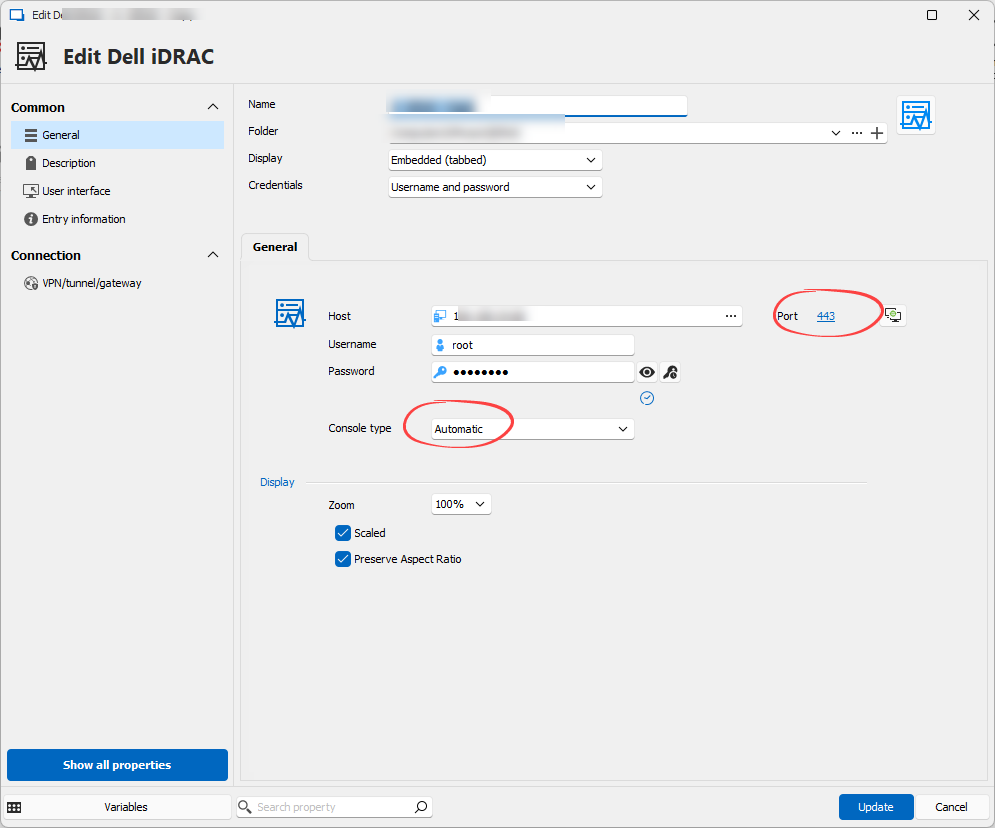
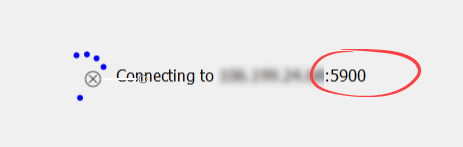
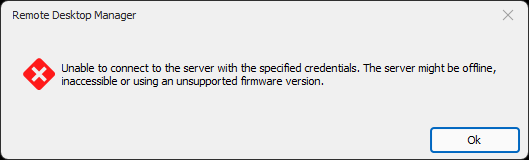
what could be wrong in my settings or on my iDRAC settings?
iDRAC System Information
- iDRAC Firmware Version - 6.10.80.00
- Model - PowerEdge R540 / PowerEdge R740xd / PowerEdge R440
d0a3976a-3bbb-4e11-b5ea-f394e1dc1677.png
e2cc5762-7da9-4d40-8fd0-fbdf795b8384.png
f1da717e-76d6-4e4c-bc96-cb98b7b0847a.png
Hello
Ok - you have an older DRAC firmware, which means it uses the proprietary codec. We can see that it's likely resolving this properly because the connection is tried on port 5900, which is the default port for that version of the virtual console. Without some more diagnostics, I can't say why it doesn't work.
Please can you do the following:
- In Options > Types > Sessions > Apple Remote Desktop (ARD) / VNC > Advanced; check "Enable logging for ARD and VNC" and provide a path to create a log file
- Save the changes and close RDM completely
- Reopen RDM and go to Help > Profiler
- In the profiler window, switch to the "Debug Only" tab and set the "Debug Level" to 1
- Leave the profiler window open, but switch back to the main window and try your connection (reproduce the problem)
You can now send me the full output written in the profiler window as well as the contents of the log file that you specified. You can send to me by a PM on the forum, or to service@devolutions.net (mentioning this forum thread).
Afterwards, return to the options screen and disable the "Enable logging for ARD and VNC" option. It has performance and security penalties.
Please, let me know if something isn't clear or if you have some further questions.
Thanks and kind regards,
Richard Markievicz
Finally ! - its works perfect with VNC
Thanks!
one more question:
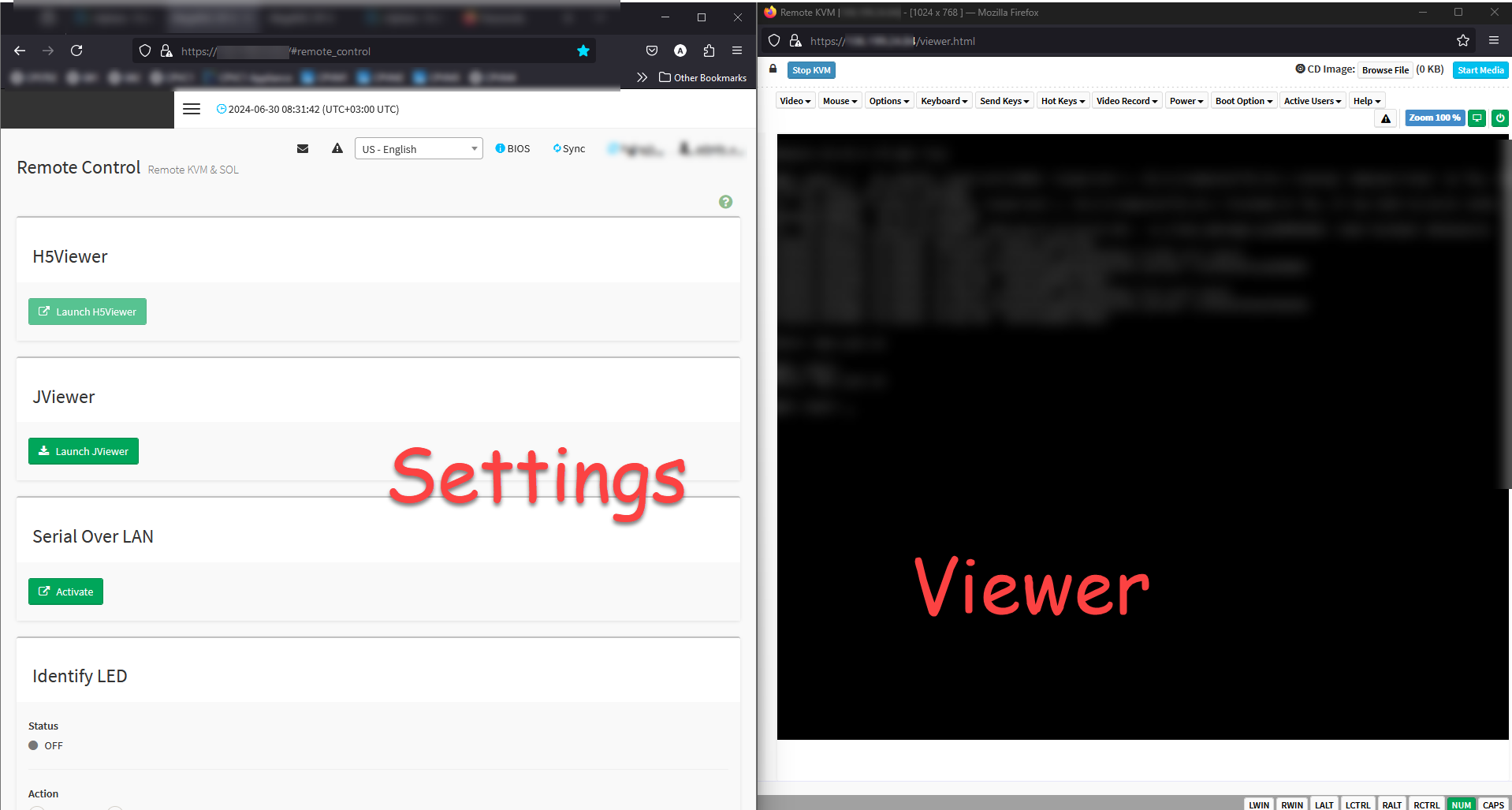
can i remote Gigabyte (GPU Servers) ?
Server Model: GIGABYTE - G291-281-00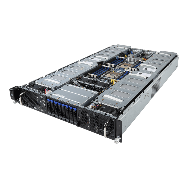
fe9bc96b-1635-49d2-9734-c373e72cd8c6.png
5f119a9c-b99f-4965-92f8-c47a25e59faa.png
Hello
I'm glad you got it to work
Right now, there's no native connection to a Gigabyte server. I'm not sure how feasible this would be - it depends on the protocol used by their KVM. VNC based protocols are easier to integrate but from reading some of their documentation, my initial feeling is that they use a custom protocol which would be extremely difficult. Any integration would require us to obtain sample hardware and assess how it works.
I can make a feature request for that, but without further interest I don't think this will get much traction. If other users are eager to see an integration with Gigabyte KVMs, I'd encourage them to add their voice to this thread.
Please, let me know if something isn't clear or you have further questions
Kind regards
Richard Markievicz