Unable to connect to data source: invalidmac


2024-06-20 14_28_29-Clipboard.png
All Comments (12)
Heyo, I can type again... Couldn't type any text in the post, don't want to jinx it so here is my issue:
I get the error unable to connect to data source: native error: invalidmac. Started after changing Devolutions password. Can't find any other posts about this on here...
Hello,
Are you running RDM Mac 2024.2.7.3? If not, could you give it a try? You can download it here
https://devolutions.net/remote-desktop-manager/home/download/
Best regards,
Jeff Dagenais
Hi Jeff
I'm running 2024.2.10.0 for Windows. Google sent me to Mac as well when entering the error message.
Hello,
Sorry about that, I overlooked your screenshot.
I will ask my team to have a look at this with you rapidly.
Best regards,
Jeff Dagenais
Hello,
Could you please tell us which data source you are using? If you are using Devolutions Hub or DVLS, could you try to connect using the web interface?
This will help us determine if the issue is related to the RDM installation or your PC.
Best regards,
Carl Marien
Hi Carl
My apologies for the late response, the user is using Devolutions Hub. If he wants to connect using the interface, he gets this: 
The code he received expired in 10 minutes, so I guess this isn't the emergency reset code... Can we get around this?
6773b1f7-68a8-406b-9a53-49457baeb73d.png
Hello,
The screenshot you sent us is asking for an emergency reset code. The user needs to paste their emergency code to restore access to their Devolutions Hub.
The emergency reset code should be saved as a PDF file. If the user is unable to find it, unfortunately, there is nothing we can do. They will need to delete their Devolutions Hub and the entries within it and create a new one.
Best regards,
Carl Marien
Hi Carl
The user found it in his downloads fortunately. He can see the user vault in the web interface. Still struggling in the RDM app.
Hello Jasper,
I had the same error this morning.
Could you check if the profile is set to IT professional on the web and not the Business owner?
This is under your name icon at the top right -> Preferences -> UI interface.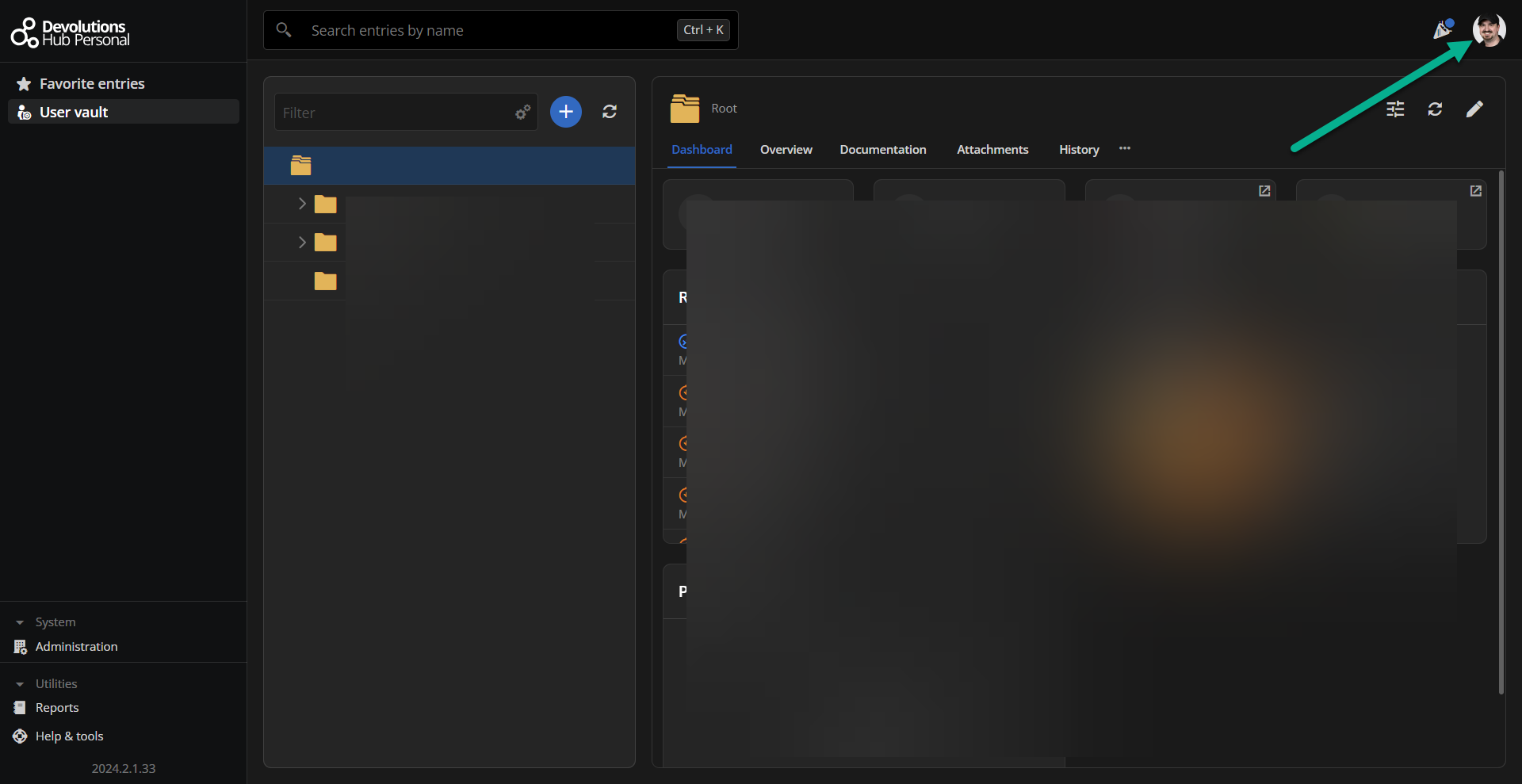

Best regards,
Patrick Ouimet
web2.png
web.png
No luck, it's already on IT professional...
5a1b9928-6eb3-4668-9bd4-4b34a0b83b6e.png
Hello,
Since the issue appears to originate from the installation of RDM, could you please follow these step-by-step instructions to completely uninstall and then reinstall the application?
https://docs.devolutions.net/rdm/mac/installation/uninstall/
Best regards,
Carl Marien
Hi Carl
After a ton of errors while "migrating" was showing in the background, this fixed the issue. Thanks!