How can I make password autofill work on Admin Login - Duo

How can I make password autofill work on Admin Login - Duo (https://admin.duosecurity.com/login?next=%2F)?
The issue is that RDM enters the password, but the site doesn’t allow you to login before you manually edit the password. If you click in the password field and hit space, you can log in.
Is there a way I can get RDM to do this for me?
All Comments (8)
Hello Acetico,
Thank you for getting in touch with us. To better assist you, could you kindly provide us with the following information:
Your current RDM version.
The operating system you are using and its version.
The data source you are utilizing.
Once we have this information, we will be better equipped to diagnose and resolve the issue.
Best regards,
Maxim Robert
RDM Version 2024.1.32.0
Windows 11 23H2
Datasource: Azure SQL
The same on
RDM Vwersion 2024.2.11
Devolution Hub Personal
The same problem with the username, but there you must change something not only add a space.
I don't believe RDM is at fault, I hope there is a setting I can adjust on the entry to make this work on this website too.
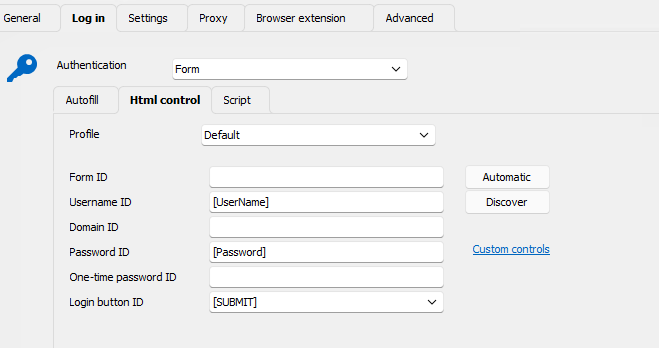
Yes, I am also facing the same issue and wanting the perfect solution for this.
thanks