$USER_PRINCIPAL_NAME$ for datasource username not working with exported RDM config (default.cfg)
$USER_PRINCIPAL_NAME$ for datasource username not working with exported RDM config (default.cfg)
Hello,
Configuring a datasource to use the variable $USER_PRINCIPAL_NAME$ as the username works fine until the RDM settings are exported to a cfg file. When a user picks up the new cfg file, they are prompted to enter their username for the data source. This becomes a problem for users who enter just their domain username, and DVLS authentication is integrated with EntraID which requires UPN/email instead.
This behaviour began happening in one of the RDM 2024.1 versions, prior to that the users were not prompted for the datasource username whenever the default.cfg was updated.
Following the instructions for terminal servers from https://docs.devolutions.net/rdm/installation/client/terminal-services/
Please let me know if you would like any additional information.
Thanks
Joe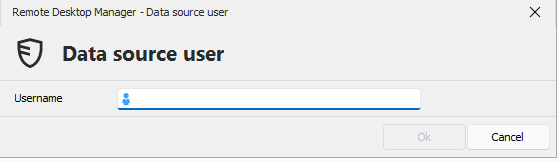
e5f0e6bc-2a31-4300-9cd8-fde1741dc9b5.png
All Comments (6)

Hi,
Thank you for reaching out.
I am working on the case.
I will get back to you as soon as possible.
Best regard
Hi
I appreciate your patience while I was working on the case.
When users open the new cfg file, they are prompted to enter their username for the data source.
This should not be a problem for Domain users as they don't need UPN to connect.
However, EntraID users will need to enter their UPN/email as it is required anyway.
Users are only prompted for the first time they import the cfg file.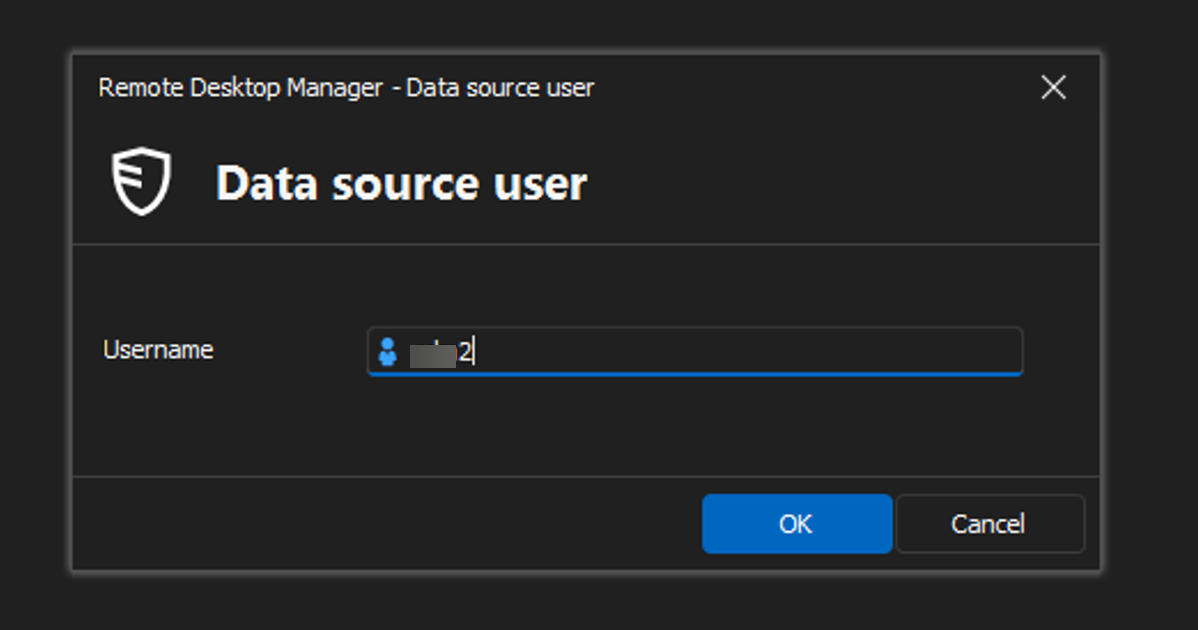
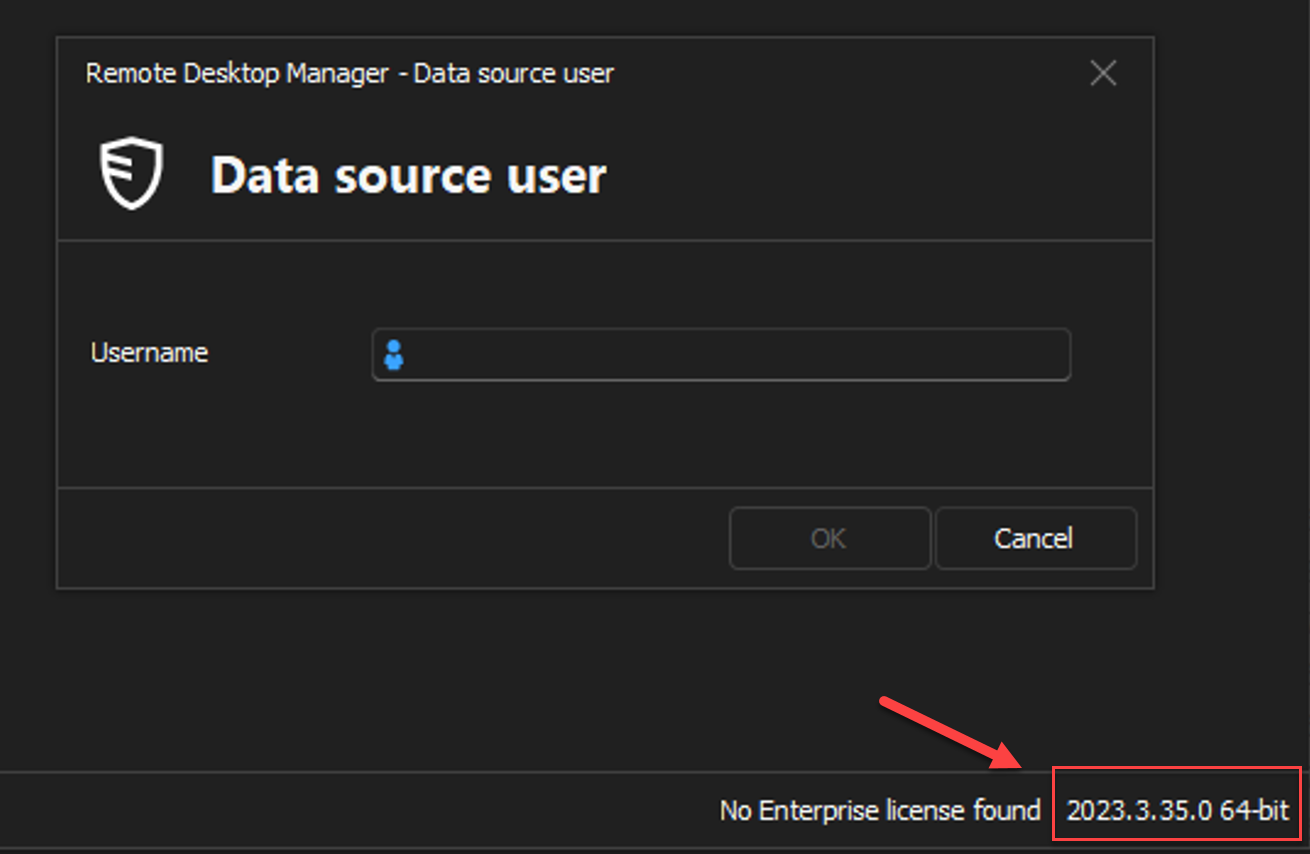
Best regards,
d5b9613e-9c11-436a-aa3c-2202a4bb86ee.png
e34269e2-686a-4a04-ae03-97e1654da5c2.png
60ae7595-cd0b-4c6c-86ad-0be98a3fc676.png
Hi Rodrigue,
The issue is, prior to one of the RDM 2024.1 releases, the $USER_PRINCIPAL_NAME$ variable could be used in the exported default.cfg, and users were not prompted to enter their username for the datasource. This capability needs to be restored, because without it users get confused as to whether to enter UPN/Email or just domain username.
Thanks
Joe
Hi Joe,
Thank you for your feedback and your patience while working on the case.
You can avoid the prompt by enabling this option during the export: Include data source credentials.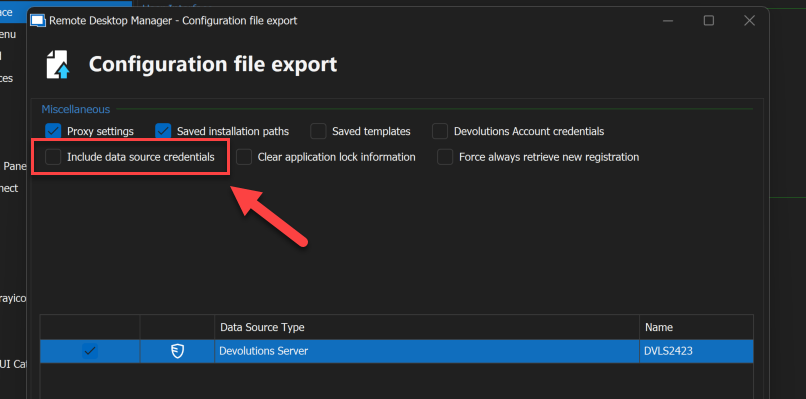
I hope this will help.
Best regards,
574ed500-5f80-482c-8451-11a247a4c19e.png
Hi Rodrigue,
Thanks, that seems to have resolved the issue.
Joe
Hello,
Glad to hear that it's now working! Let us know if you have any further questions :)
Best regards,
Etienne Lord