Dashboard

After the last update I can no longer view the dashboard and the list of items if I click on a group.
I've already tried resetting the layout.
Thank you
Greetings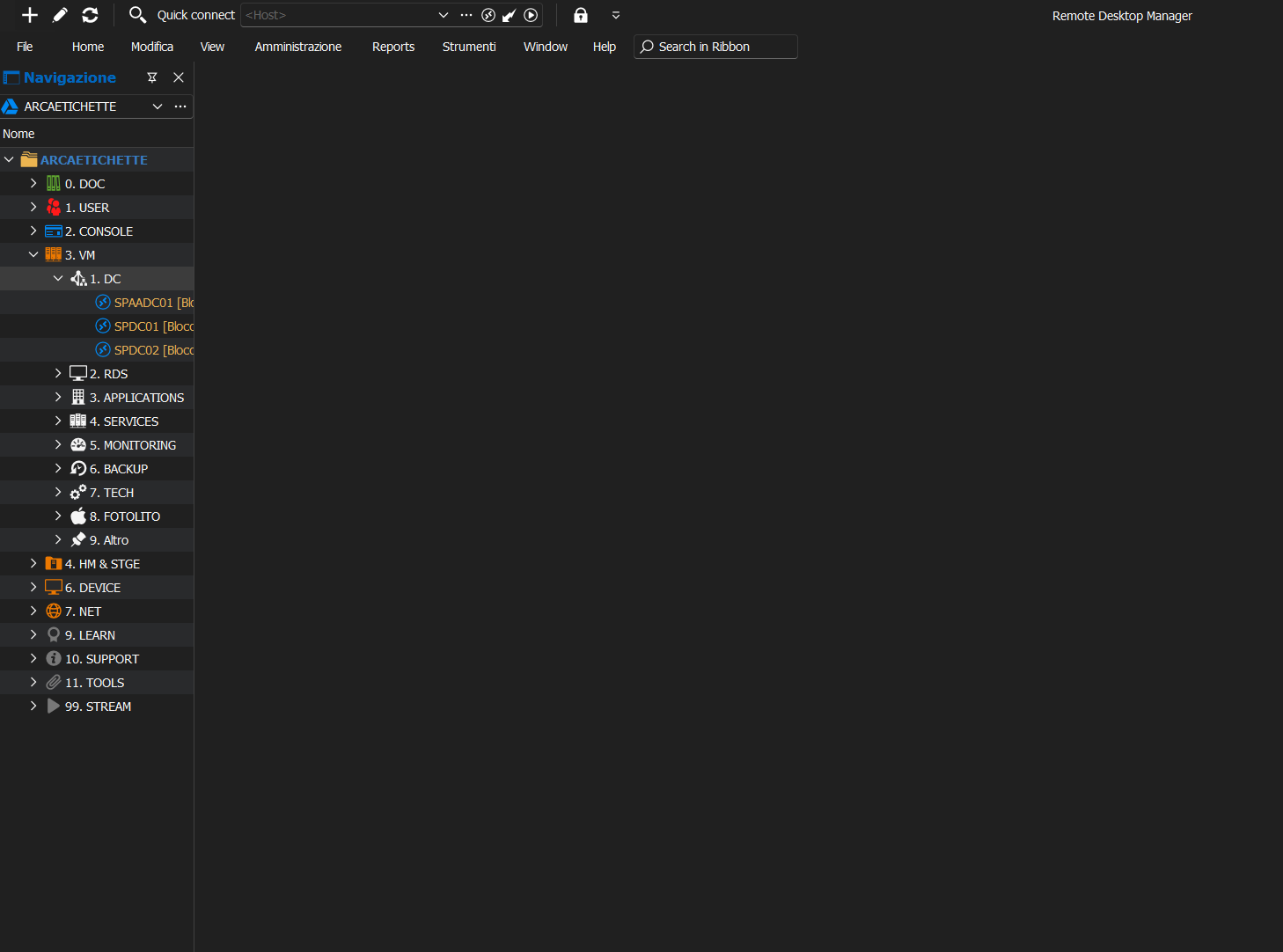
2024-06-19 10_17_10-Remote Desktop Manager.png
All Comments (10)
Hello,
Could you verify if you have the latest update of the Webview2 runtime component?
https://developer.microsoft.com/en-us/microsoft-edge/webview2/consumer/?form=MA13LH
You can also verify the configured temp folder in File->Settings: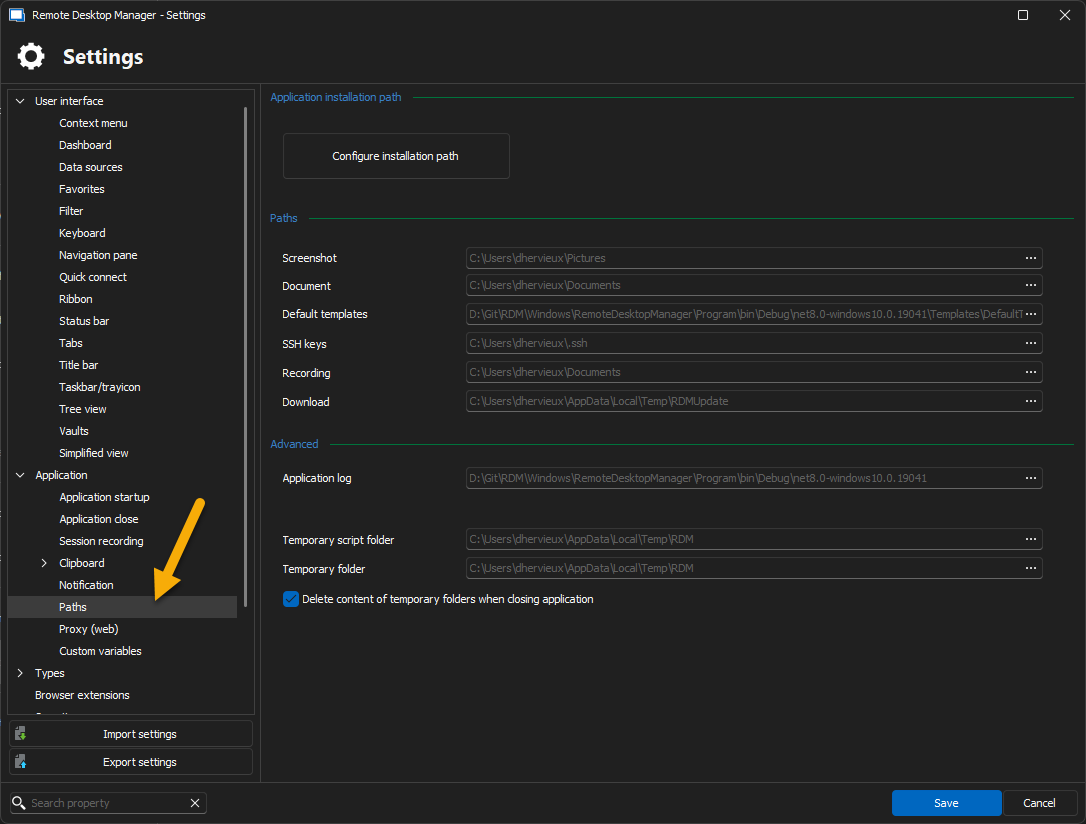
Regards
David Hervieux
fd101161-7ec2-41fa-9dc6-f9910d22c459.png
1) "Installation failed. Microsoft Edge Web View2. The runtime is already installed on your system."
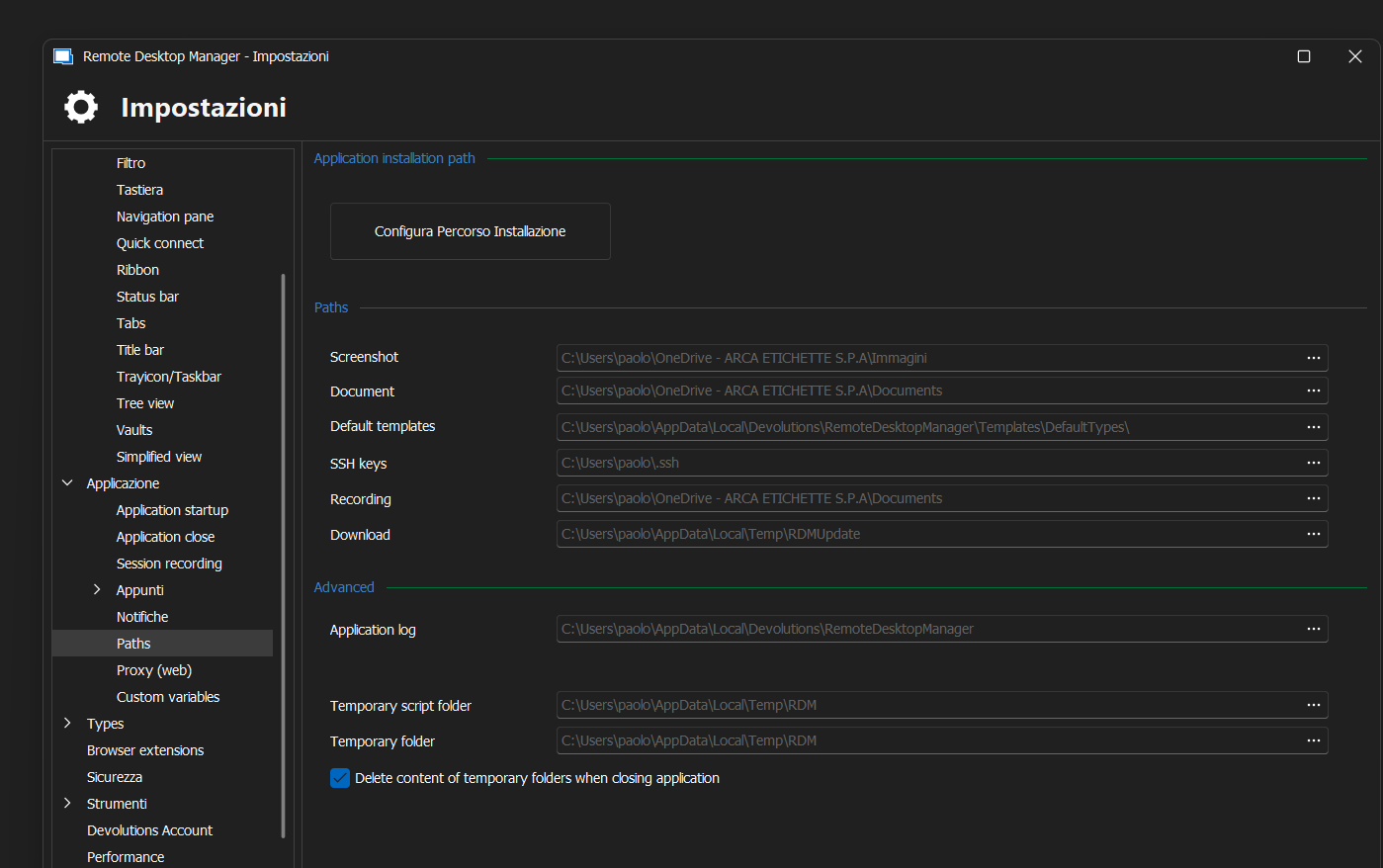
2) 
Thanks.
16e764b4-697c-4d7f-ada4-f4541ba0c57c.png
Hello,
Could you verify if you get anything in the Application Logs located Help?
Regards
David Hervieux
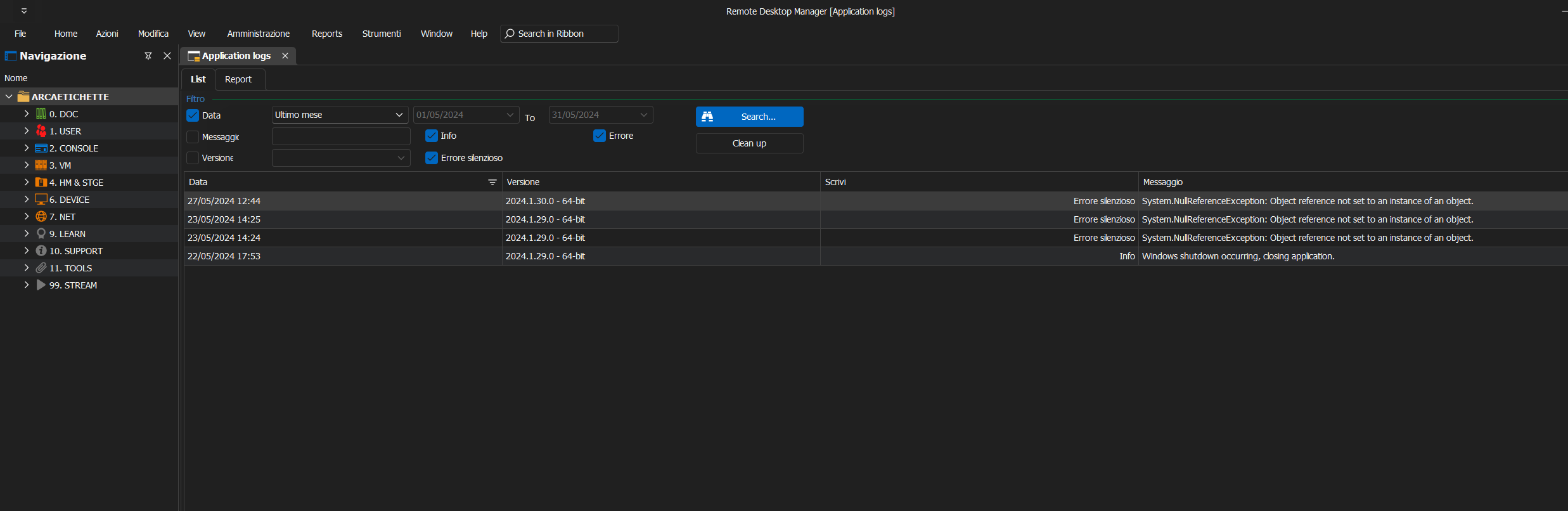
Nothing.
Thank you
1ab94150-6b74-438b-8c70-f1f7573d9a75.png
Hello,
Could you try to install RDM as a portable version?
https://docs.devolutions.net/rdm/kb/rdm-windows/how-to-articles/portable-rdm-installation/
Regards
David Hervieux
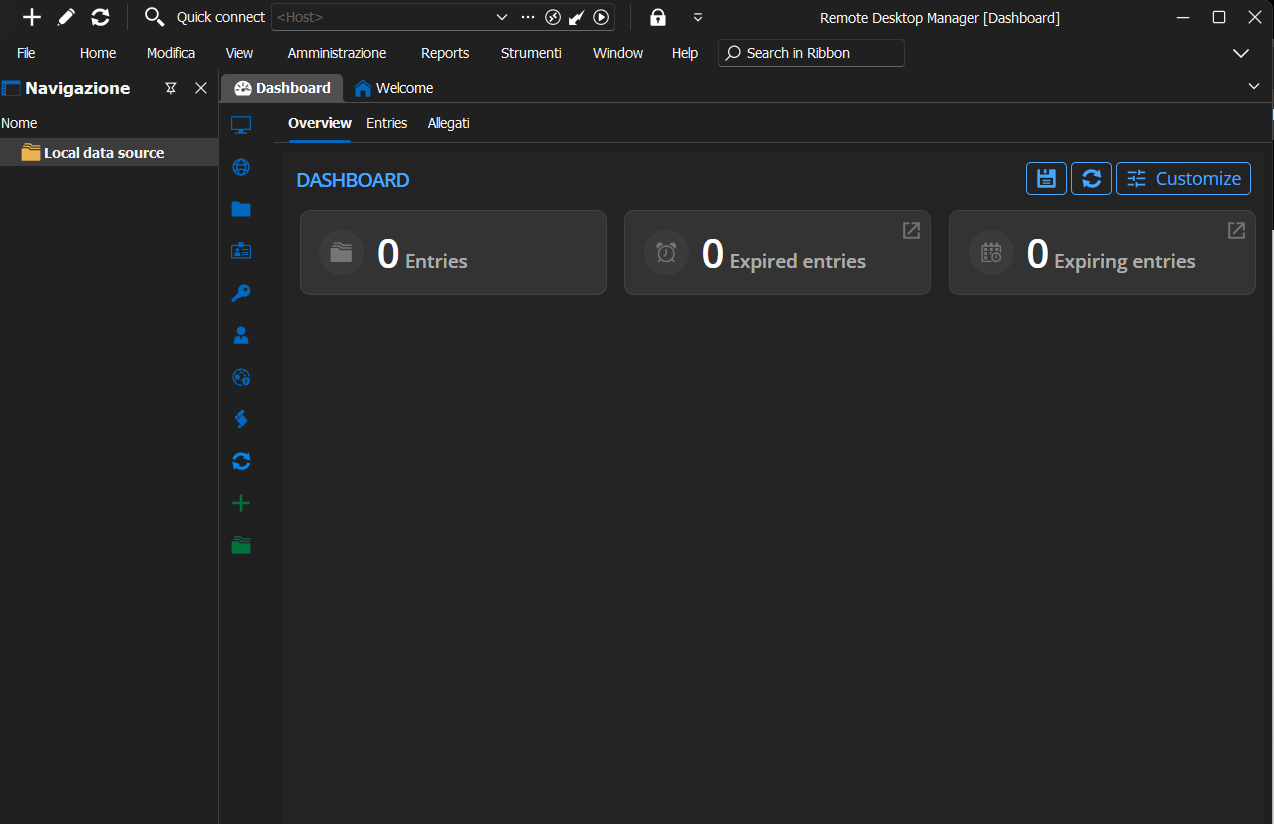
With the portable version I can see the dashboard.
What can I do with the installed version?
Thank you
Greetings
88a8a3f3-c40d-4df6-be7a-5f63015f61ac.png
Hello,
Could you please try the following steps:
- Close RDM
- Navgiate to
%LocalAppData%\Devolutions\RemoteDesktopManager - Delete or Move all *.lyt files from this folder
- Start RDM
Regards,
Min
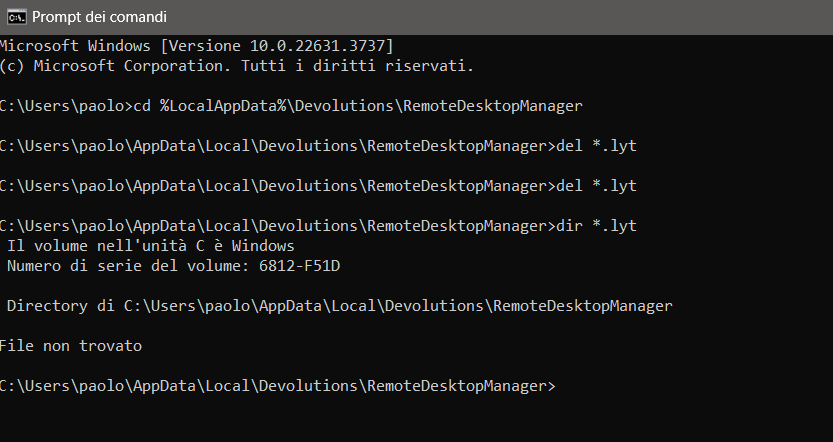
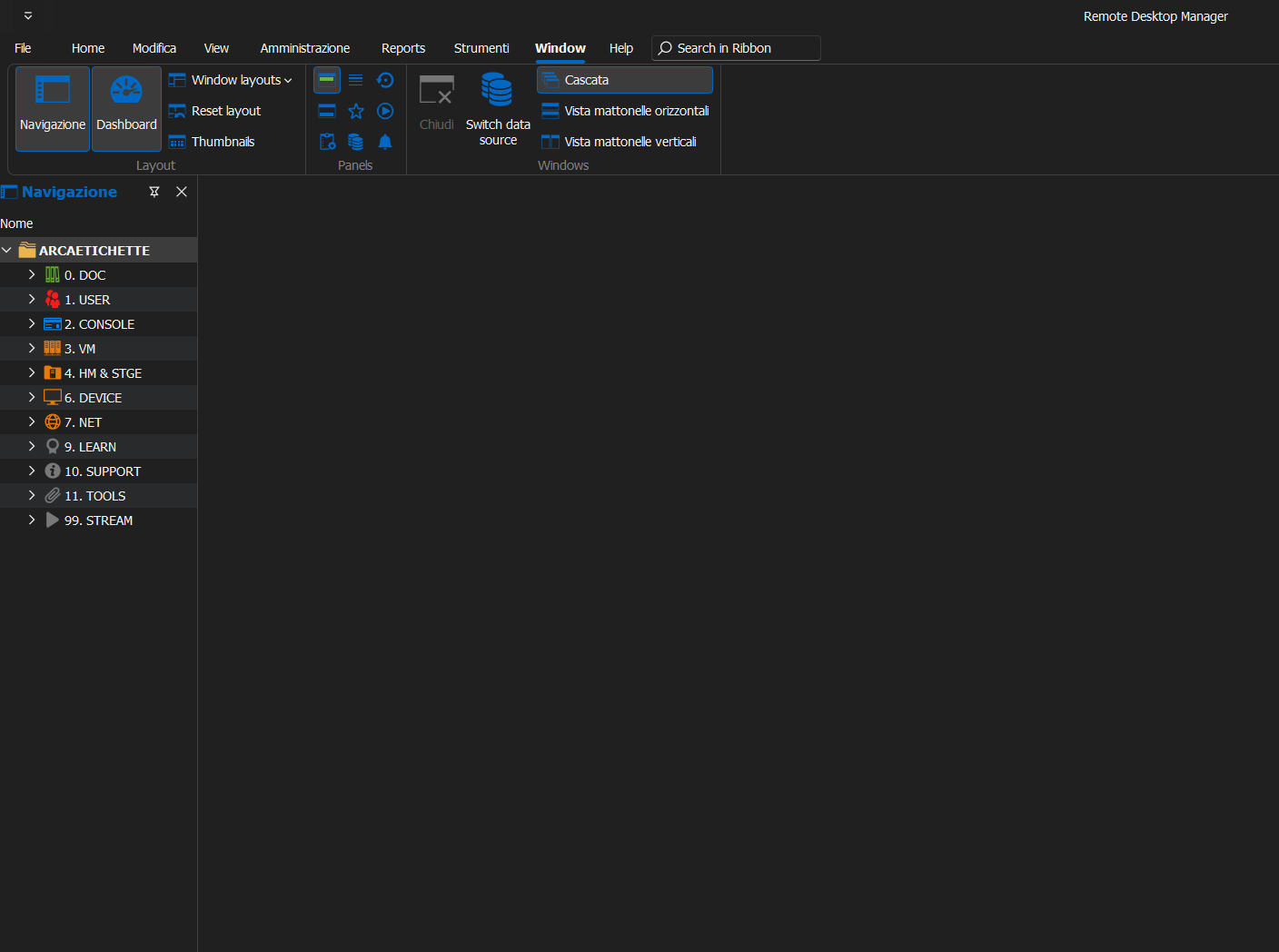
Still nothing.
Thank you
Greetings
b3bcc975-fb3e-4249-8152-812be5351049.png
dd5e9323-4046-438c-bdb7-55d490cb23ed.png
Hello,
Alright, please close RDM again and rename in the same directory the following files:
- RemoteDesktopManager.cfg to RemoteDesktopManager.cfg_backup
- RemoteDesktopManager.bak to RemoteDesktopManager.bak_backup
Start RDM
Regards,
Min

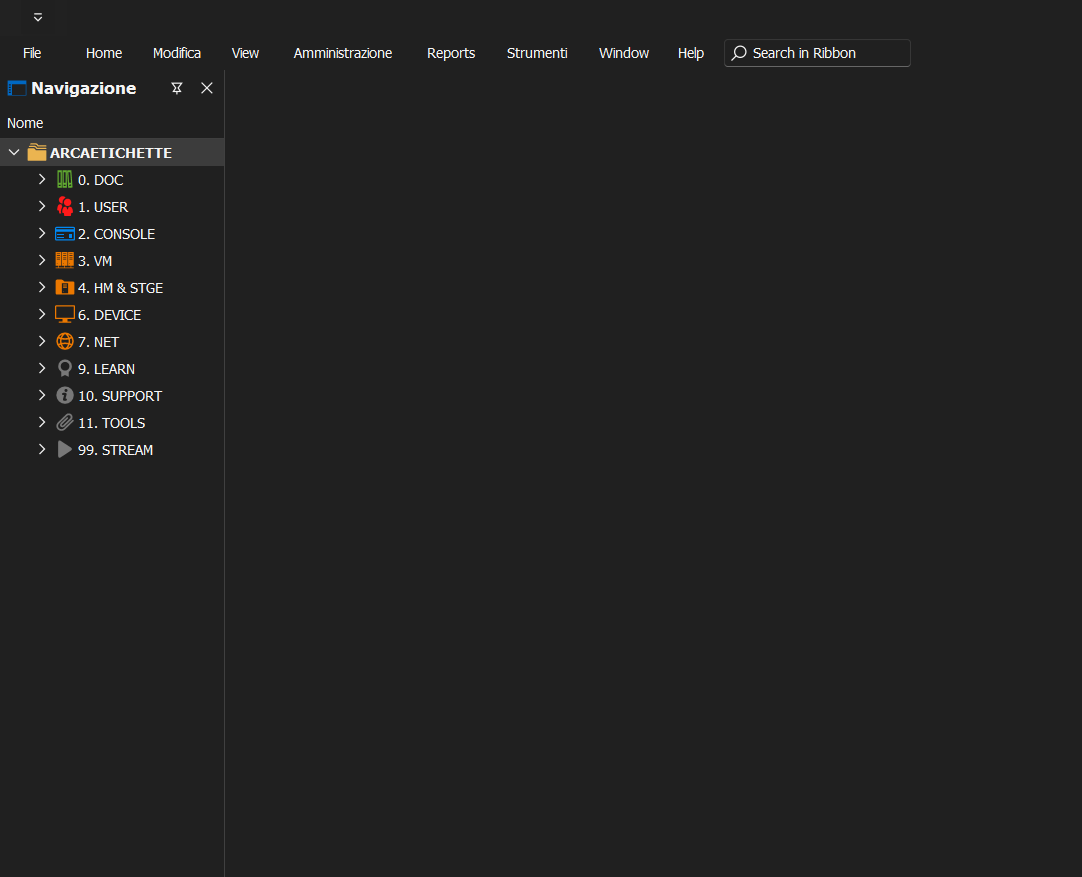
Still nothing.
Thank you
Greetings
2c5a8603-5d3f-4357-9607-0dbdb6163596.png
4ee389b4-13bc-4a9a-a0ef-2996d6217c2d.png