OpenVPN Connect

Hi,
Pretty pleased with RDM, but for the life of me I cannot get the OpenVPN connect to work on my Macbook.
I've selected OpenVPN as the VPN application for a RDP entry
Added the profile name from the OpenVPN GUI (looks to be a random number)
Added the OpenVPN file
or
Added the contents of the file
When I try to connect the OVPN file gets imported to OpenVPN Connect, but it never actually initiates the connection.
Am I missing something?
All Comments (12)
Hello,
Thank you for this swift reply.
Could you send a recording of this issue and explain the process in detail?
You can use the secure link below to send us the recording(s);
https://devolutions.sharefile.com/filedrop
Simply name your file “FM-42225” to easily identify it.
Best regards,
Patrick Ouimet
Well nothing happens... So it's kind of hard to do a recording of it ...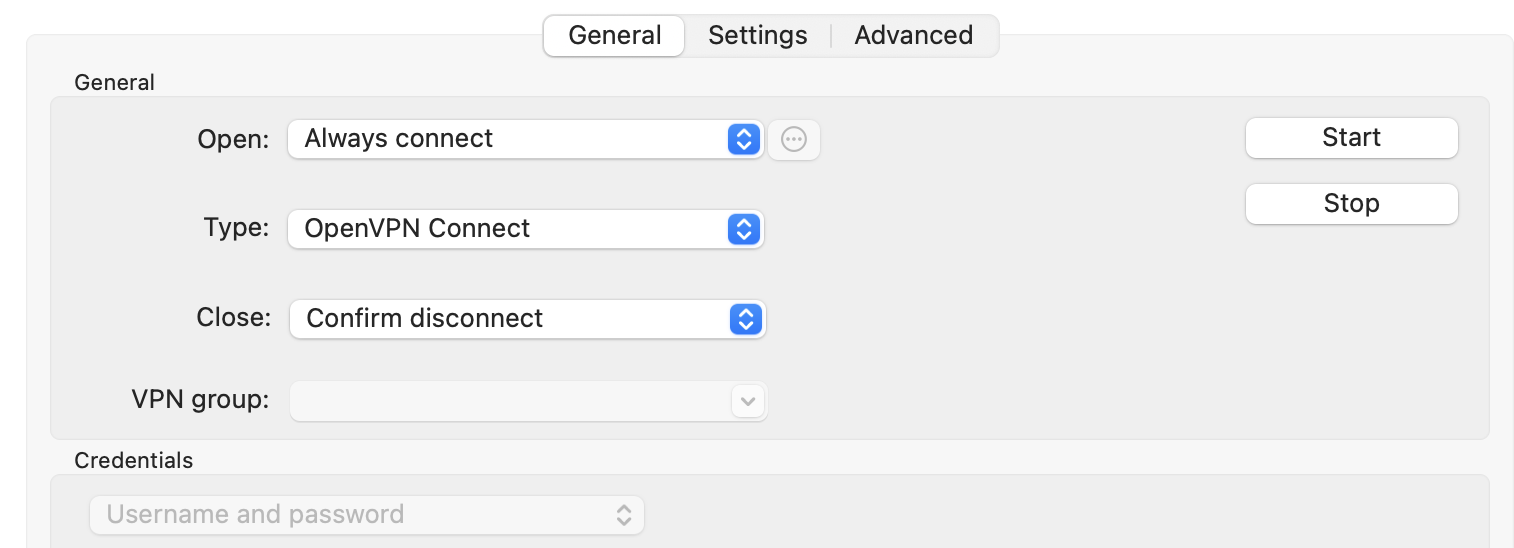
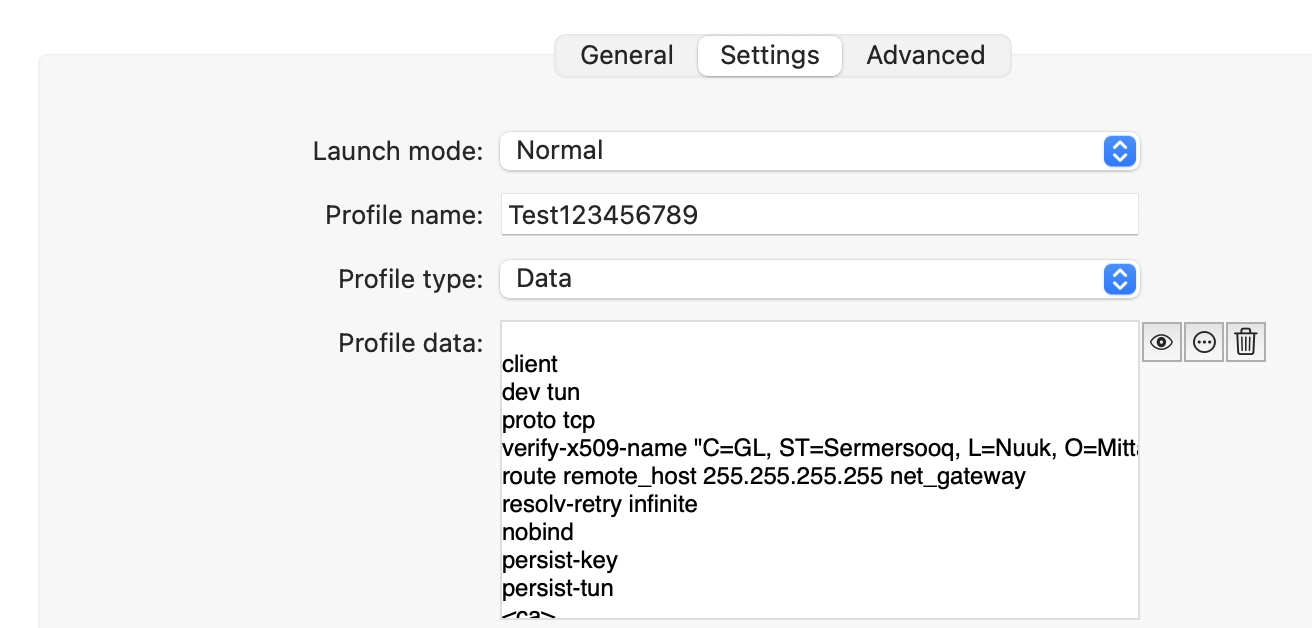
OpenVPN before pressing connect in RDM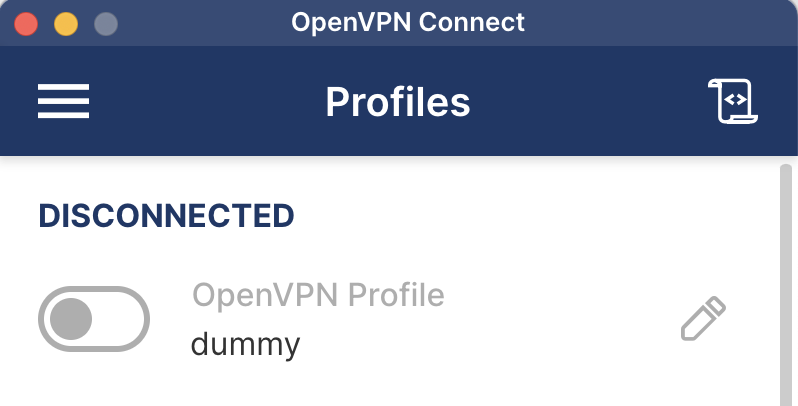
OpenVPN after pressing connect in RDM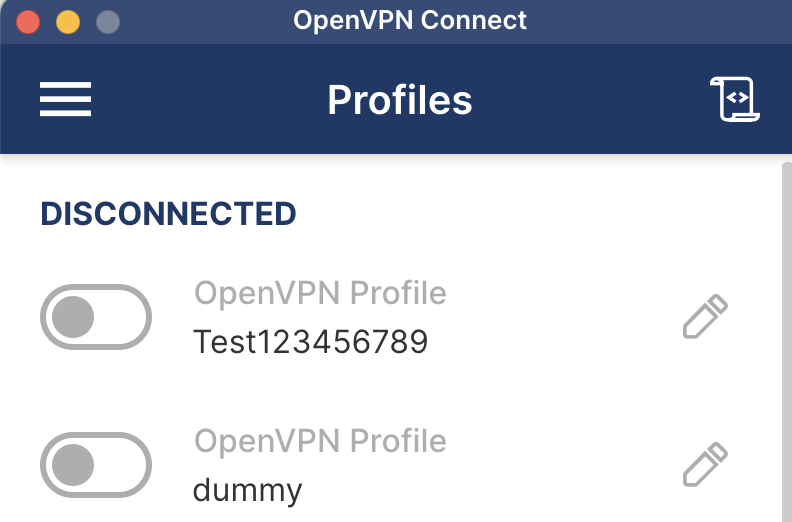
As seen in the last screenshot a new profile has been imported into the OpenVPN Connect GUI, but it's not connected.
If I manually connect through the OpenVPN connect GUI it connects just fine - it's just not initiated through RDN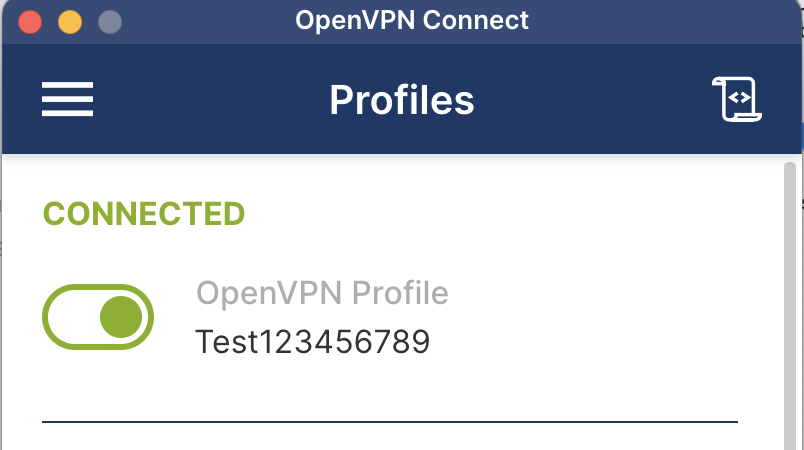
262d1bc6-479f-4555-84f4-166f1407d4da.png
b45078df-7e6c-4a2e-9d32-e1463bde154d.png
3021f266-7019-4206-8ccd-be144a11c41b.png
f41b00f6-2d2a-434a-a640-014160cbf0e6.png
dce5e75d-37f0-4043-b908-64f4b9e3f0f1.png
Btw. RDM version: Version 2024.2.7.3 (June 18, 2024)
OpenVPN Connect Version: Version 3.4.7 (4745)
Tried saving username/password within OpenVPN connect as well. No difference
/mikkel
Hello,
If I refer to your first message, you were talking about OpenVPN GUI as an entry in RDM.
But your screenshot is OpenVPN Connect.
Both of them are not the same entry in RDM.
Note that OpenVPN Connect is an addon in RDM and is not available for RDMMac.
Can OpenVPN GUI be installed on MAC?
Best regards,
Patrick Ouimet
Hi,
OK - as the OpenVPN Connect option is visible in RDMMac, I assumed it was functional, and from my experience it's at least semi functional as the profile is added to the OpenVPN Connect GUI - the Test123456789 profile appeared after pressing "Open VPN" from within the RDM GUI.
It's just not activating/connecting.
It's not terribly important to me, but it would have been nice if was functional.
Hello,
Thank you for this feedback.
I will run some tests on the profile file with OpenVPN GUI on Windows and on MAC to reproduce this and investigate.
Best regards,
Patrick Ouimet
I am on windows and here as well openvpn connect doesn't seem to work. we have an entry in openvpn connect, reference it as Profile name, added the content of the .ovpn file to the "profile data" (why? the profile already exists in openvpn connect? who knows..) and followed this. No dice. when starting an RDP session inside the folder, openvpn just sits there..
Hello Perler and Man,
A case is open to reproduce this issue on MacOS and Windows versions of RDM.
I'll let you know as soon as I have news on this.
Best regards,
Patrick Ouimet
Hello,
Great news for MacOS:
This issue has been reproduced, and an internal ticket has been opened.
For Windows:
Unfortunately, this is not related to this issue.
Could you send us your OpenVPN Connect version?
Could you check the installation path of your OpenVPN Connect in RDM under File-> Settings -> Applications-> Path -> Configure Installation Path -> Search for OpenVPN Connect?
Is the profile name in the entry property the same one as your file?
Have you tried to configure the entry with the file local type?
Best regards,
Patrick Ouimet
windows:
Could you send us your OpenVPN Connect version?
3.4.3
Could you check the installation path of your OpenVPN Connect in RDM under File-> Settings -> Applications-> Path -> Configure Installation Path -> Search for OpenVPN Connect?
is correct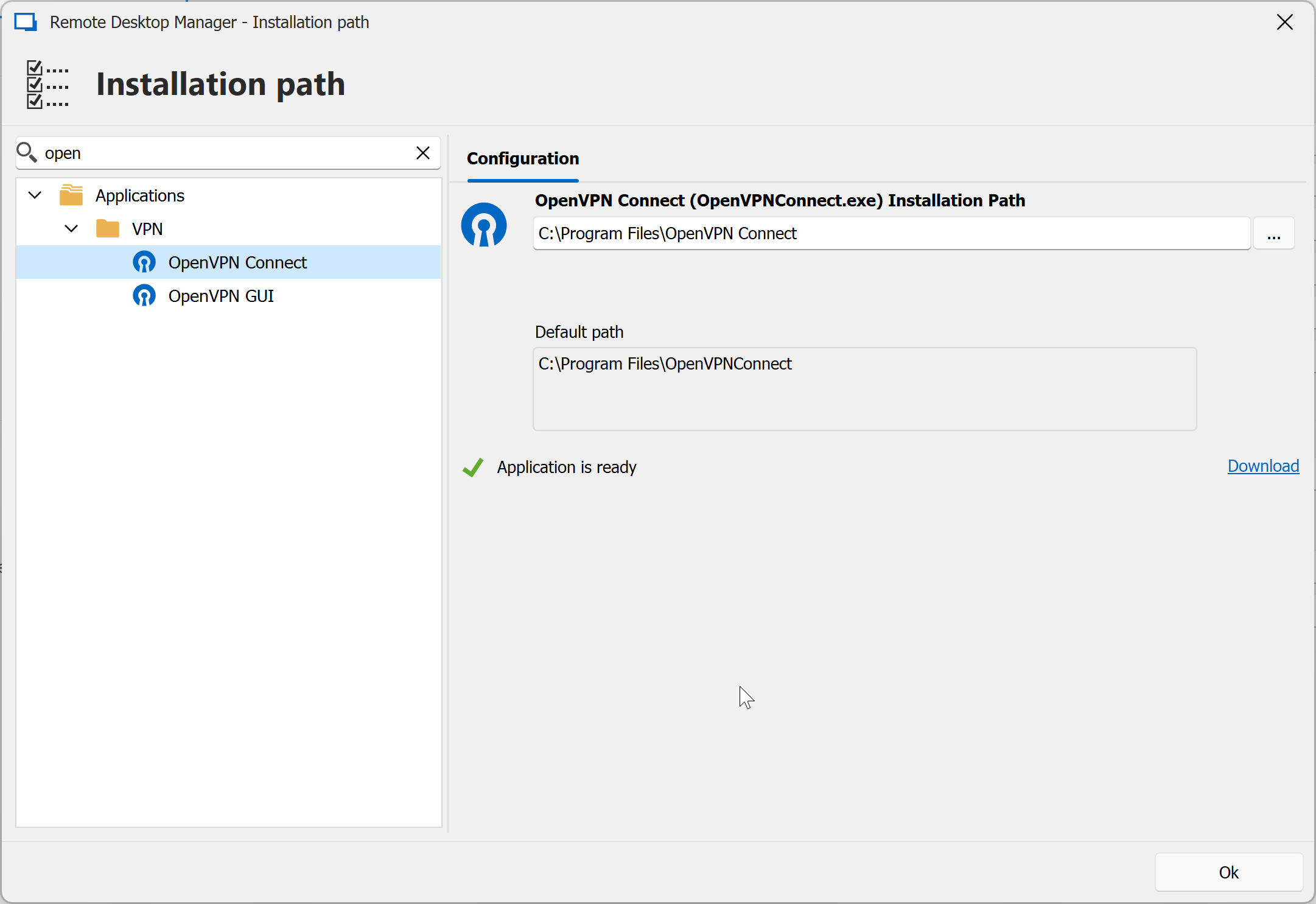
Is the profile name in the entry property the same one as your file?
yes, no screenshot for opsec reasons, but trust me :)
Have you tried to configure the entry with the file local type?
yes, no change.
maybe open a ticket, so we can do a screens share session..
cc271493-b247-4d80-9dad-4d6711b2cc51.png
On a Mac there's not File -> Settings. It's Remote Desktop Manager -> Settings
In that menu I see no "Applications" sub menu.
My OpenVPN connect version is 3.4.7
Hello man,
As I mentioned, we have reproduced what you have described with MacOS.
An internal ticket has already been opened for this specific issue.
We will reply here when this issue will be fixed.
perler:
I have created a case to schedule a session.
Best regards,
Patrick Ouimet