Cannot Edit Settings in Remote Desktop version

HI All,
I read some other (old) questions about my same problem indicated in object but unfortunately I didn't resolve the problem.
I've noticed that when I open the Remote Desktop (Desktop version), I cannot edit my connections from the Desktop Version, I can add/modify only by the web from my personal hub.
Desktop version: 2024.1.32.0 64 bit
The pc is a company PC and I'm Administrator of the machine
If I open the local the menu of the Local Data Sources, I can modify all what I want, while for my personal hub, I cannot do it, I can only edit by the web from my personal hub.
Can you help me please?
Many thanks in advance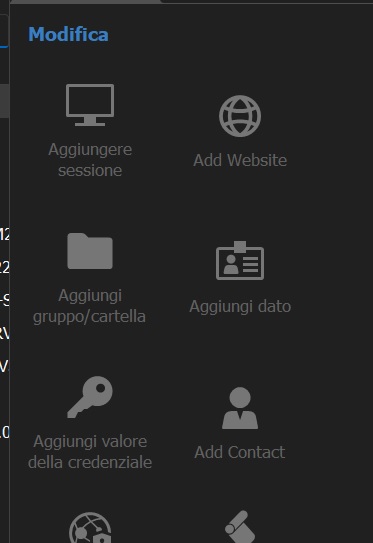
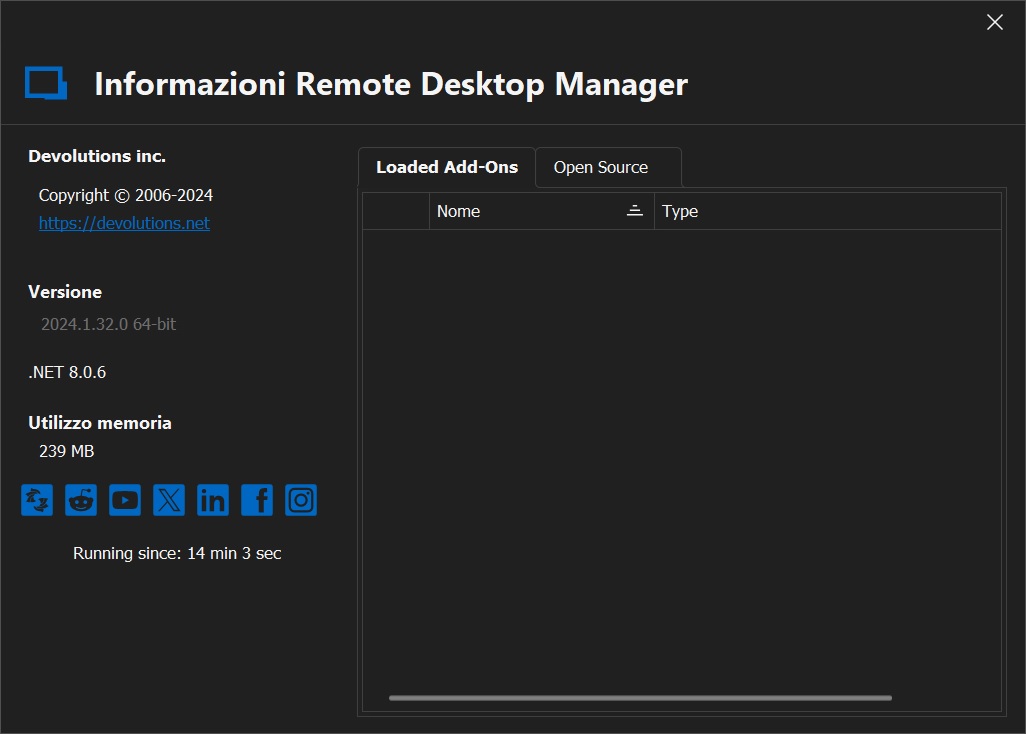
Desktop Manager Version.jpg
Grey disabled Options.jpg
All Comments (9)
@amega,
If it's greyed out, it's maybe because of a connection issue.
In your Navigation Pane, are you seeing a message like Not Connected?
If you press CTRL + F5 to refresh your local cache, is it working?
Best regards,
Jeff Dagenais
Good Morning Jeff,
Thank you so much for your response.
I've tried what you suggested but nothing is changed.
This morning I've also download again the latest version from Devolution website and now the version is 2024.2.8.0 64 bit (as you can see in the image attached).
When I launch the Desktop version, now is showed that the Desktop version is not aligned with the Personal Hub version, and if I don't proceed with the update the possibility to modify connections remain to grey.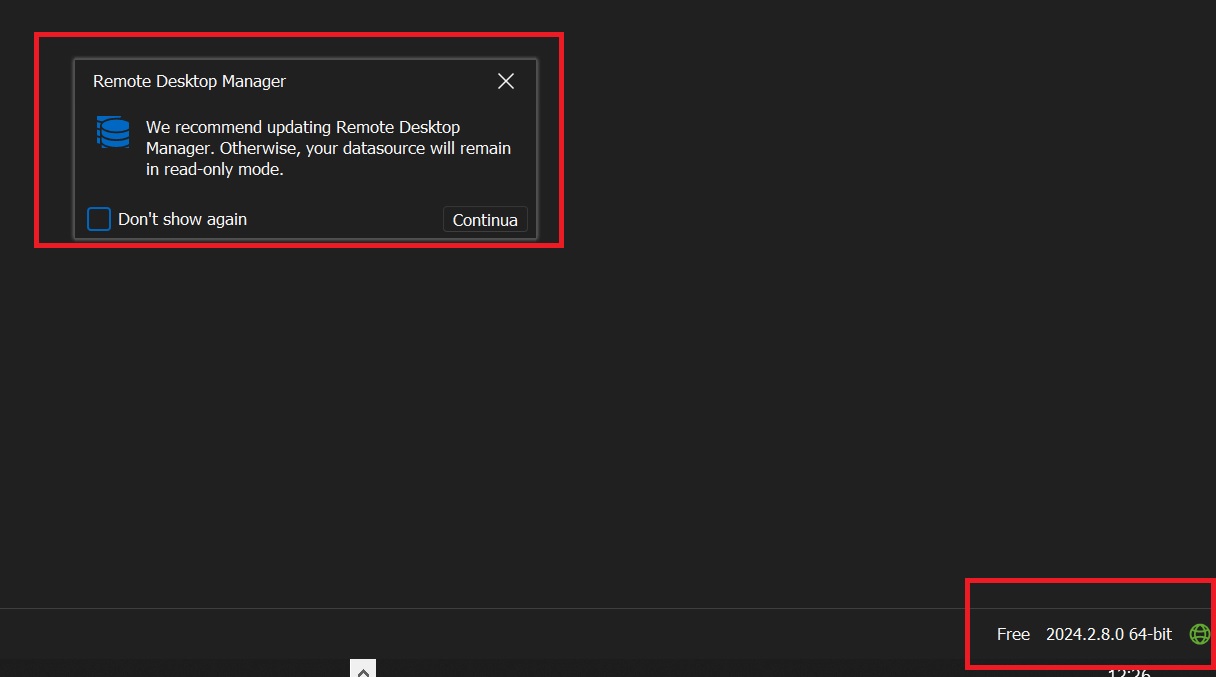
Remote Desktop Manager Update vs Personal Hub.jpg
Hi,
Another information for you, I've tried to connect to my personal hub from the web and I've seen that the version of it is not the same of the Desktop version.
This can be the issue?
Please let me know..
Many thanks in advance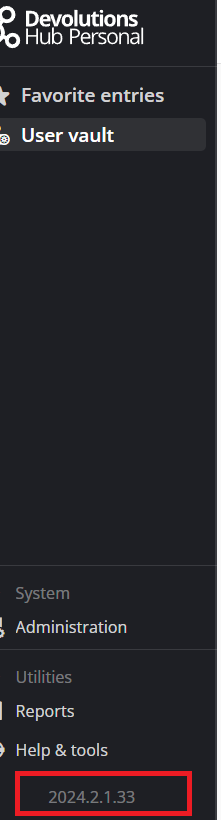
ee2a930c-02bd-4242-9d1b-226588b4ba5c.png
I am having this same issue and am unable to edit anything.
Free 2024.1.8.6
@amega,
It's normal that it's not the same version inside RDM and on Hub Personal, since this is 2 different product.
Could you go in File -> Datasources and create a new datasource to your Hub Personal? I would like to know if a new configuration will help you authenticating properly.
@davewallace,
Could you also try to go in File -> Datasources and create a new datasource to your Hub Personal?
Best regards,
Jeff Dagenais
Good Afternoon Jeff,
I've created the new connection on my Personal Hub: (continue below)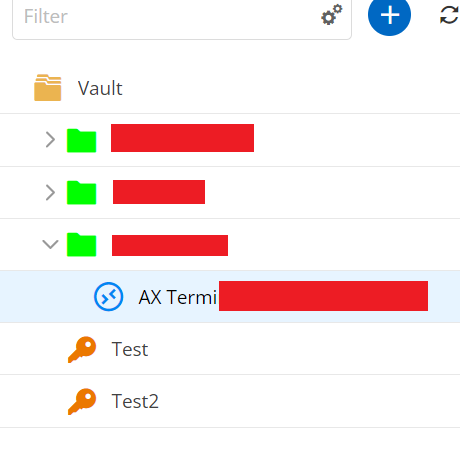
The connection in question is "AX Termi", I can see also the connection on my Desktop Version.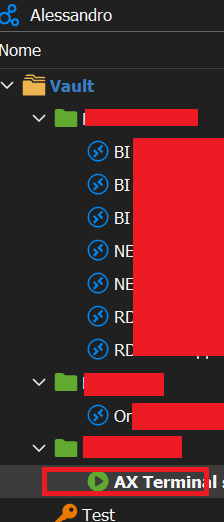
If I have to edit the properties or other things, I can do only by the Hub and not by the Desktop Version.
The only way to edit configurations on the Desktop Version is to use the Local Data Sources.
Please let me know...
Many thanks in advance
a4be3c7d-2848-47c2-82ca-1ea3f9c3d271.png
b0ca6b04-460f-46eb-b6f0-d25015b39cd2.png
@amega,
This is strange. We will try to recreate your configuration.
Could you try the following:
- Close RDM
- Go in %localappdata%\Devolutions
- Rename the folder RemoteDesktopManager to RemoteDesktopManager_old
- Restart RDM
- Reconfigure your datasource
Best regards,
Jeff Dagenais
Good Afternoon Jeff,
Sorry for my late response.
For your information I've tried to do 2 actions, I report follow for helping also the other colleagues that have the same problem.
1) First action suggested by your colleague Support Coordinator Etienne:
I've tried to Download the portable version of RDM and after I've connected my profile to the Personal Hub, I've tried and I can edit the entries that I've in my profile!
2) Second Action, I've tried to redo the profile in RDM (Desktop Version) with your indication and also in this way, it's working!
Now the problem is resolved!
Hello,
Thank you for your feedback.
Glad that is now working.
Best regards,
Jeff Dagenais