ILO 6
0 vote

We now have a number of servers which are using ILO 6.
When using the ILO session type the highest I can go is ILO 5.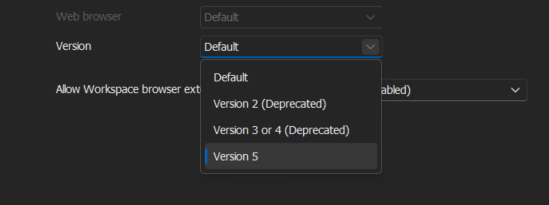
It still works but I have noticed some odd behavior which I can't seem to find a fix for.
When the sessions load they are zoomed in. Zooming out only last till a click on another page and it loads back to the zoomed in state.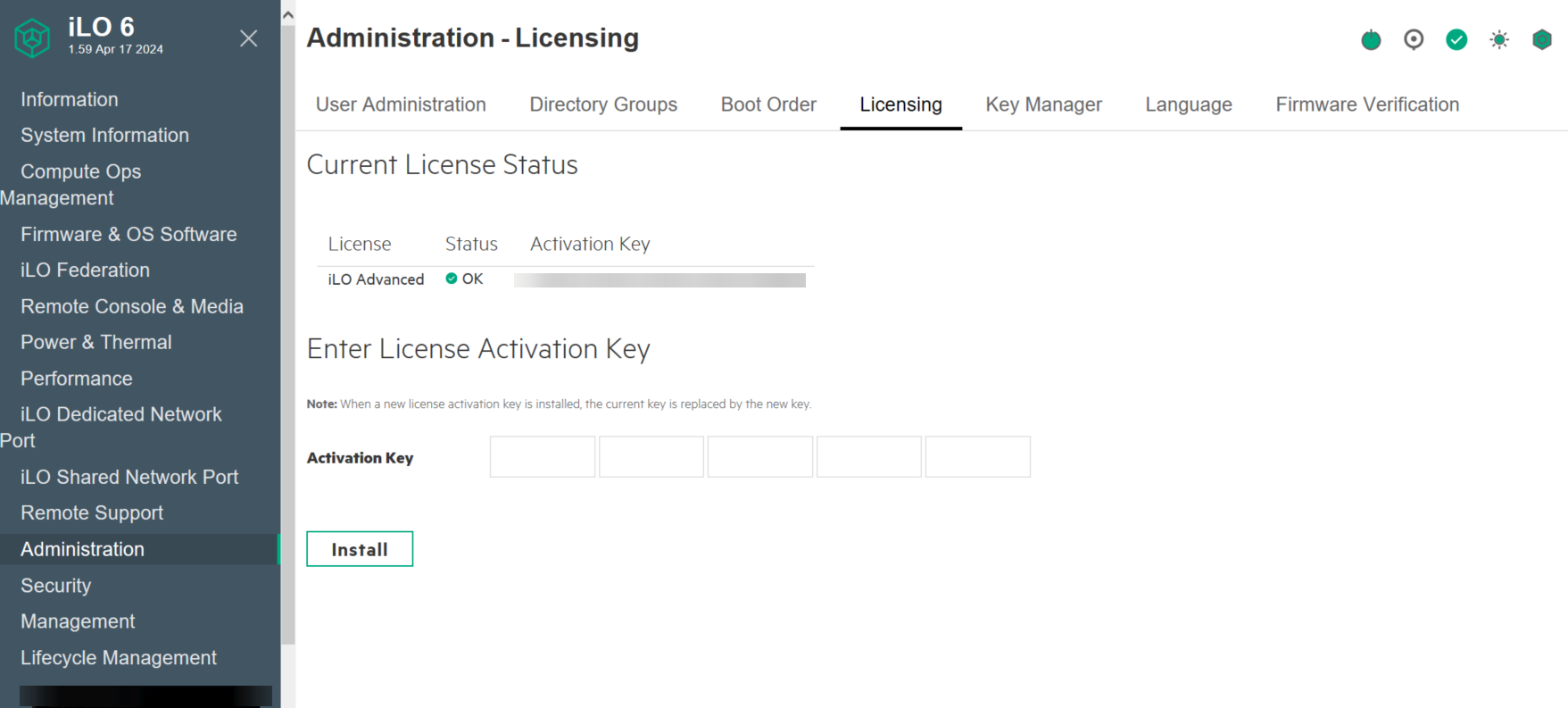
loading in a web page outside of RDM shows as normal.
Thanks
Iain
Version 2026.1.20.0 64-bit
Data Source SQL
92c61102-187c-4739-8d12-348c80f673ee.png
6d67228d-d357-4941-a894-438ad6e60e99.png
All Comments (9)
Hello,
Thank you for reaching out to Devolutions support.
Would it be possible to check if the issue reappears if you use a website entry?
Best regards,
Carl Marien
Hi,
yeah that works just fine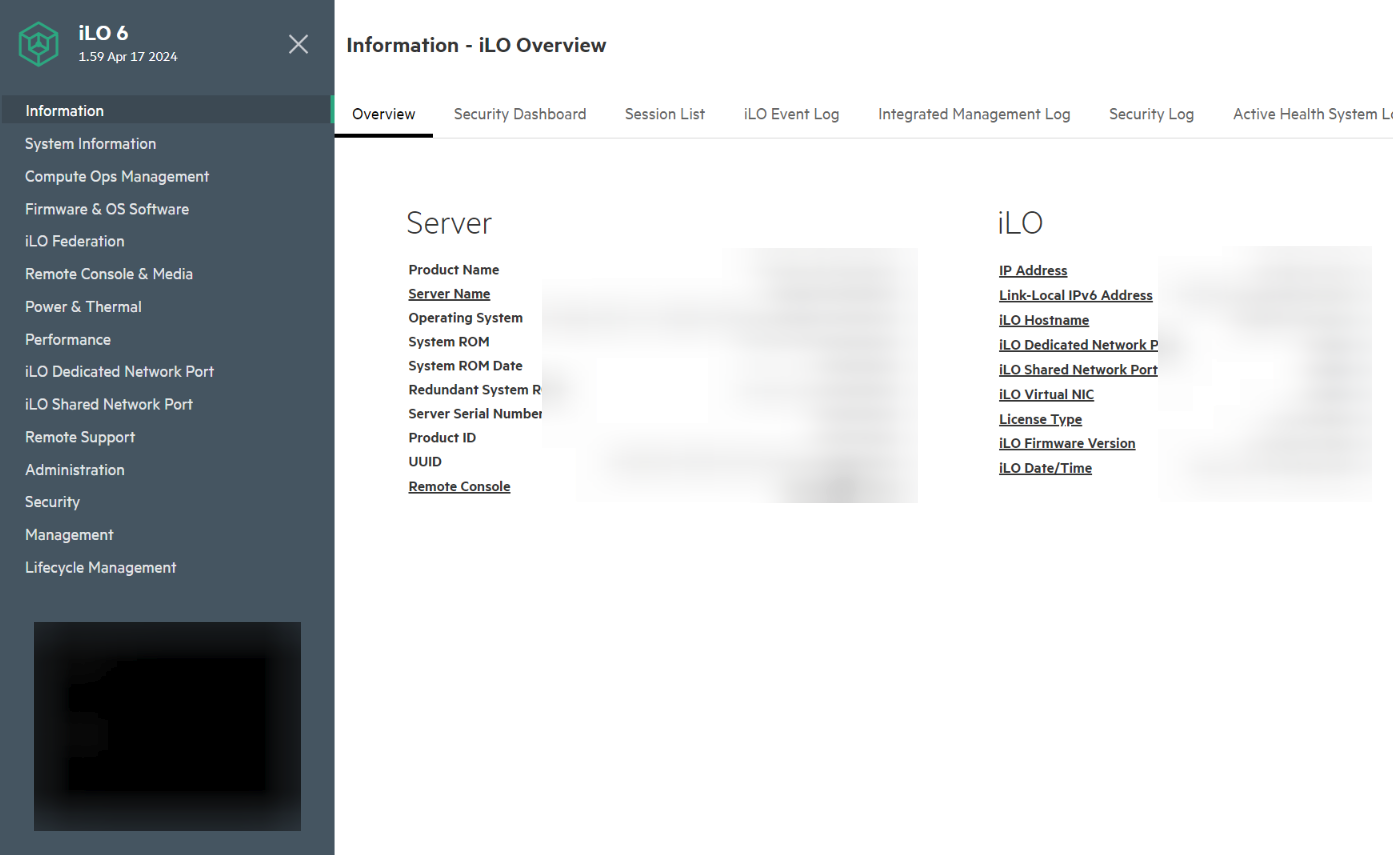
Thanks
Iain
Version 2026.1.20.0 64-bit
Data Source SQL
1db4b491-70d0-47ae-bff8-f8461774d3df.png
Issue I am having with web, i can't seen to auto populate the username and password. Checked the ID on the webpage using F12 and still unable to get to work.
Auto discover does populate as well but still fails to login in.
Thanks
Iain
Version 2026.1.20.0 64-bit
Data Source SQL
Sorted, a lot of trial and error and I think I have it working in web!
Thanks
Iain
Version 2026.1.20.0 64-bit
Data Source SQL
hello,
happy to hear that you've managed to work thought your issue!
Regarding the support for iLO 6, currently, our products support up to iLO 5 . Enhanced compatibility with iLO 6 could potentially be part of future updates. We take user feedback seriously, and I'll forward your issue to the feature request forum.
best regard
Carl Marien
@iaing80 How you get it working? I have the same issue.
I have stopped using the dedicated ILO 5 session type as I noticed this zoom effect was plaguing all versions of ILO.
I fixed the issue by creating a webpage session and configuring a template for each ILO version,
The difference for each version is amending the username and password fields in the template for each as there are slight differences in each version of ILO.
Thanks
Iain
Version 2026.1.20.0 64-bit
Data Source SQL
Hi, yes, thats also my way, becuase only webpage session works over devolutions gateway, but how did you manage the automatic login? When i try "discover" in HTML control i got no results, i also tried it with formular-id=login-form, Username=username, password=password and login-form_submit, but it does not work.
Settings I have in place are: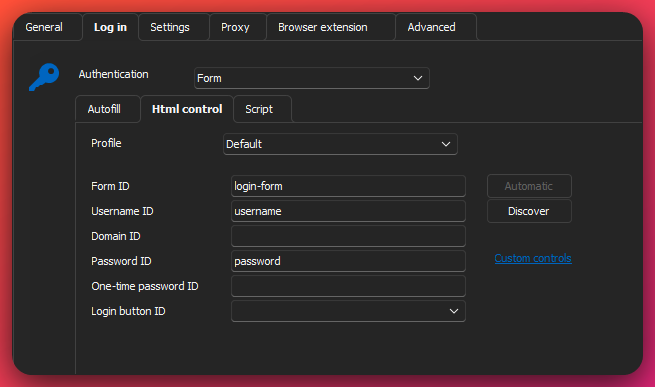
Web browser is set to Google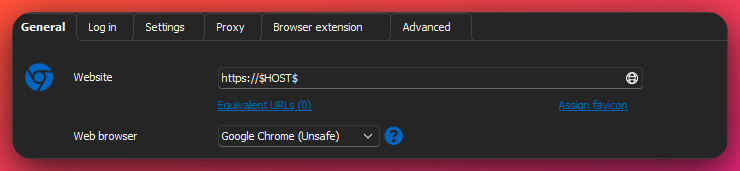
Login set as follows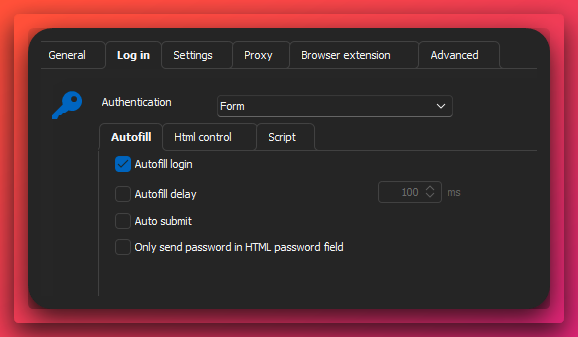
Then when I load the session it loads like so.
I then press the creds icon and it fills it. (Not sure why it does not auto fill in but its not bothered me enough to figure it out).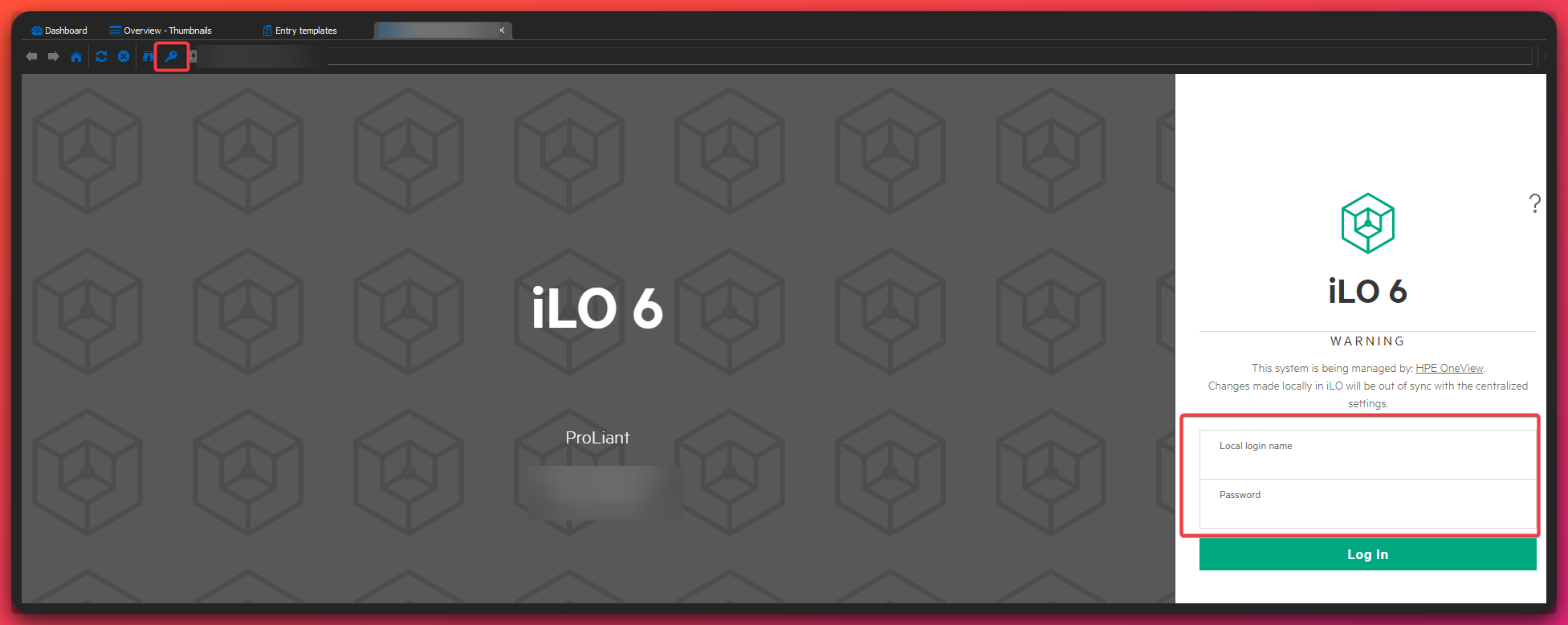
Confirmation of the semi-autofill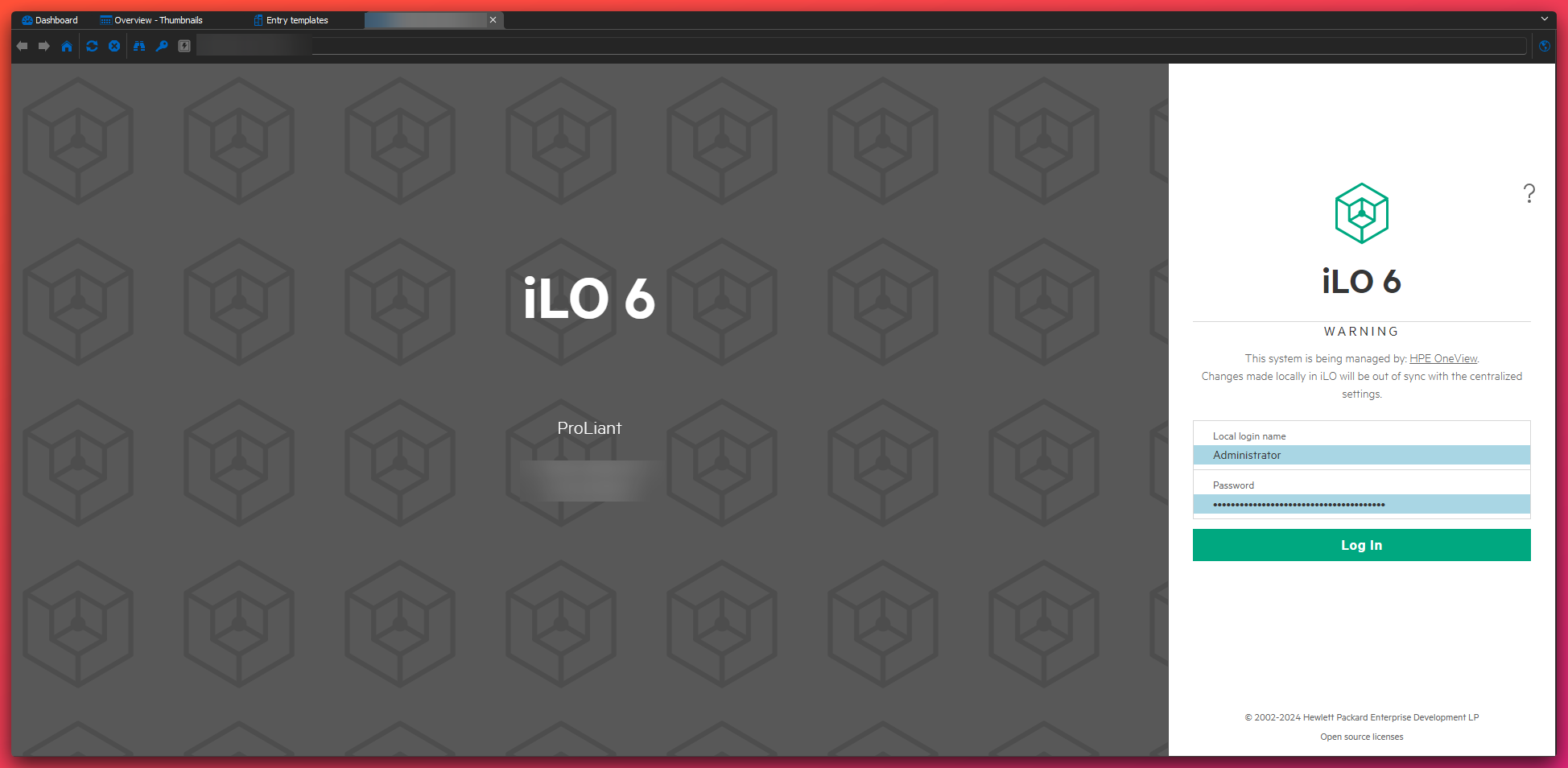
Thanks
Iain
Version 2026.1.20.0 64-bit
Data Source SQL
e13f6a2f-3561-4a9b-b5dc-eca4e0ce617a.png
41bd46ca-d42f-47ae-a293-b44b4ba2634f.png
ceb583be-4028-4db8-873a-bc0e0f4782e8.png
93f5b42d-b3d6-4966-8c4e-4bd121032b4d.png
594664bd-4631-4880-914c-ad265c4ccb37.png
