Ping command

Hello,
I want to create a new RDM entry that runs an embedded script and pings a few IP addresses.
I don't seem to find it. I tried the embedded PowerShell script but it return an error about the powershell cannot be loaded.
I know you can perform a ping on 1 entry but I want to run a script that performs multiple pings.
Any help?
Thanks in advance.
Hannes
All Comments (4)
Hello,
What RDM version and what data source type are you using?
Could you please share the error you get when you try to run the embedded PowerShell script?
Are you using PowerShell 5 or 7?
Is the available Continuous Ping in Macros/Scripts/Tools could fulfill your needs?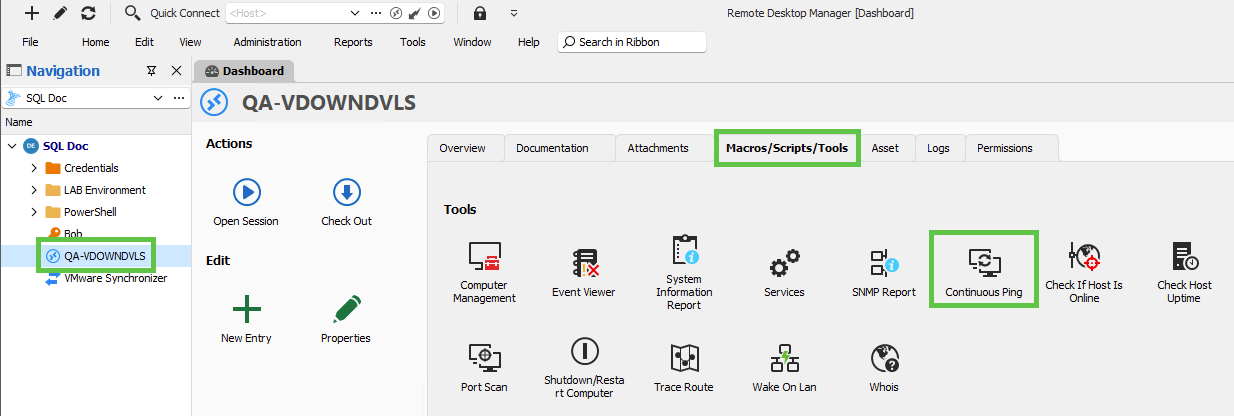
This is the result when you run this tool on any session type.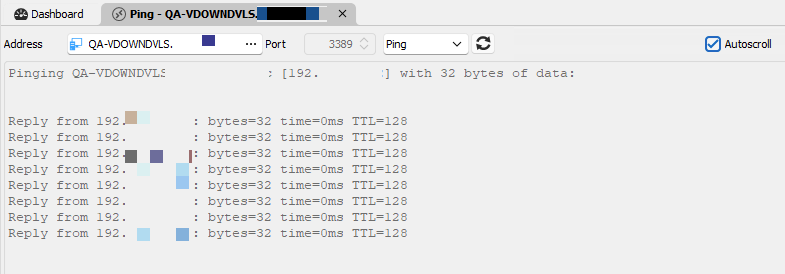
Let me know if that helps.
Best regards,
Érica Poirier
d8c5589e-6346-41fe-af76-cfb9a7ba70f1.png
b8d87789-fb74-4bae-aa1b-34faf1ecb276.png
Hi,
RDM Version: 2024.1.25.0 64-bit
Data source type: SQL Server
This is the error that I get when I try to run a 'PowerShell Script (local)' with embedded script that says: ping 10.10.1.3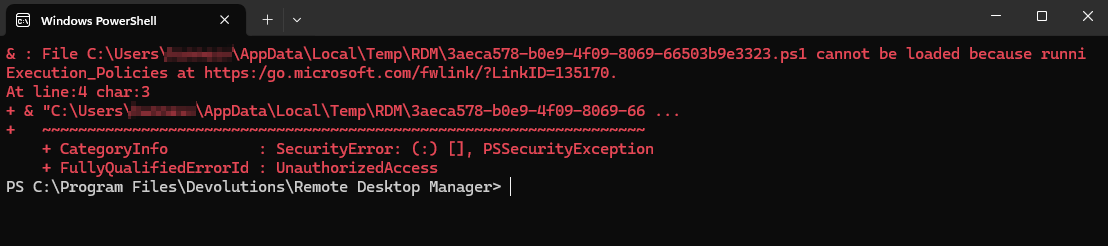
I use the default PowerShell.
These are my settings: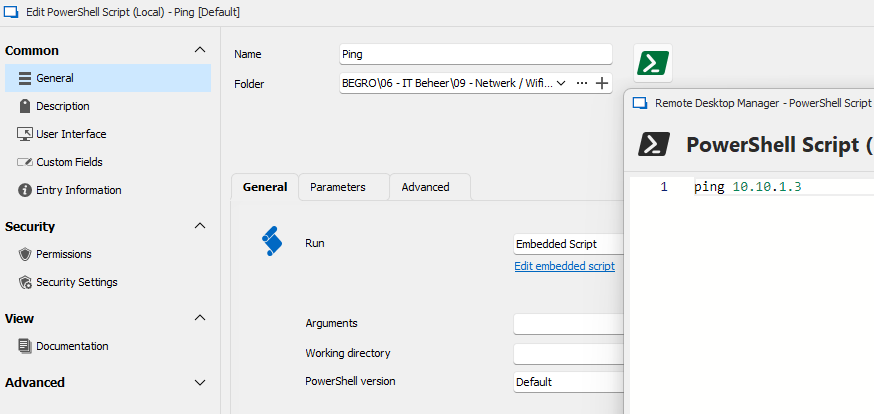
The continuous ping is only for 1 object. I want to ping a list of IP addresses in 1 script.
Maybe it would be useful if you could right click on the folder in RDM and ping all the devices in that folder. ;-)
Best regards
Hannes
da58b9a3-15c0-41d6-9f88-ee9f5aa9c86e.png
a9657fde-97ff-4742-a6fb-5351a05f2103.png
I solved in this way:
installed on my pc th VM Ping free tool. This tool permit to have multiple ping in one window. The argument is the VM Ping file containing the ip address list to ping
https://github.com/R-Smith/vmPing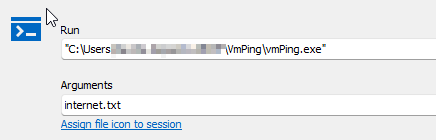
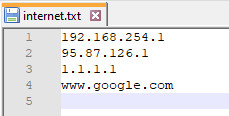
the session opens as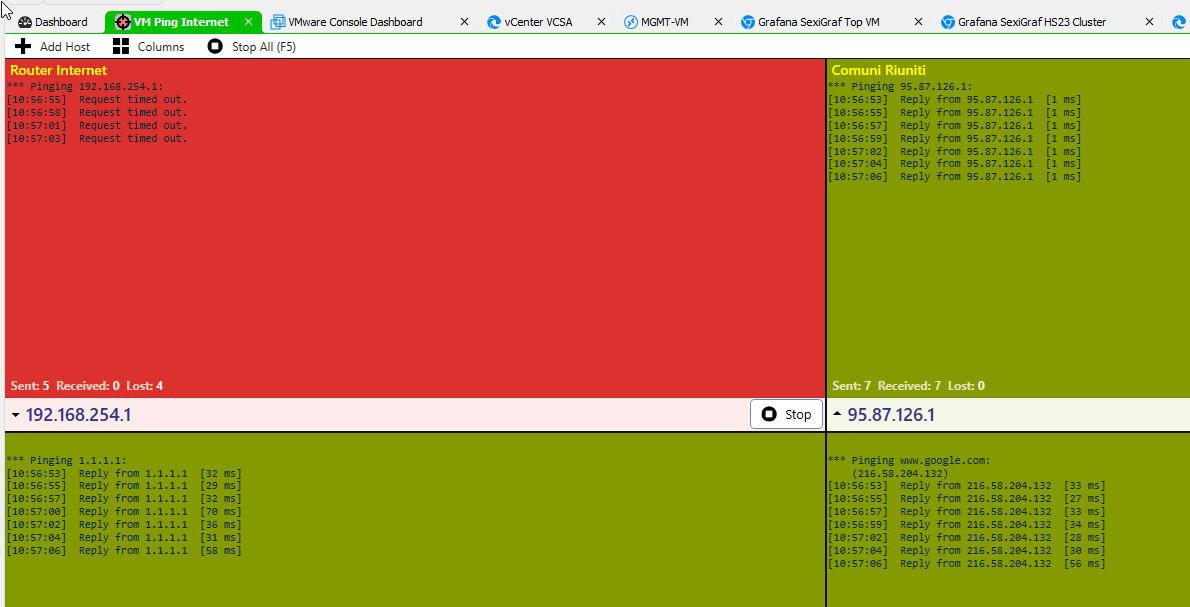
2024-06-12_105706.jpg
2024-06-12_105455.jpg
immagine.png
Hello,
Thank you for your feedback and for sharing your solution.
Your issue with PowerShell isn't related to our product but to the Execution Policies that prevent you from running scripts on your machine. Please see this article about it.
https://learn.microsoft.com/en-us/powershell/module/microsoft.powershell.core/about/about_execution_policies?view=powershell-7.4
Let us know if that helps.
Best regards,
Érica Poirier