SecureVNCPlugin Authentication Failed (No plugin interface available)
SecureVNCPlugin Authentication Failed (No plugin interface available)

Hi there,
I just upgraded my RDM to 2024.1.28.0 64-bit yesterday and the following error occurred while trying to connect to the PC via UltraVNC.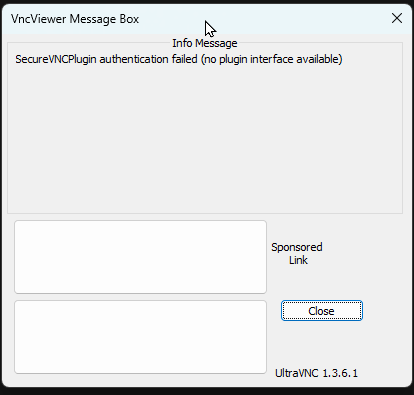
Note the UltraVNC version shows as 1.3.6.1 while the UltraVNC installed on my machine is 1.4.3.6
Below are a few screenshots of the properties: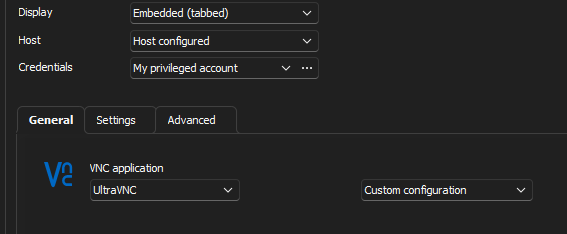
Under the Advanced tab, the DSM plug-in is configured as SecureVNCPlugin64.dsm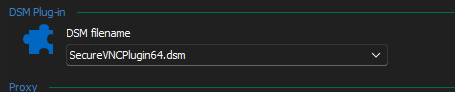
2eace2b4-5562-41de-b57f-f884a38c028f.png
47421578-920e-4206-9fea-aa8dba000479.png
e615bead-3a64-4a30-b5fa-a76fbaf2e4f3.png
All Comments (1)
Hello
Coincidentally, this same issue was reported to me internally yesterday. The SecureVNCPlugin64.dsm was inadvertently removed from the RDM installer. We've already fixed that and it will be restored on the next update.
In the meantime, you can copy that file from an UltraVNC or older RDM installation, placing it in the root RDM folder (%programfiles%/Devolutions/Remote Desktop Manager) to workaround the issue.
I do apologize for the inconvenience, and please let me know if you have further questions or comments.
Kind regards
Richard Markievicz