Connect VNC over SSH

Hello,
I have a Linux computer that acts as an SSH server, port 22, and only shows this port to the outside. Also, in thie same machine I have a VNC server that listens to port 5900 on localhost to share the user's desktop.
Is it possible to make a VNC connection with RDM that shows to the user's desktop through the SSH service? I've tried several options and followed some tutorials but without success.
Thanks in advance
All Comments (4)
Hello,
You should be able to change the port your VNC entry uses by clicking on the entry properties and selecting the port button, as shown in the screenshot.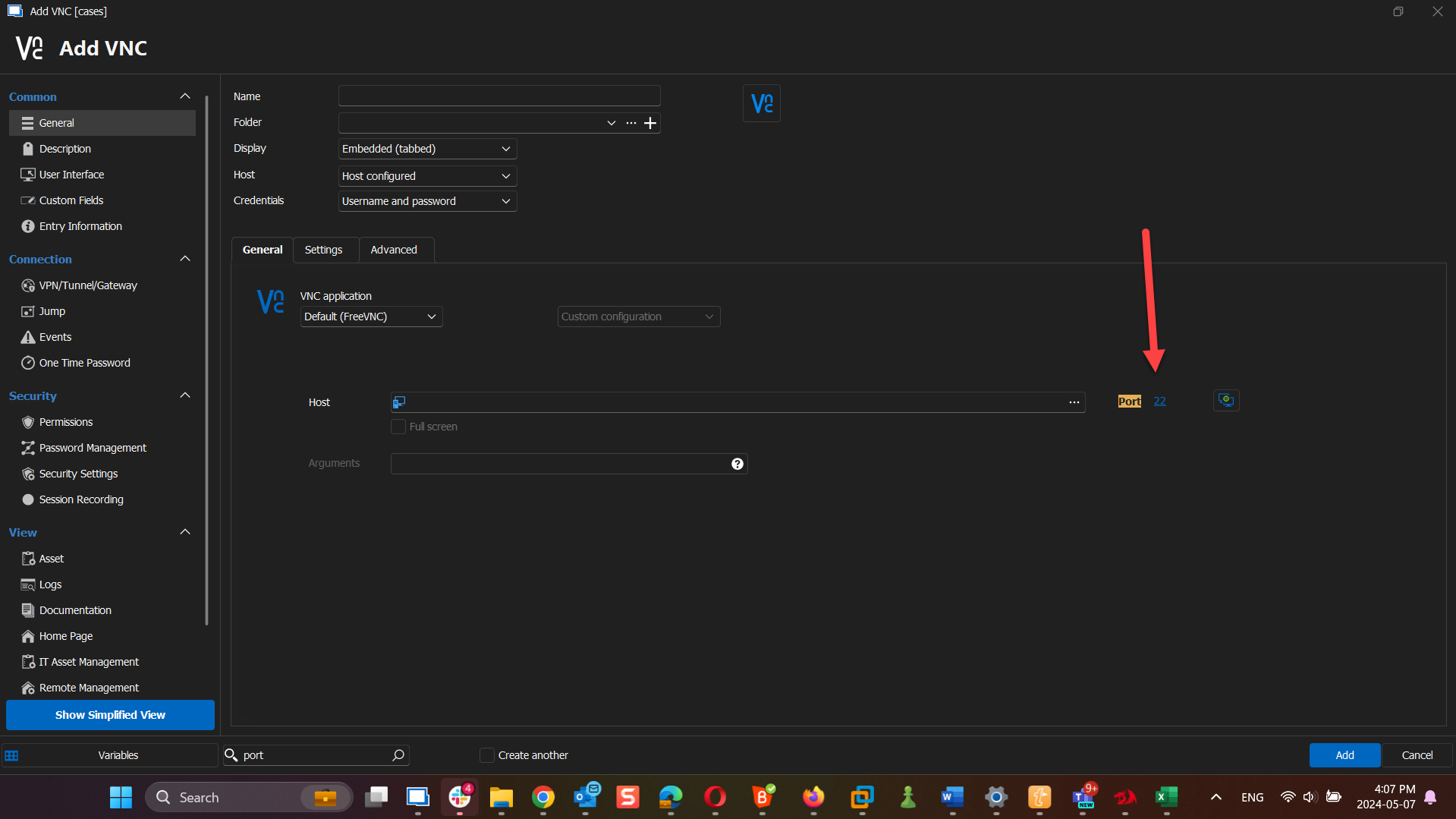
Best regards,
Carl Marien
2024-05-07_16-07-39.png
Hello Carl Marien,
Yes I can, but the VNC server listens on the localhost (127.0.0.1) in the port 5900, not 22 that is used by the SSH server.
Maybe I didnt' exposed correctly the case, but what I want to do is something like after connecting to the SSH server in the port 22 open then a vncviewer using the 127.0.0.1:5900 to view remotely the desktop of the user.
This would be like using the ssh as a gateway to access the vncserver remotely ¿Is this possible with RDM?
I was trying this adding the "VPN/SSH/Pasarela" option: selecting the SSH type and then typing the credentials for the connection, but I think I'm doing something wrong with the Outgoing tunnel or maybe this is not the right way to acomplish that.
In fact I can do this if I make a redirection port while I connect to the ssh server and then I make a vncviewer connection. These are the commands I use to make this possible through the shell:
Terminal 1: ssh -L 5900:localhost:5900 -N -l user_name fqdn_server_or_ip
Terminal 2: vncviewer localhost:5900
Then I can see and interact with the remote user desktop in the vncviewer window.
¿Can you give some advice about how to do this?
Thanks
Hello,
I think I understand your issue. Have you followed this
documentation to create an SSH tunnel? You can find it here: https://docs.devolutions.net/kb/remote-desktop-manager/how-to-articles/setup-ssh-tunnel/#create-an-ssh-tunnel
Please let me know if this helps.
Best regards,
Carl Marien
Hello Carl Marien,
I tried this solution before but I think I surely made a mistake with the tunnel options because this time I finally got it.
This time, I made a VNC connection with an SSH tunnel (localhost on both sides and port 5900) and it worked as expected.
Thank you very much for your help !!
Best regards.
