Trouble Connecting to Dell iDRAC 9 Entry in Remote Desktop Manager
Trouble Connecting to Dell iDRAC 9 Entry in Remote Desktop Manager

Hi everyone,
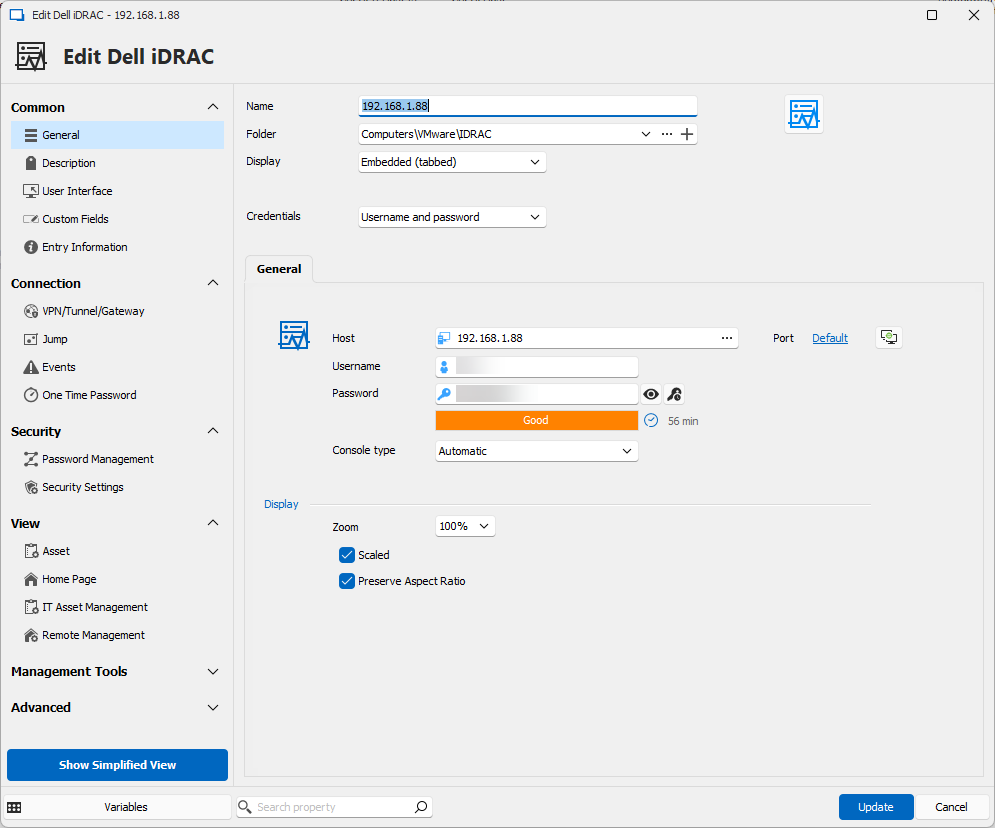
I'm encountering an issue while trying to create a new Dell iDRAC entry in Remote Desktop Manager.
Despite entering the host IP address, username, and password correctly, I'm unable to establish a connection.
The Dell iDRAC version I'm attempting to connect to is 9.
Could someone please guide me on what I might be missing or any additional steps I need to take to ensure a successful connection?
Your assistance would be greatly appreciated.
Thank you!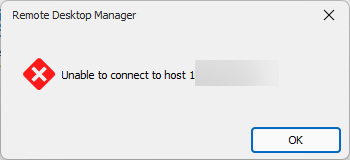
f12dd0bf-3f20-4c06-88e6-a43eeeb3889a.png
948ae01c-cef8-4b9f-b8c6-d9901d4fc7ea.png
71e15b59-2552-4dba-bc7f-f0191d89ee42.png
All Comments (3)
Hello
This is a bit tricky because DRAC has different ways of connecting a virtual console.
Can you try changing the port configuration from "Default" to the port that the DRAC management website is running on? Normally this would be SSL (443).
Please let me know if that helps. Otherwise, if you can confirm what DRAC firmware version you are running it would be helpful.
Please let me know if something isn't clear or you have other questions.
Thanks and kind regards,
Richard Markievicz
changed to 443
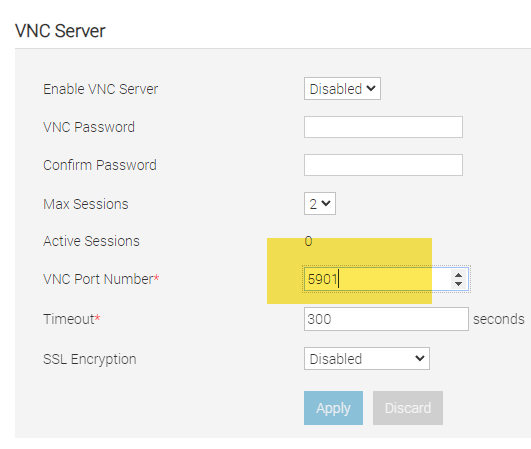
i also try 5901 like in my iDRAC
but it not works //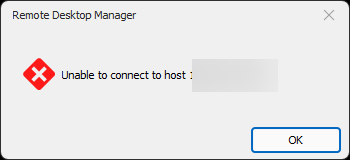
19cdaa99-95c8-454e-9715-e00898307d3e.png
f1b6b06a-1197-4022-928f-e644319538f4.png
Hello again
Ok, sorry to hear that. First, 5901 won't work for VNC because as shown in your screenshot the VNC server is disabled.
- Can you confirm the DRAC firmware version?
- What settings do you have for the virtual console? This is separate from the VNC configuration; normally it's on the same page for the configuration but that depends on your firmware version.
Please let me know if something isn't clear
Thanks and kind regards,
Richard Markievicz