Disabling the >10 Entries Opening Prompt?

The latest RDM update introduced a prompt when opening more than 10 entries. How can I turn this off?
Thanks!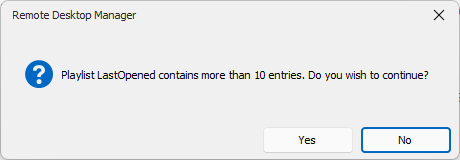
3c8742df-857b-4372-80b6-b1ff78208015.png
All Comments (5)
Hello,
This setting is not related to the new version - it's an older setting related to the playlist entries count, which can be adjust in File => Settings => Advanced
Regards,
Min
9df3667b-abf9-4017-8b4e-590cbdac6a80.png
thanks for your answer.
i adjust the settings and it still asks for confirmation.
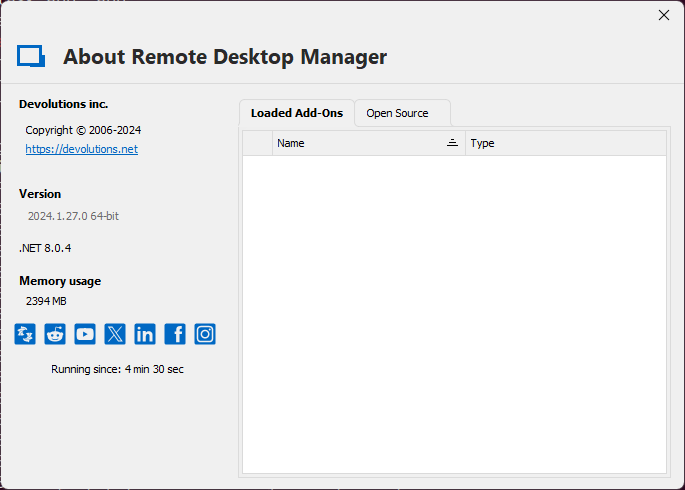
i hope that I'm using the right RDM version. i just bought a new license for 3 years.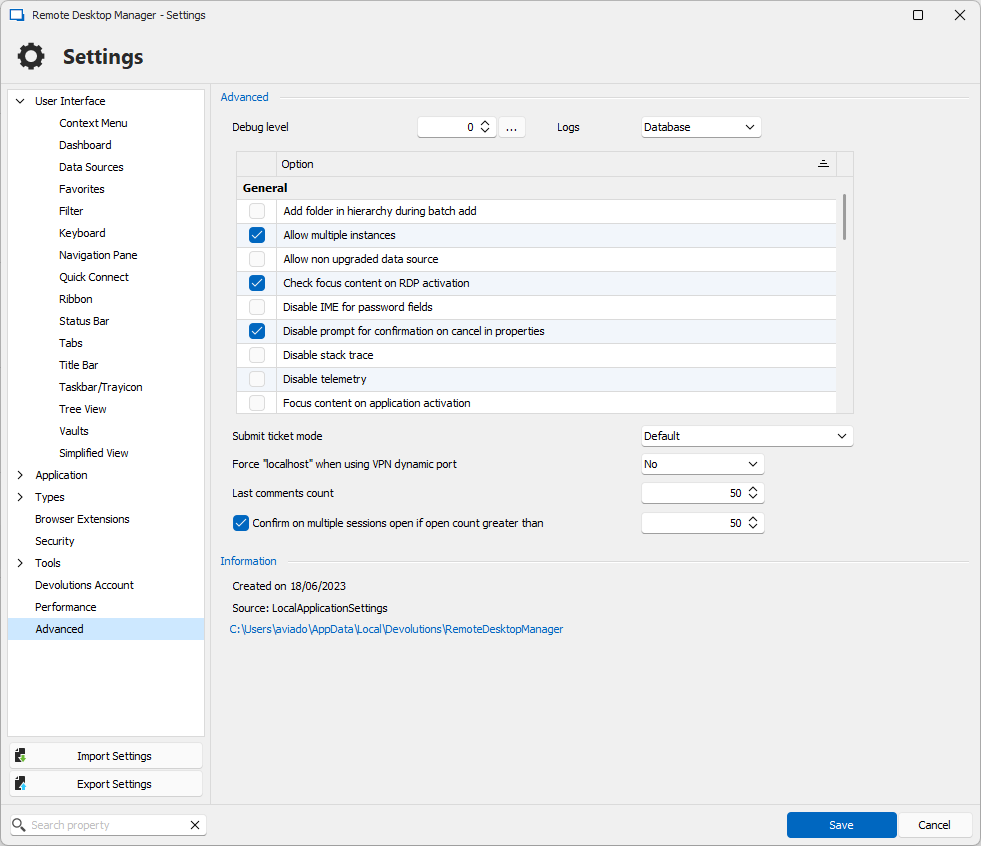
04188d7b-7974-4f4f-9354-b0b61c8a4241.png
fea01c92-3ef5-4fa8-83b9-a16866dcdbc4.png
Hello,
Did you restarted your RDM after the change? You can also try the following setting (related to play lists)
File => Settings => User Interface => Disable count warning when opening playlist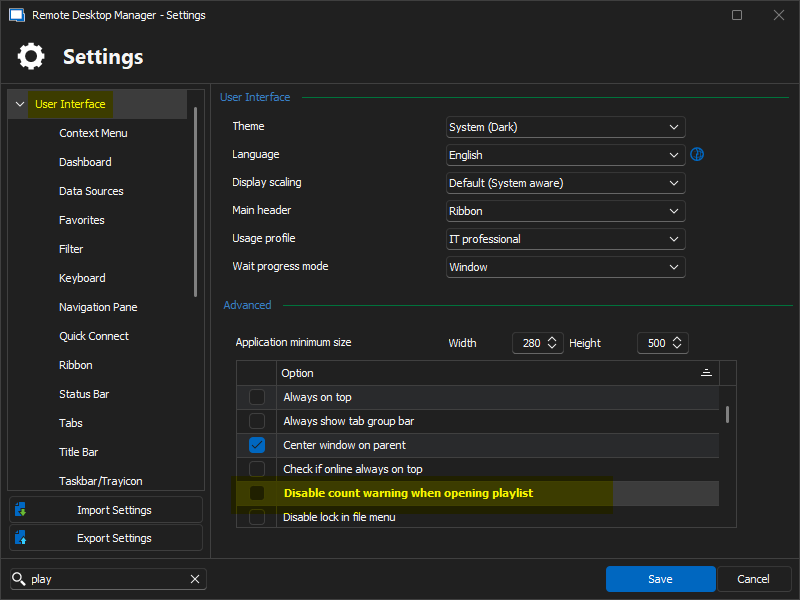
If its still not working, please let me know the type of data source that you're currently using.
Regards,
Min
d9e6af00-5212-4c22-abfe-920cf03cb02f.png
Great!
that worked :-)
Thanks a lot!
Hello,
Did you restarted your RDM after the change? You can also try the following setting (related to play lists)
File => Settings => User Interface => Disable count warning when opening playlist
If its still not working, please let me know the type of data source that you're currently using.
Regards,
Min
Hello,
Awesome, I'm glad to hear! Thank you for your feedback! 👍
Regards,
Min