Remote management not passing creds

Not sure how I missed this little feature!!
Testing remote management but can't get the creds to pass through:
Enabled for ILO and version 5, with creds stored in the vault: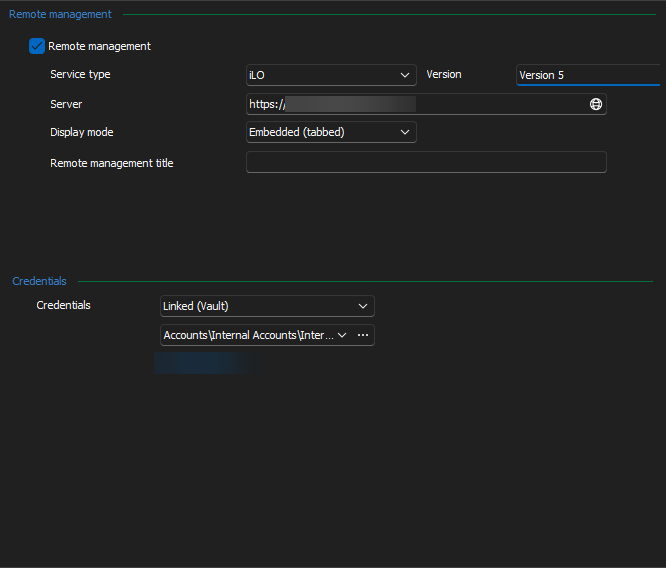
When I go to the tab ILO shows but creds not populating? 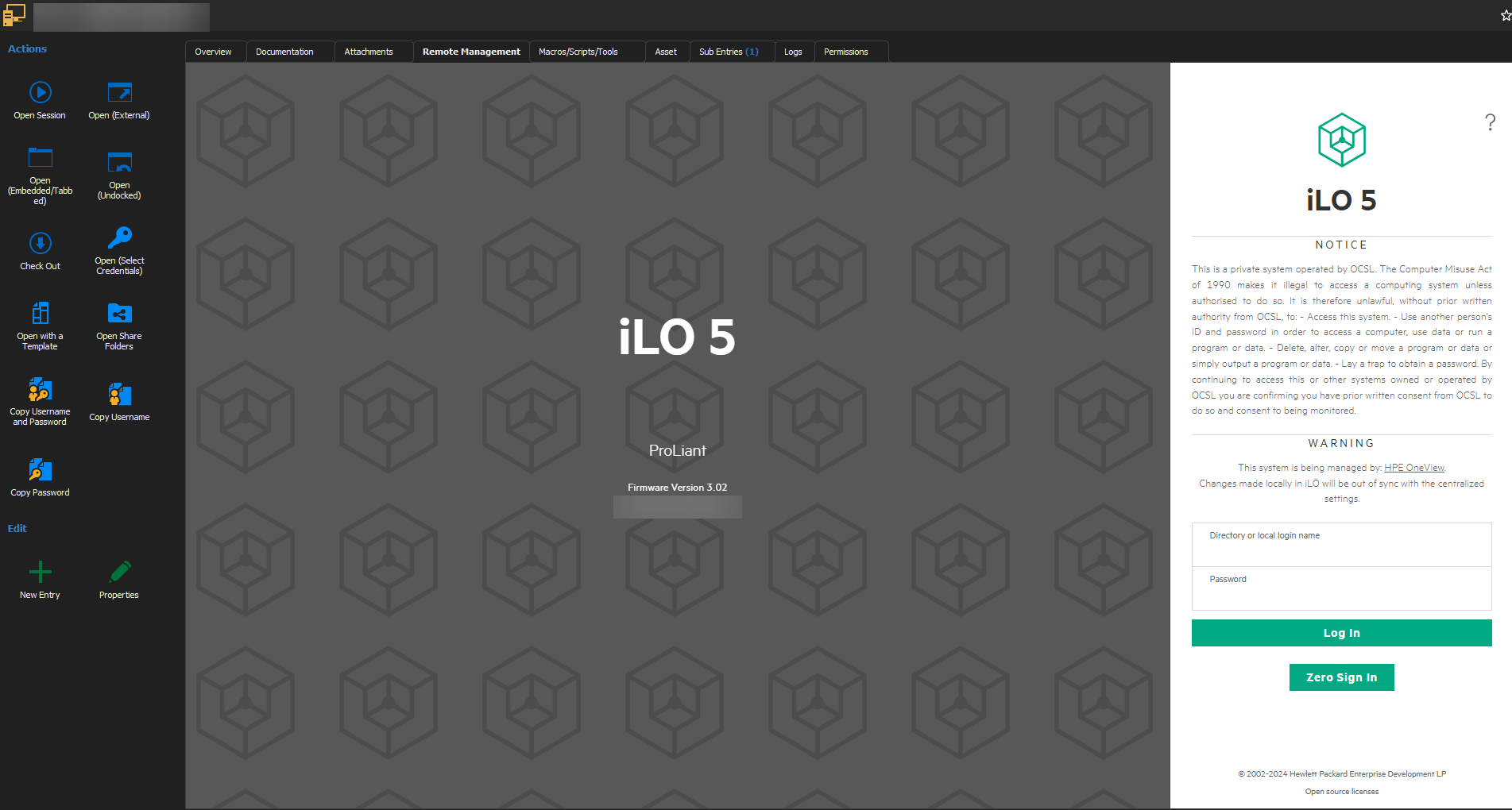
Thanks
Iain
Version 2025.3.23.0 64-bit
Data Source SQL
e0e92111-5465-470b-9c6c-adade6e52e59.png
77fd4341-f454-4899-a72b-cd84d79fb0b5.png
All Comments (4)
Hello iaing80,
Thank you for contacting Devolutions support.
We have an internal ticket open for this issue and I have linked this forum to it.
We will update you as soon as possible.
Best regards,
Patrick Ouimet
Thanks, I also found that if I set a second session up with remote management when I go to the tab it's still showing the ilo page of the original one!
Even though I'm on the dashboard of the second one.
Thanks
Iain
Version 2025.3.23.0 64-bit
Data Source SQL
Any Updates on this?
Just tried to setup the same (tried ILO as well as custom for Lenovo XCC) but no credential gets entered into the view
Hello cryorig,
This was implemented a year ago.
Could you tell me if you are talking about ILO 5?
Do you have any error messages when you try to connect?
Is it just the show credentials that are not working properly?
Is the data source SQL or DVLS?
Have you tried 2024.3.31.0 to see if there is any difference?
https://devolutions.net/remote-desktop-manager/home/previousversions/
Best regards,
Patrick Ouimet