Running Scripts
Having an issue running a script. My colleague wrote a small Powershell script, which we have add to RDM.
Colleague who wrote it can run it fine as a normal powershell script. However can't run it from RDM.
Works fine for me in RDM. Yet when he or others try to run from RDM they get following errors: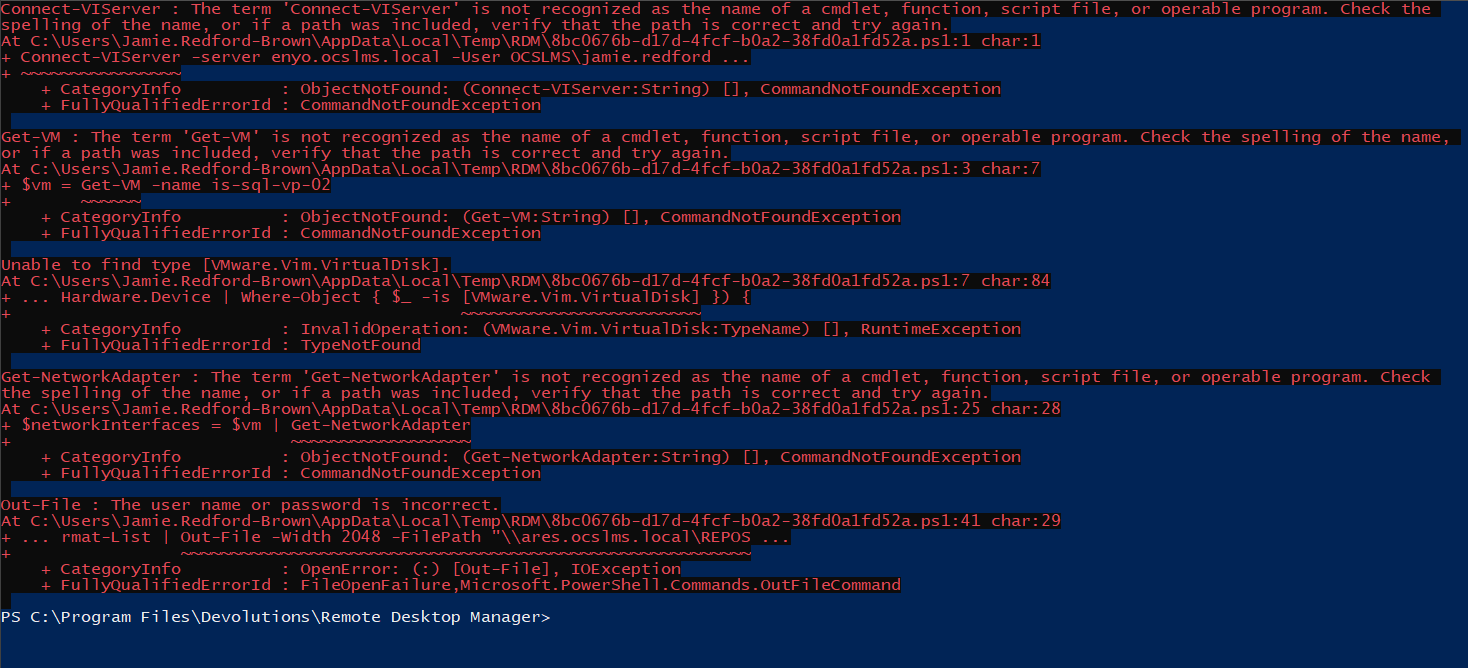
Its as iff they don't have the cmdlets installed.
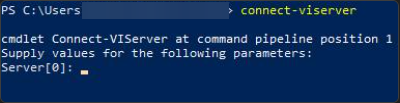
Yet if he opens powershell as a normal user or admin he has the cmdlets: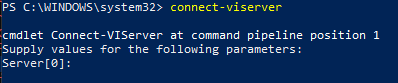
Thanks
Iain
Version 2026.2.13.0 64-bit
Data Source SQL
05f76254-b50d-4bee-b47b-cf999e0bf05e.png
dec6827d-9425-4b60-88be-be2058216aee.png
52af4b09-1a4d-4569-8f26-4939994dc923.png
All Comments (3)
Hello,
Thanks for reaching out.
Sorry for the delay.
It seems like the PowerCLI Module is not available in the RDM's context.
At the beginning of the script, you can verify if the module is available with
Get-Module -Name VMware.PowerCLI
Furthermore, You can Install it when it's not available
if($null -eq (Get-Module -Name VMware.PowerCLI)){
  Install-Module VMware.PowerCLI
}
Let us know if this helps.
Best regards,
Alex Belisle
Hi,
Thnaks for the info, will get some users to test and confirm.
Regards
Iain
Thanks
Iain
Version 2026.2.13.0 64-bit
Data Source SQL

Hello,
Excellent!
Please let us know if you have any questions.
Best regards,