How to change the 'user name' prompt expected from a switch?

We have are using RDM to automate login to hundreds of system and switches with no issue.
However on a new switch type, we get prompt 'User Name:' so we have to manually enter username and password.
why is that? i couldn't find a setting to change the prompt text expected by RDM for username. I found only for password.
All Comments (7)
Hello Gkaravitis,
Thank you for getting in touch with us. To better assist you, could you kindly provide us with the following information:
- A screenshot of your RDM dashboard.
- Your current RDM version.
- The operating system you are using and its version.
- The data source you are utilizing.
- A screenshot of the prompt you get for 'User Name:'
- A screenshot of the switch entry. (Without any sensitive information)
Once we have this information, we will be better equipped to diagnose and resolve the issue.
Best regards,
Maxim Robert
Hi. Should i better open a ticket so i dont share this info on a public forum?
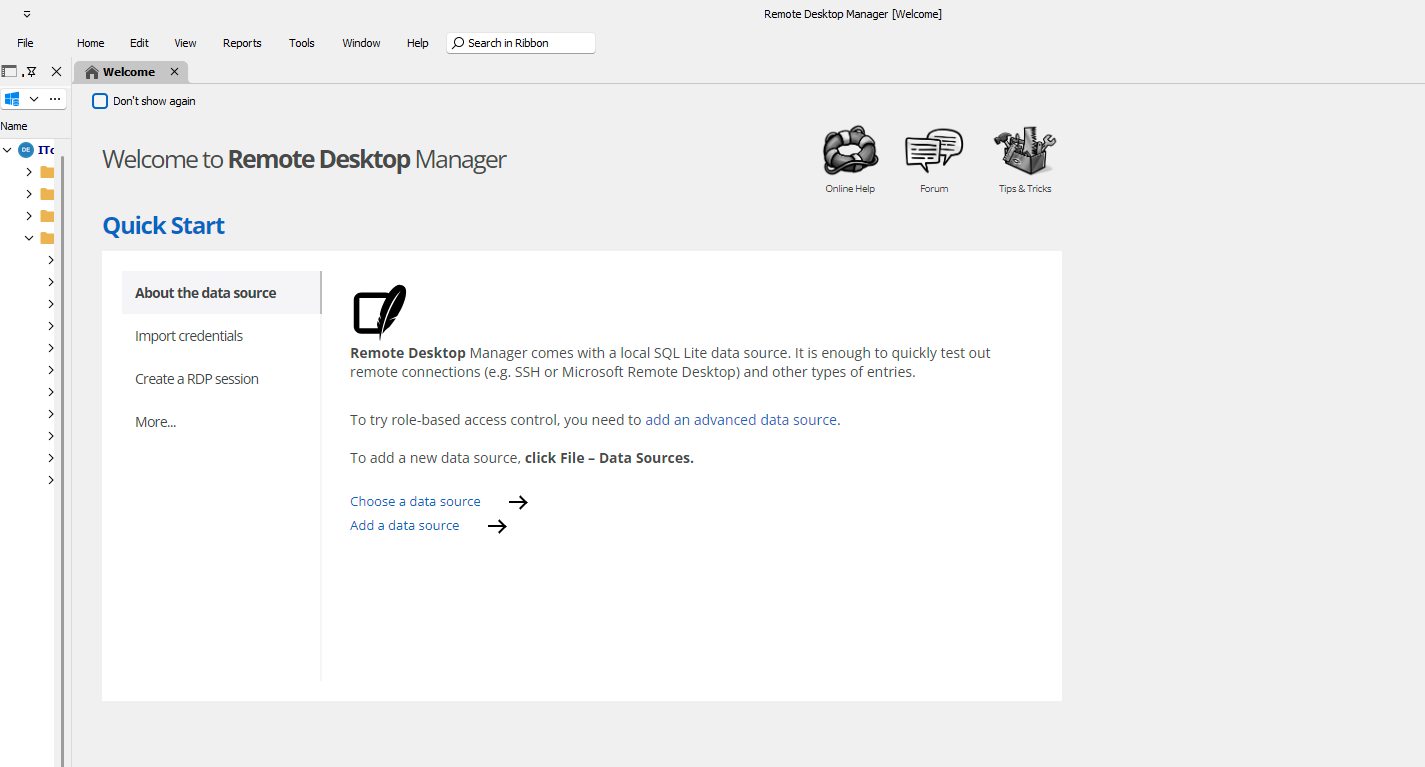
rdm ver: 2023.3.35.0 64-bit
windows 10
Data source is a company
database,not sure how to share non sensitive details on a public forum. db is
ver1.910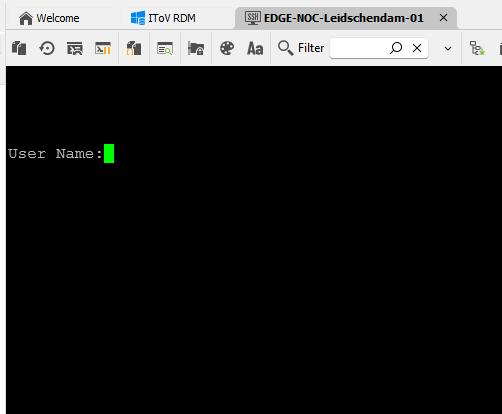
Switch is Cisco C1300. Not
sure what part of the screenshot entry i can share on a public forum.
47aaba1a-4525-4349-9a8f-eef942f6a5e7.png
af213a7f-5745-49e0-802e-e41d9b0cb040.png
Hello Gkaravitis,
Thank you for the information!
Could you provide us with the logs of the SSH entry set to verbose level two? To do so, follow the steps below:
SSH properties > General > Logs > Set verbose to level two 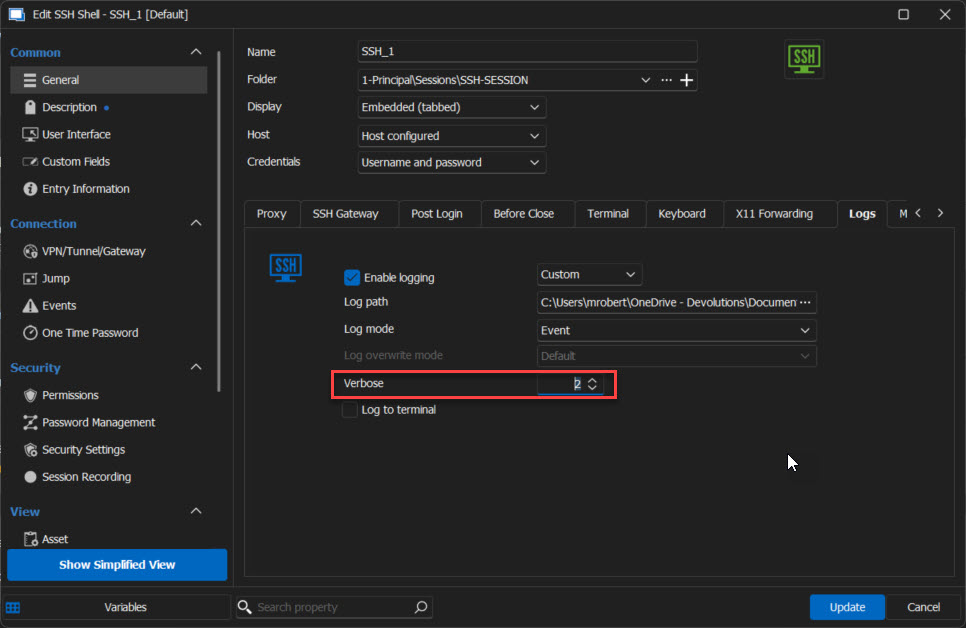
Here's a link that explains how to set it up. Please send us the information afterwards.
https://docs.devolutions.net/kb/remote-desktop-manager/how-to-articles/send-ssh-logs-verbose/
Thank you for your collaboration. If you have any other questions, feel free to let us know.
Best regards,
Maxim Robert
2024-04-22_16-13-57.jpg
Thank you for your time Robert
Full session attached, where i logged in by typing username/password on the prompt, and then logged out.
C1300 RDM SSH logs.log
Hello Gkaravitis,
Thank you for the information!
We will investigate the logs and get back to you as soon as possible.
Thank you for your collaboration. If you have any other questions, feel free to let us know.
Best regards,
Maxim Robert
Hello Gkaravitis,
Thank you for being this patient!
After contacting the development team, they confirmed that the behaviour was judged "normal after analyzing the logs." The SSH server accepts connections without the need for credentials. The prompt you see is an authentication system that occurs after connection to the server. You should, therefore, use the "post-login" feature in the SSH entry, specifying the "expected prompt" at "User name:" so that RDM sends the value you specify when this prompt is requested.
If you have any other questions, feel free to let us know.
Best regards,
Maxim Robert
