RDM cred access issues with Keeper Vault via PingOne

I am going to preface this with RDM was working in retrieving credentials before moving Keeper from PingFed to PingOne Cloud.
Currently any of the windows users in RDM get
the following errors when they connect.
(See Attachments 1-4 )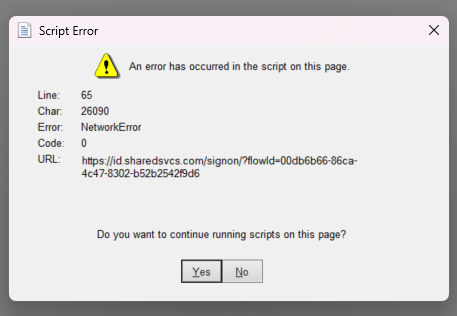
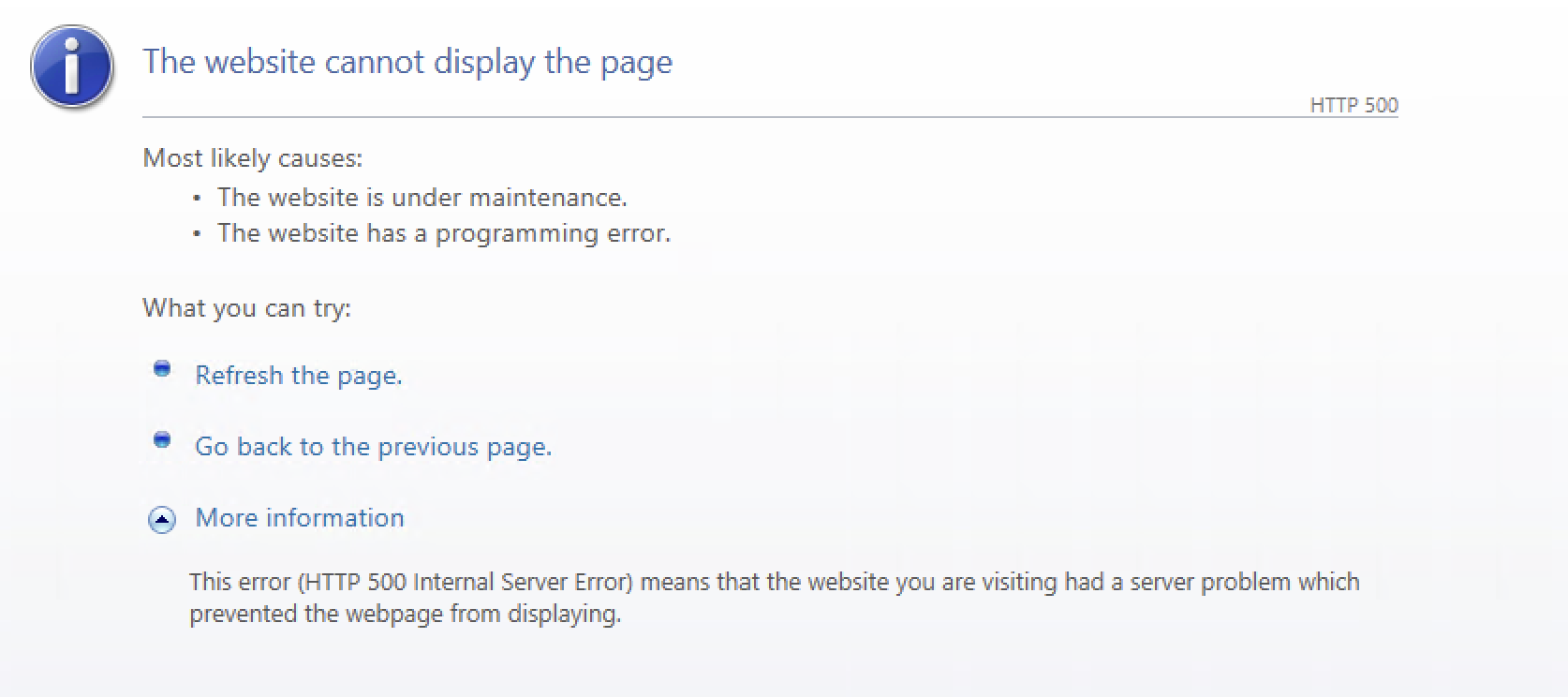
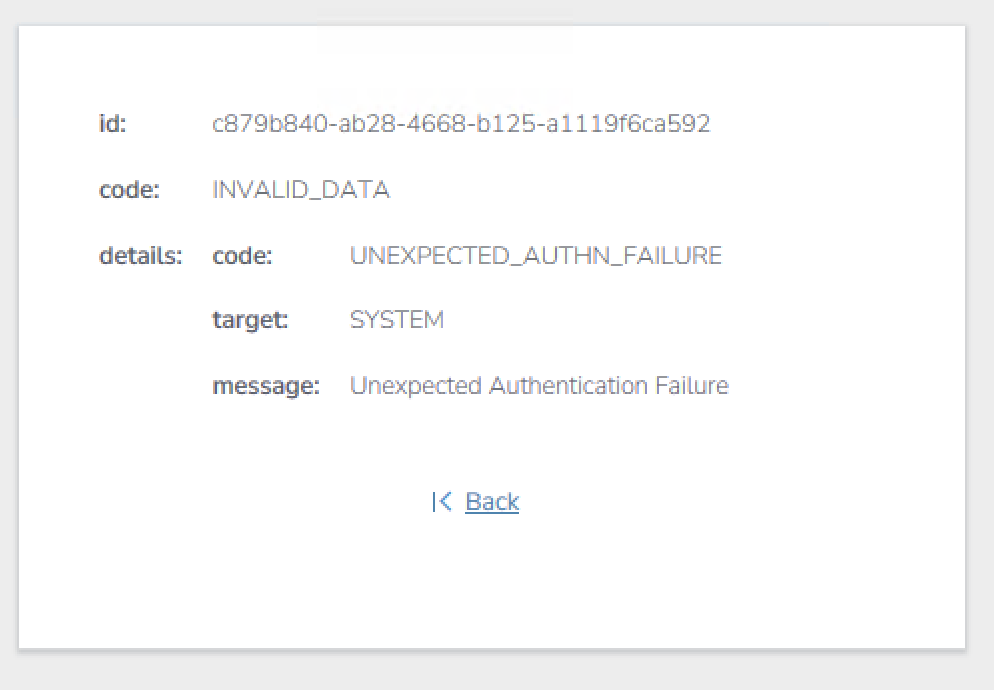
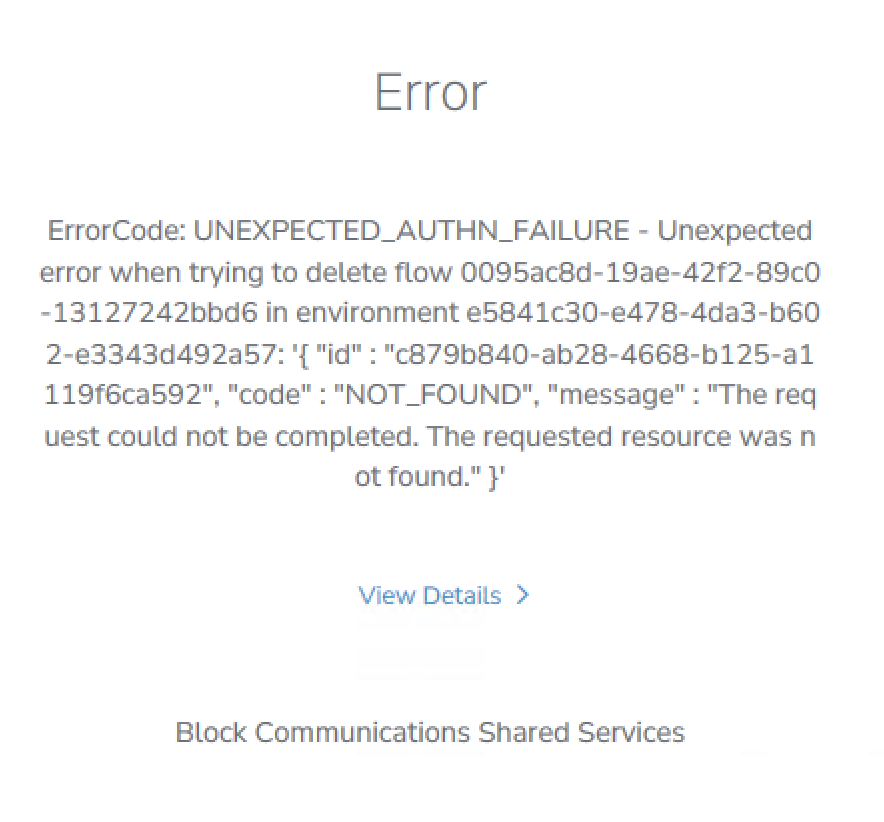
I did start out on an older version, but
after failing to correct the issue, updated to the newest version.
(Also see attachment 5)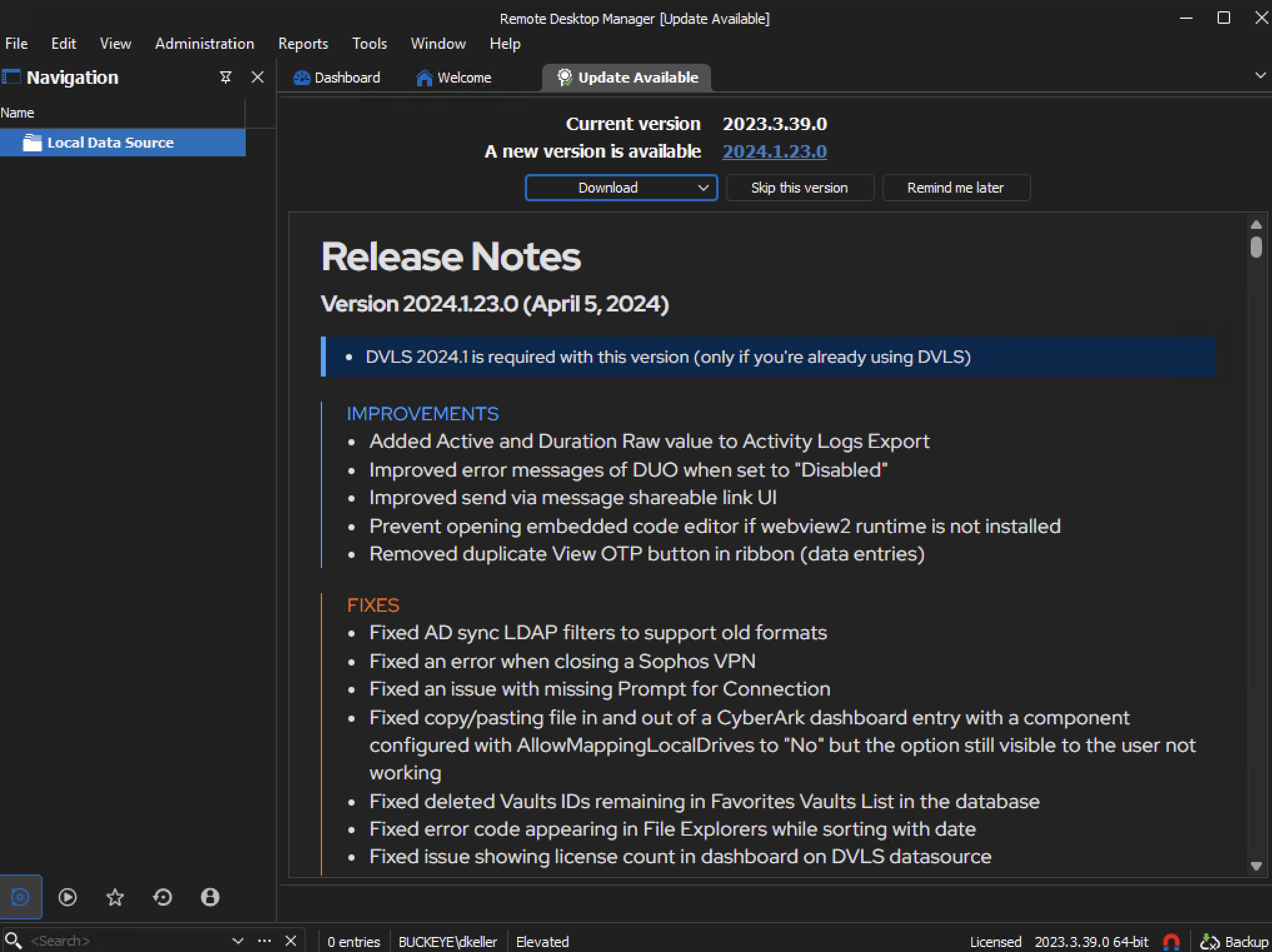
It doesn't seem to be a version issue for
RDM. I believe it to be something to do with the SSO setup in PingOne, but
figured I would reach out to see if anyone has seen this in their workings of
RDM and their MFA/SSO solutions.
5.png
4.png
3.png
2.png
1.png
All Comments (6)
Hello,
I'm not sure what could be the problem but I see something strange. The error seems to originate from Internet Explorer, which is intriguing since Internet Explorer is mostly deprecated and no longer the standard for modern web interactions within applications like RDM.
This leads us to a crucial component that might be missing or not properly set up on your system: the WebView2 runtime. It's Microsoft's latest embedded web technology that allows applications to provide full web functionality through the more modern and secure Edge browser. RDM utilizes WebView2 for a smooth and up-to-date web integration.
Regards
David Hervieux
David,
Thank you for the comment on "WebView2". I checked it is installed. I agree the IE part of it is strange but it is Microsoft. Something of IE may be there coming Explorer or some connection.
still looking.
My team has been working on trying to figure out the issue. One of my teammates posted this to me.
Is there something we can change in Windows that would change this or allow the RDM to work with PingOne?
Screenshot 2024-04-09 at 12.51.46 PM.png
Hello,
Our Keeper integration is still using IE exclusively, so I don't think there's anything you can do right now that would solve this issue.
We've opened a ticket to make the switch to WebView2 and we'll let you know of any progress.
Regards
Jonathan Del Signore
Hello,
We went ahead and made the switch to WebView2, which will be available in version 2024.1.25.0.
Please let us know whether or not it solves your issue.
Regards
Jonathan Del Signore
Version 2024.1.25.0 has resolved the issues we were having.
Thank you for the promptness in getting the fix pushed out. It was much appreciated.
thank you again.