How to hide huge top menu

Absolutely useless with huge buttons. How can you hide it to increase the usable screen area?
A lot of screen space is simply not used. The idea is not entirely clear. How can I either simply disable it, or at least do it in the form of one small line?
1/3 of screen useless/ :(
inApp top menu completely duplicated in top mac menu.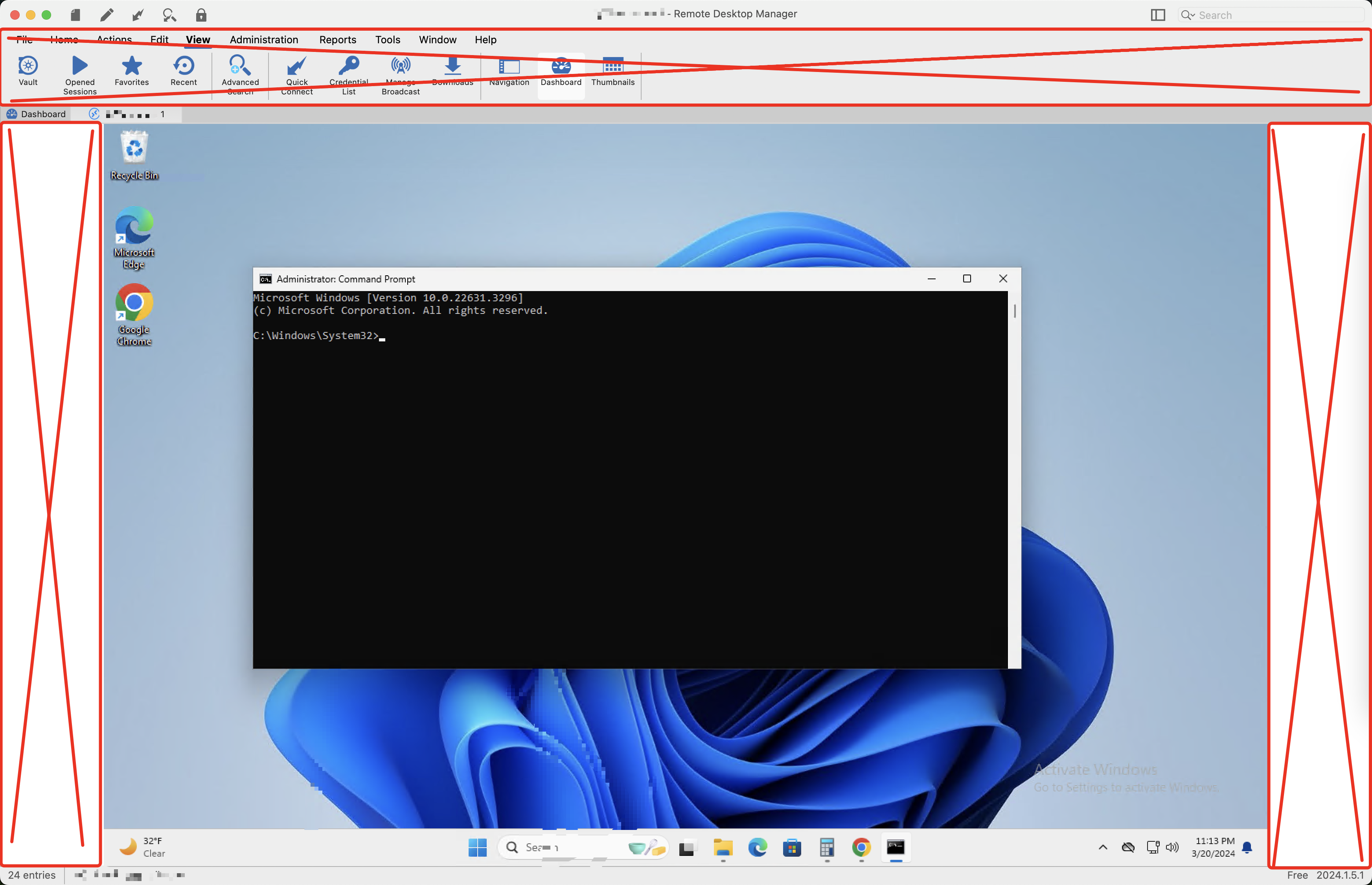
62fc9661-6c4e-4d61-963d-323552682e4d.png
All Comments (2)
Hello,
you can collapse the ribbon by going in settings > User interface > User interface > User interface and set it to classic
I hope this help
Best regards,
Michel Lambert
Screenshot 2024-03-21 at 7.51.49 AM.png
Everything worked out. Thank you very much