Need Assistance with PowerShell Script for Customizing Report in RDM
Need Assistance with PowerShell Script for Customizing Report in RDM
0 vote

Hello RDM Community,
I'm trying to customize a report in RDM, specifically changing the text color for certain columns,add logo ect... I'm using PowerShell for scripting.
After Creating Report (Custom), I generated this script to add the required information.
Current Script:
```powershell
foreach ($connection in $Report.Connections) {
# Check if the connection is under the specified folder
if ($connection.Group -eq '#folder Path' -and $connection.Name -ne 'lizenzen') {
$Report.NewRow();
$Report.SetValue("Name", $connection.Name);
$Report.SetValue("Lizenzanzahl", $connection.DataEntry.SoftwareLicenseCount);
$Report.SetValue("läuft ab am", $connection.DataEntry.SoftwareExpiration);
}
}
Is there a way to customize the report with HTML code or add a template?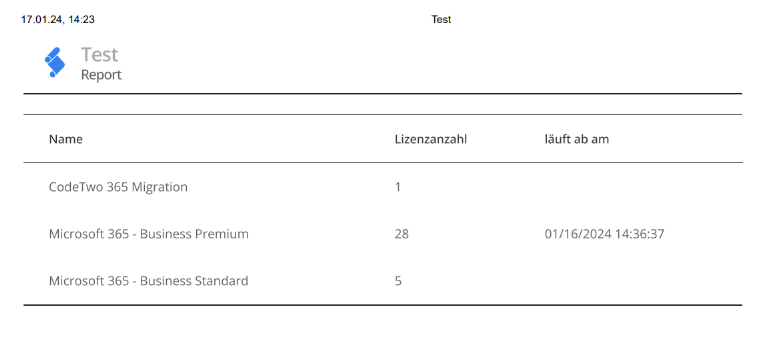
Thank you
Screenshot 2024-01-17 142356.png
All Comments (3)
Hello,
Currently, there is no method in RDM to achieve what you want to do, using HTML encoding or a template to produce a custom report.
I have transferred this thread to the Feature Request section. It’s an opportunity for our community to demonstrate an interest in your idea. We use this interest to prioritize the features we implement.
Best regards,
Érica Poirier
Hello Erica ,
Thank you for your feedback.
https://docs.devolutions.net/kb/remote-desktop-manager/knowledge-base/configure-report-entry-type/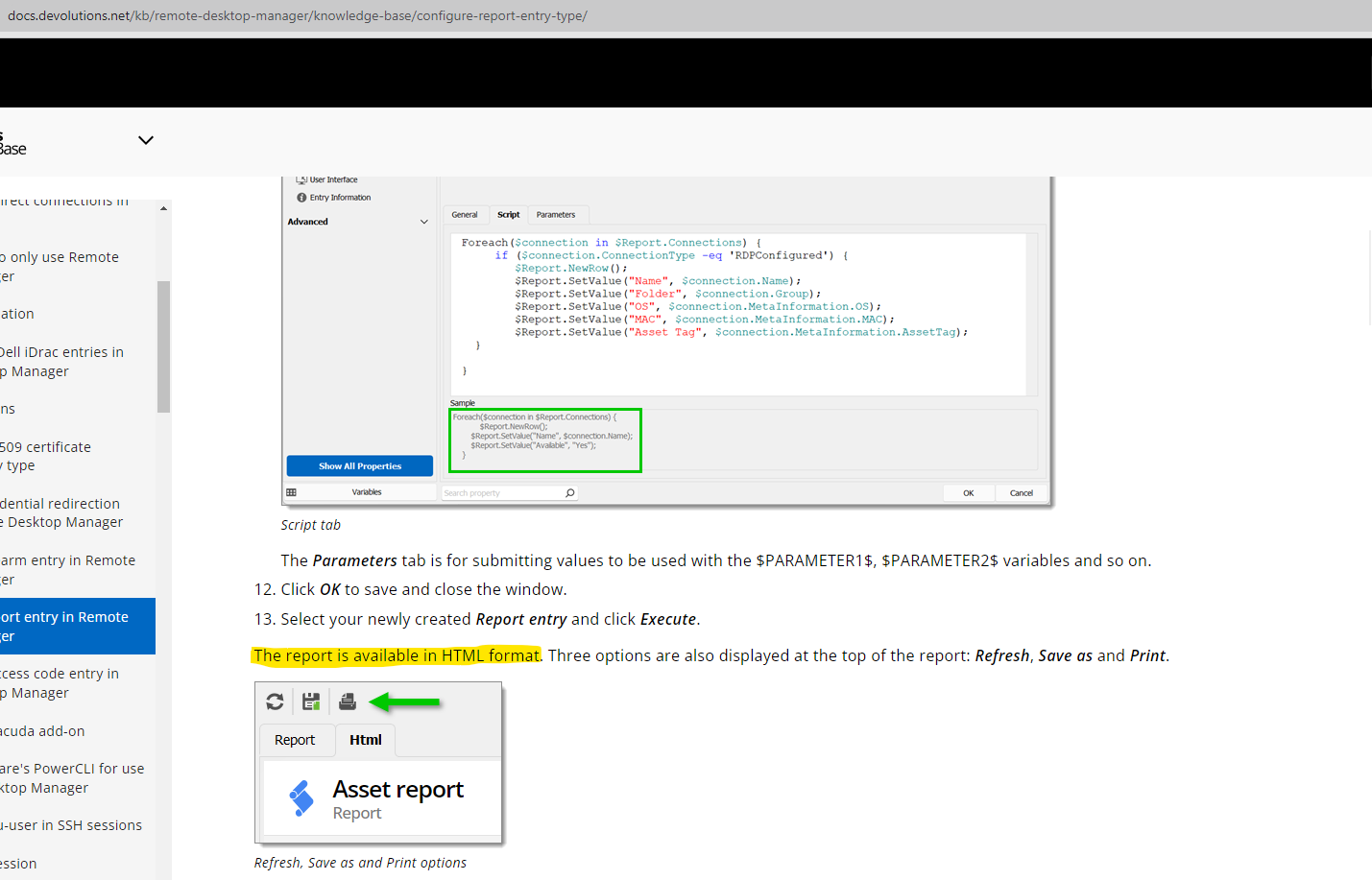
it is mentioned that the report can be read in HTML format ...
Screenshot 2024-01-18 085111.png
Hello,
Thank you for your feedback.
You are right about the HTML format to view the report. However, the Script property of the Custom Report entry cannot handle HTML code to format the report at the moment. It only supports PowerShell to extract the data, not to display the data!
Best regards,
Érica Poirier