Save Button missing for "My Pleasant Password Server Account" in certain conditions
Save Button missing for "My Pleasant Password Server Account" in certain conditions

Hello,
I have encountered a small error in RDM for Windows 2023.3.36.0 64-bit.
We use a pleasant Password Server and enroll the Account information to access the password server locally in each workstation:
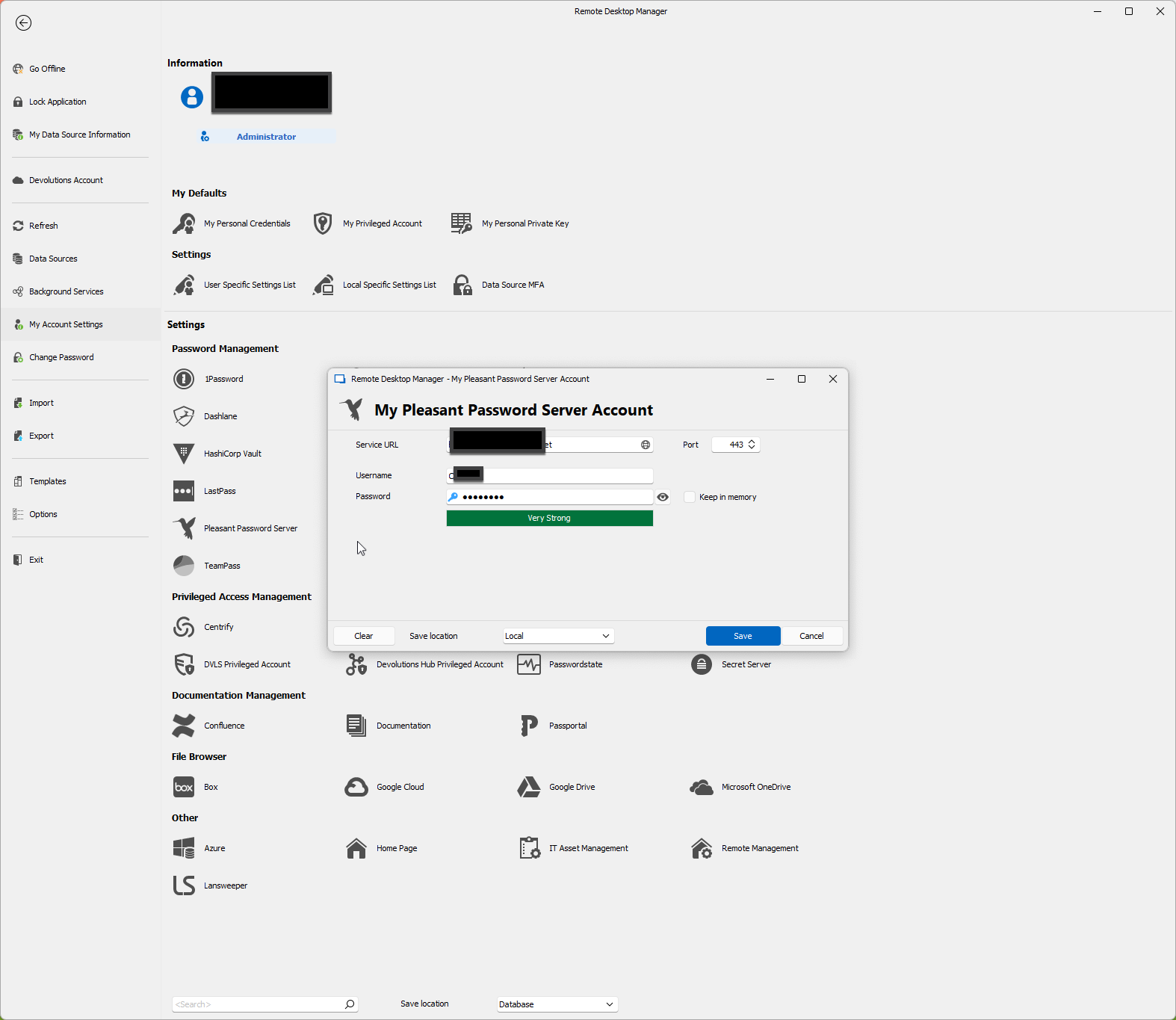
Setting these in "File" - "My Account Settings" - "Pleasant..." works fine.
I now installed RDM on a new Virtual Machine with Windows and forgot to enter them:
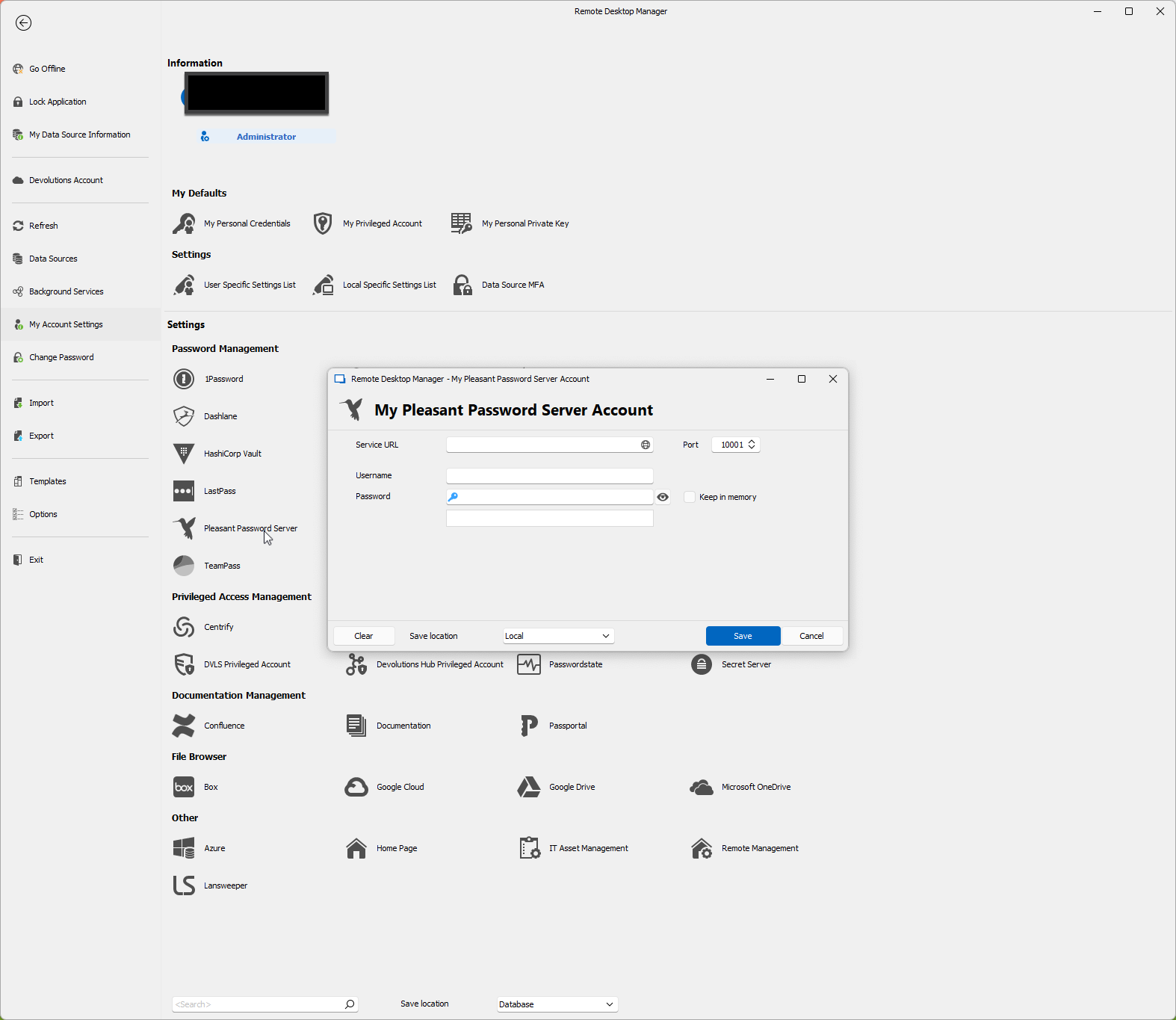
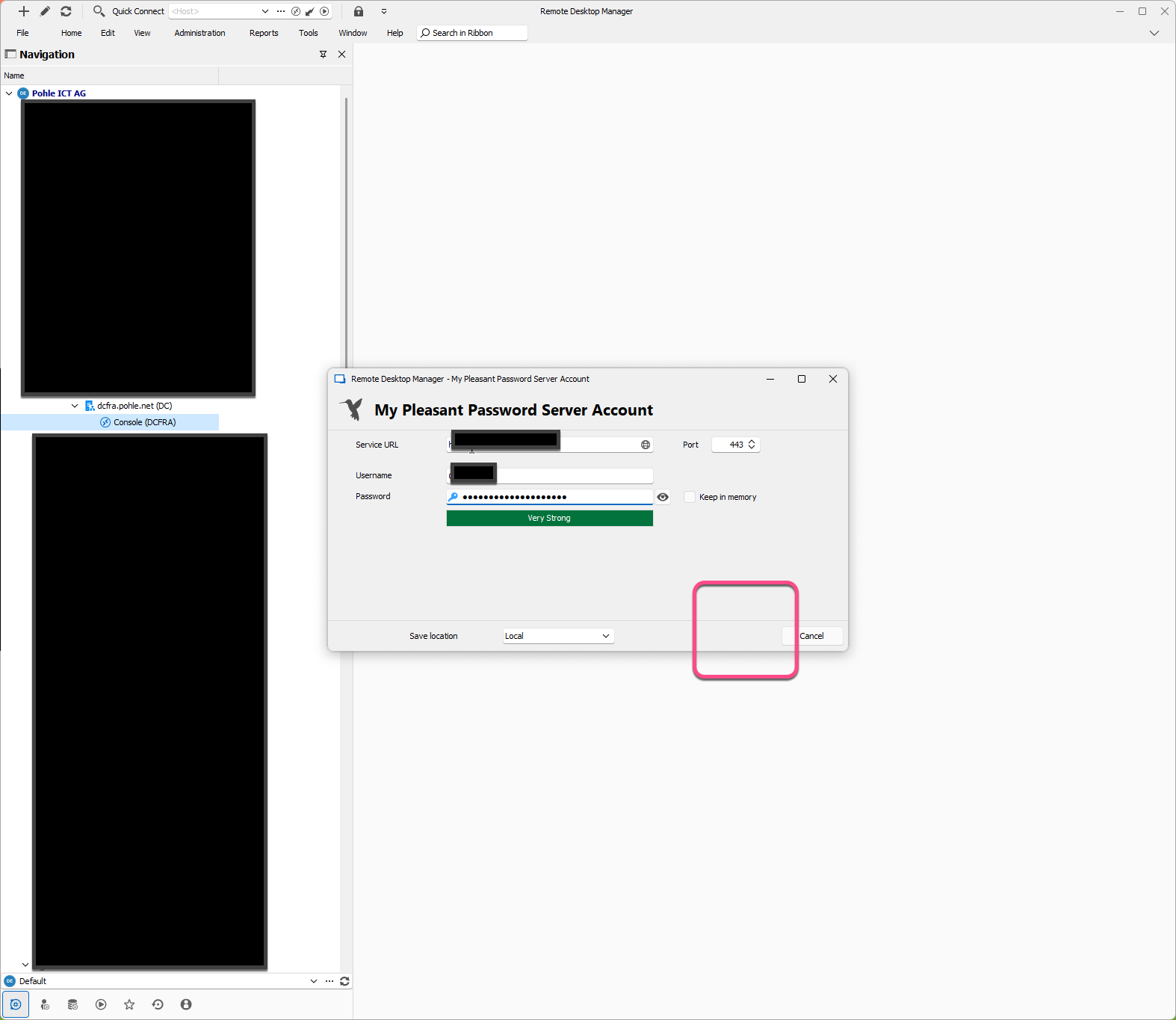
Clicking on an entry that links to an account in the Pleasant Server opens the dialog to enter the URL and the Credentials for the Pleasant Server, but: The Save button is missing here:
Not a big issue but maybe you are interested in this information.
Kind Regards
Christian
All Comments (4)
Hello,
I'm unable to view the image you sent. Could you please try resending it?
Also, I suspect that the newest installation of RDM in the VM might not have a license. Could you check this and confirm if that's the case?
Best regards,
Carl Marien