Can not use Remote Desktop Manager

Hi support,
I have a new installed PC with Windows 11. I have downloaded the latest version of RDM.
If I start the application after installation is finished, I get only a blanc screen. I also tried to download older versions, with the same result.
On my old computer I don't have these problem. Do I have to install somthing additional?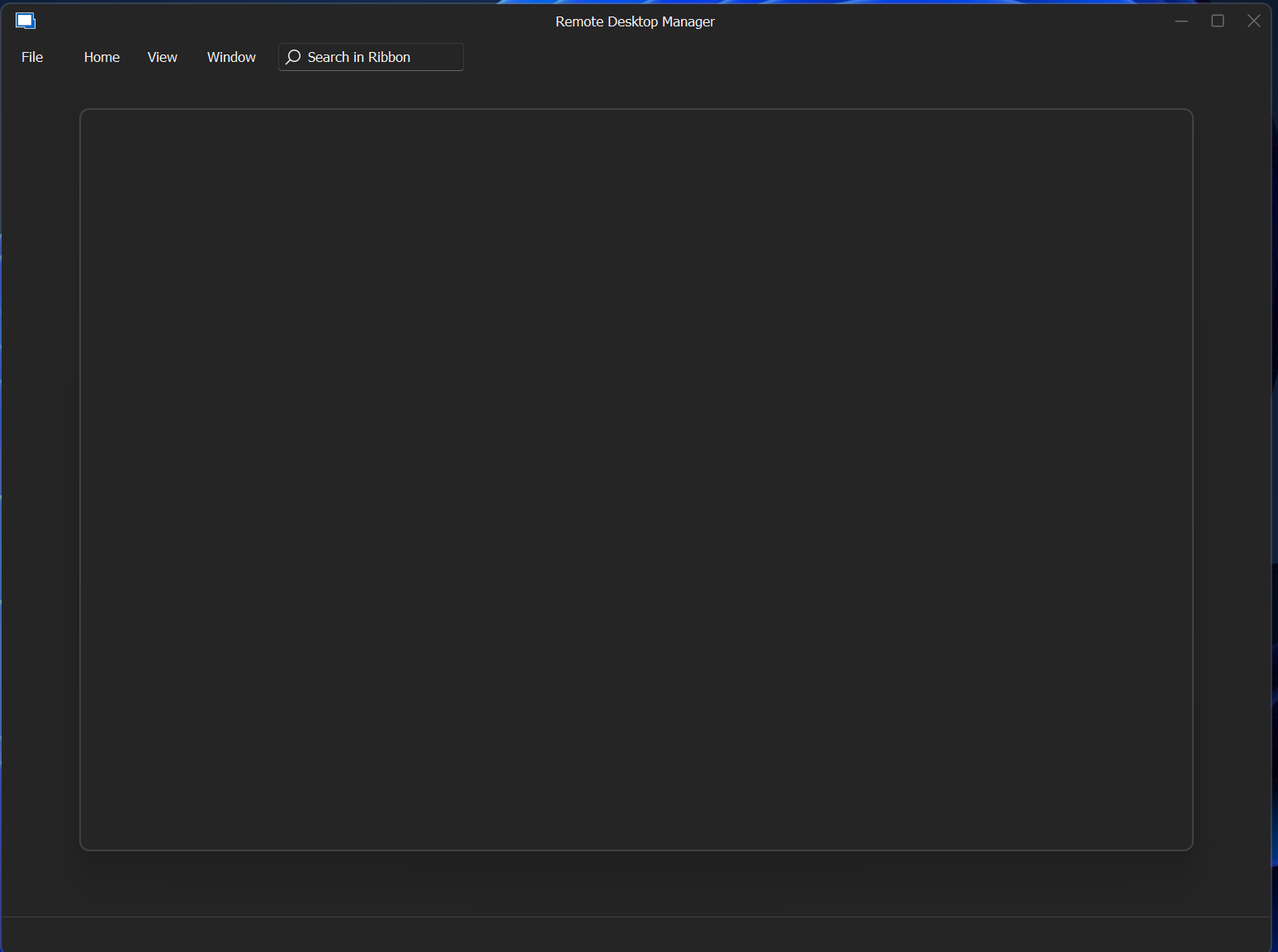
If the program is started, i can only kill it with the task manager.
Best regards,
Tobias
grafik.png
All Comments (3)
Hello,
My initial suspicion is that the issue might be caused by an outdated or incorrect driver on your machine. Could you please ensure that all your drivers are properly installed and up-to-date?
If the problem continues even after updating your drivers, I recommend trying to replicate the issue using a portable installation of RDM. Here are the steps for this process:
- Download the .zip file from this link: https://remotedesktopmanager.com/home/thankyou/rdmbin.
- Create a new folder on your Desktop.
- Extract the contents of the .zip file into the folder you just created.
- Open the folder after extraction and run "remotedesktopmanager.exe."
- Connect to your data source.
This method will help us determine if the issue is related to your local installation of RDM.
Best regards,
Carl Marien
Hello,
after downloading the portable version I have startet these version without a problem. There I could configure our data source and it worked.
After that I started my installed version also without a problem. So the problem is solved - but I don't unterstand why.
Thanks for your quick response.
Tobias
Hello Tobias,
Thank you for your swift reply! We are glad to see that you are no longer experiencing this issue.
Do not hesitate to reach out to us if you require further assistance.
Best regards,
James Lafleur