Navigation tab RDP entries and folders custom picture

Dear Devolutions support!
Can you advise how to change the picture of my RDP entries, please?
It used to be possible to change icons/pictures of pre-defined folders and RDP entries to custom pictures from my local device, but this is no longer possible since some time ago.
Folder settings: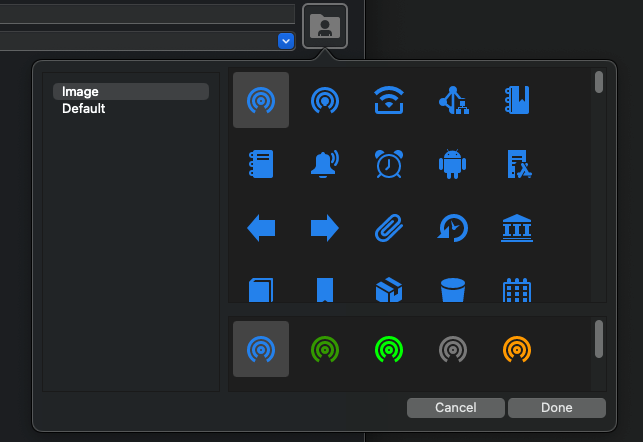
Navigation tab:
Thank you very much!
SCR-20231215-mgza-2.png
SCR-20231215-mggc-2.png
All Comments (6)
Hello matejelias1,
Thank you for contacting us on that matter.
Could you tell me which version and type of data source you use?
After some investigation, the custom image is still available on contact folders and RDP session.
Best regards,
Patrick Ouimet
Hello Patrick,
I'm using version 2023.3.10.2 and XML as a data source.
My MacOS version is Sonoma 14.2
Dear matejelias1,
Thank you for your recent feedback.
We regret to inform you that the custom image feature has been removed from the XML database due to performance issues in RDM. However, we would like to assure you that this feature is still available in all other data sources. If you would like to use the custom image, we recommend that you export your data to an SQLite data source.
Please let us know if there is anything else we can assist you with.
Best regards,
Patrick Ouimet
Thank you Patrick,
Oh, I see okay !
I will try to export my data to SQLite data source.
Thank you for the tip!
Hi,
Just wanted to report back that I successfully switched to the different data source and that allowed me to add custom pictures.
Thank you very much for your support!
Hello,
I'm glad to see it solved your issue!
Best regards,
Richard Boisvert