no SSH connection possible

2023.3.28.0 64-bit:
SSH connection fails with
==
(10057L) A request to send or receive data was disallowed because the socket is not connected and (when sending on a datagram socket using a sendto call) no address was supplied.
==
same connection in WSL works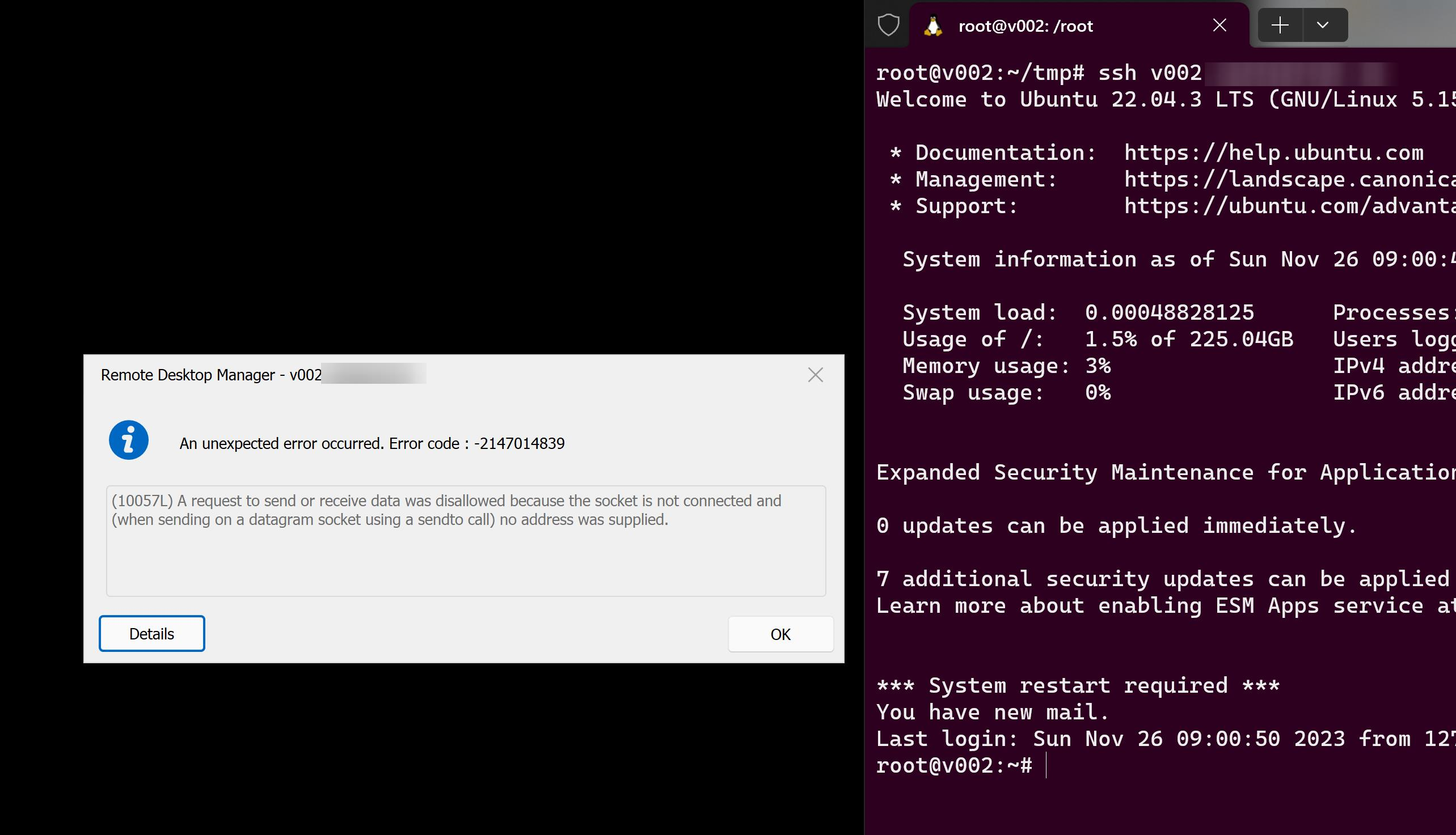
happens only with one host, although newly created (NS on windows is ok, as WSL can connect, has RDM a DNS cache?!). I first thought it's an issue with a dupicated connection ( duplicated the entry from a working SSH connection) but creating it new doesn't work either.
a80645db-7f05-419a-bcdc-3cbb5080dbc7.png
All Comments (3)
Hello Perler,
Could you please try enabling all SSH algorithm support? You can follow the steps outlined in our documentation here: https://docs.devolutions.net/kb/devolutions-powershell/remote-desktop-manager/ssh-algorithm-support/.
If the issue persists, would it be possible for you to recreate the problematic entry using the same information?
Please keep me updated on your progress.
Best regards,
Carl Marien
no change. this is a virgin ubuntu 22.04 server on the other side.
Sorry, it was a problem on our end, don't bother. #itsalwaysDNS ;)