copy "username AND password" not working in msedgewebview2

Hi there,
If i use "copy username and password" it is working perfectly in MS Edge. But once i open it embedded RDM opens msedgewebview2 and only the password is available from clipboard; the username always is already taken by something from within this webview. Diagnosis show immediately after the copy process that the webview is accessing the clipboard without any interaction from my side - has someone any hints on that?
All Comments (8)
Hi,
What website did you open? The reason I ask is, unless you disabled it in the system options, RDM will use the WebView2 to display data in many tabs/views/forms, the overview tab for example. Chances are you already have a few WebView2 controls running within RDM by the time you open your embedded WebView2 session.
Also, what version of RDM are you running?
Best regards,
File > Options > Advanced > ...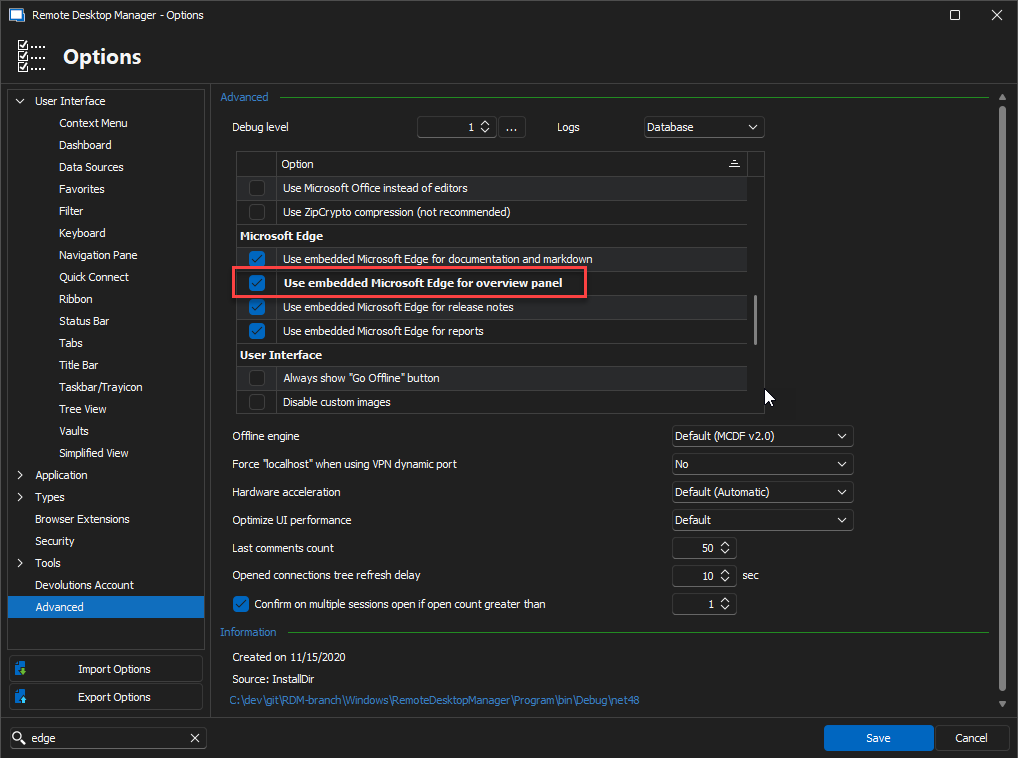
Stéfane Lavergne
bf3adf74-7df6-4d32-a2b4-7c6fdc357ae5.png
this is set: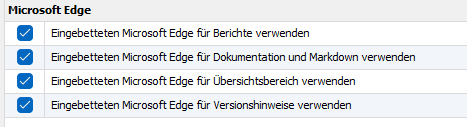
Version: 2023.3.25.0 64-bit
open is only the dashboard and additional i open teh webview for an "internal switch" management interface, where i have to provide username and password. If i select "copy username AND password" the first CTRL-V inserts the password - username is already "gone" :-(
d91cf295-d277-4628-98ad-f79c14d2d693.png
- If you try with a different web page?
- If you open the clipboard diagnostic window and perform the "copy username & password" what do you see here?
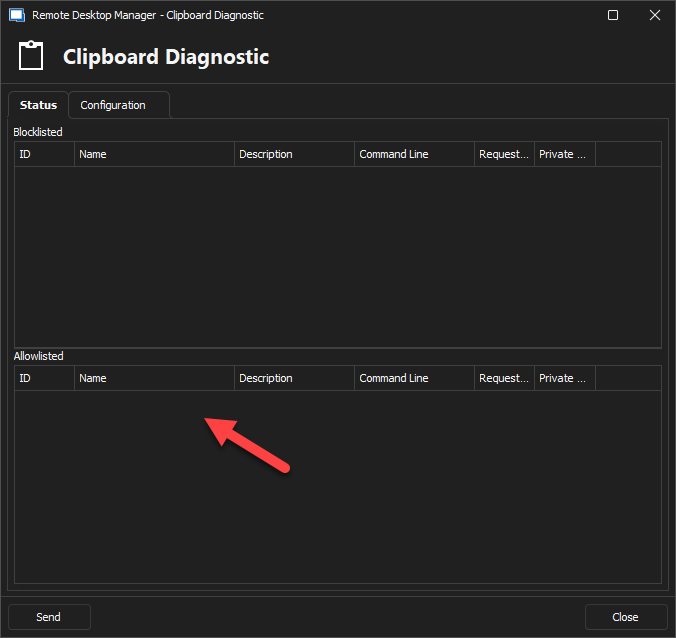
Stéfane Lavergne
46877291-9f5a-4f18-9528-a1ac49c694db.png
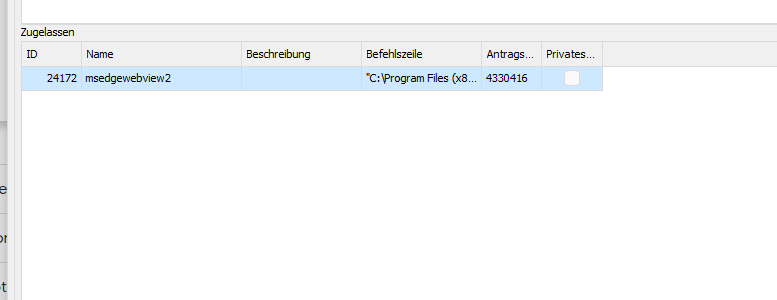
5a38c52b-3672-4343-878e-8a586b259f34.png
Odd...
Does the same thing happen when you open a session to a different webpage, say https://www.microsoft.com/ or https://www.google.com/?
Make sure you delete the entry in Allowlisted before trying with the different websites.
Stéfane Lavergne
2023-11-22_09-28-52.mp4
on ebay.com it works; on google.com or wasabi.com it does not
63682018-63d4-47a9-86ee-61cdd5af2178.png
I my side I can't figure out how to make any website fail. See video below.
Can you try to configure auto fill with the Html Control ID set? Something like the following? I just picked a random website with a login. Using auto fill might help us work around the copy/paste issue.
Best regards,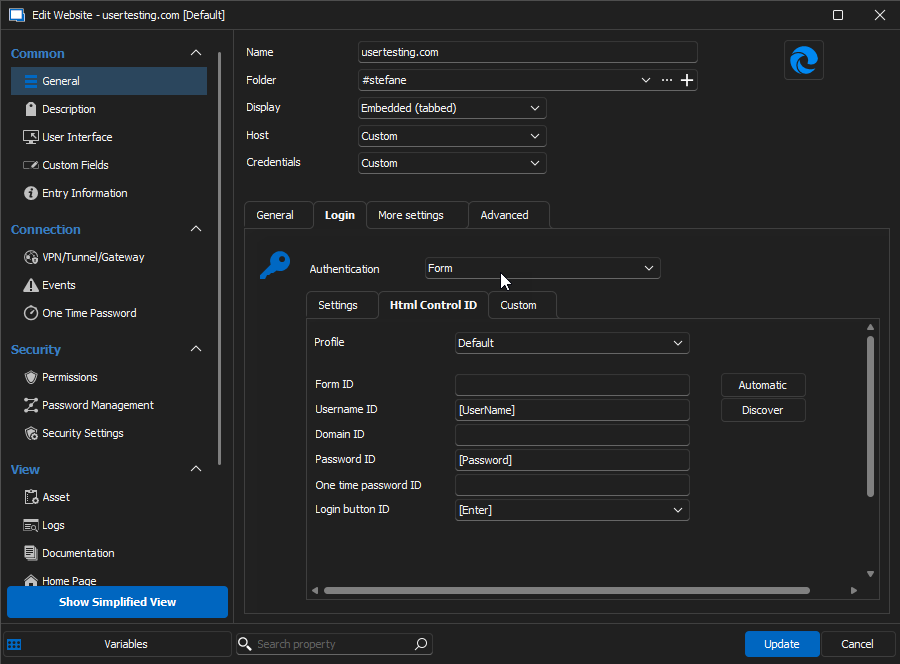
Stéfane Lavergne
fc78621e-803d-49bd-ba2b-db38a4352be9.png
2023-11-22_10-12-47.mp4
2023-11-22_10-04-48.mp4
unluckly no, cause this it was autofill brings up - it's filling the form field, but login page want's it to be typed....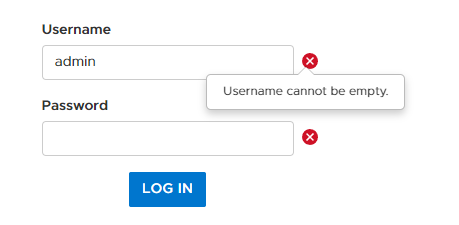
Here is my Video :-)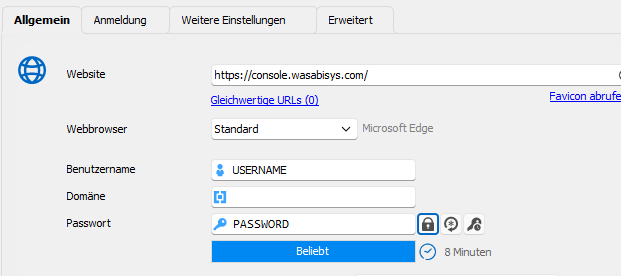
9e103b13-f3a4-43f8-b276-612266a2ef80.png
Remote Desktop Manager [Dashboard] 2023-11-22 16-58-57.mp4
63d3e2f4-c3cc-484e-9fcb-3c786b58461e.png