Two screen RDP work area size

Bonjour,
As stated in the title, I currently have two 1440P screens, and I'd like to open my RDP connection on both screens, but in "work size area" mode rather than fullscreen.
For the moment, I'm opening it in fullscreen and resizing the window by hand.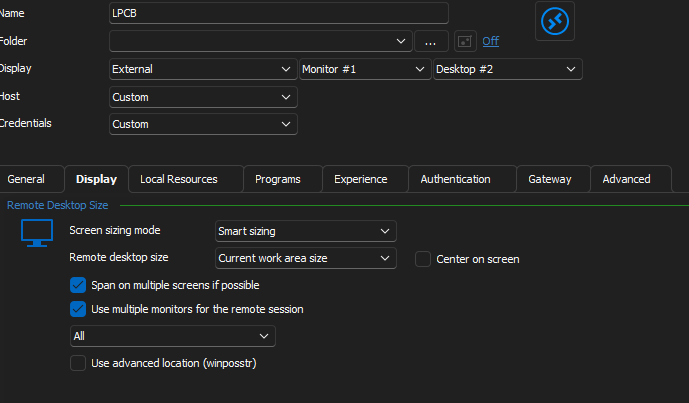
Here is the result (manual)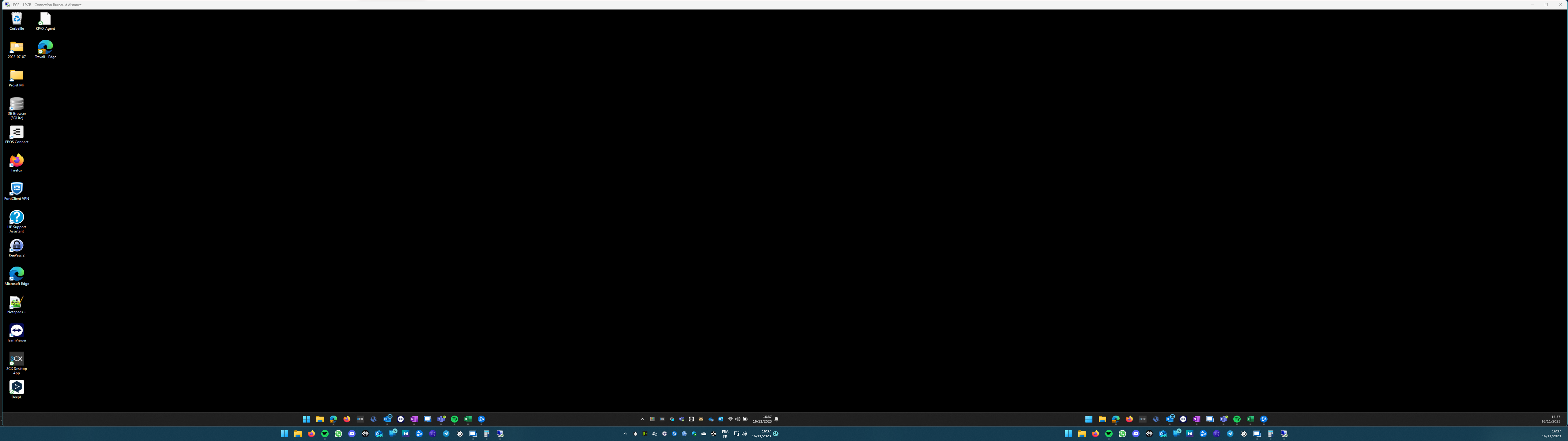
Thanks in advance.
Clement.
4f051222-b93a-472f-9c1f-2ef329d17bc6.png
63f1466d-6d02-404c-bcee-4ca5c0bbabff.png
All Comments (1)
Hello,
Thank you for reaching out to us regarding this,
Since the "Display" is set to "External" the session is simply being opened externally in MSTSC using command line, I'm wondering if changing the "Remote Desktop Size" to "Custom" and manually adding the desired resolution could work in your case?
Let me know,
Best regards,
Samuel Dery