How to set non-standard ports for ipv6 address

The RemoteDesktopManager Android app is really excelent, except I can't connect to ipv6 address with non-standard ports.
For example, I want to connect to pc with ipv6 address 2001:db8:1 and ports 33389. If I set it in app, then it will be recognized as 2001:db8::1:33389 which is definately won't work. If I input [2001:db8::1], then it will be recognized as [2001:db8::1]:33389 but still won't work.
Is that I'm not using the right syntax? I'd really want to know how to set a non-standard ports for an ipv6 address. Thanks.
All Comments (7)
Hello,
Using [2001:db8::1]:33389 is how you would connect to the RDP using IPv6 and a custom port. Is it working outside of RDM, for example with the Microsoft client?
Best regards,
Richard Boisvert
Using [2001:db8::1]:33389 is how you would connect to the RDP using IPv6 and a custom port.
It showed me with error, below are the screenshots. Should I provide more details or other things? Please tell me.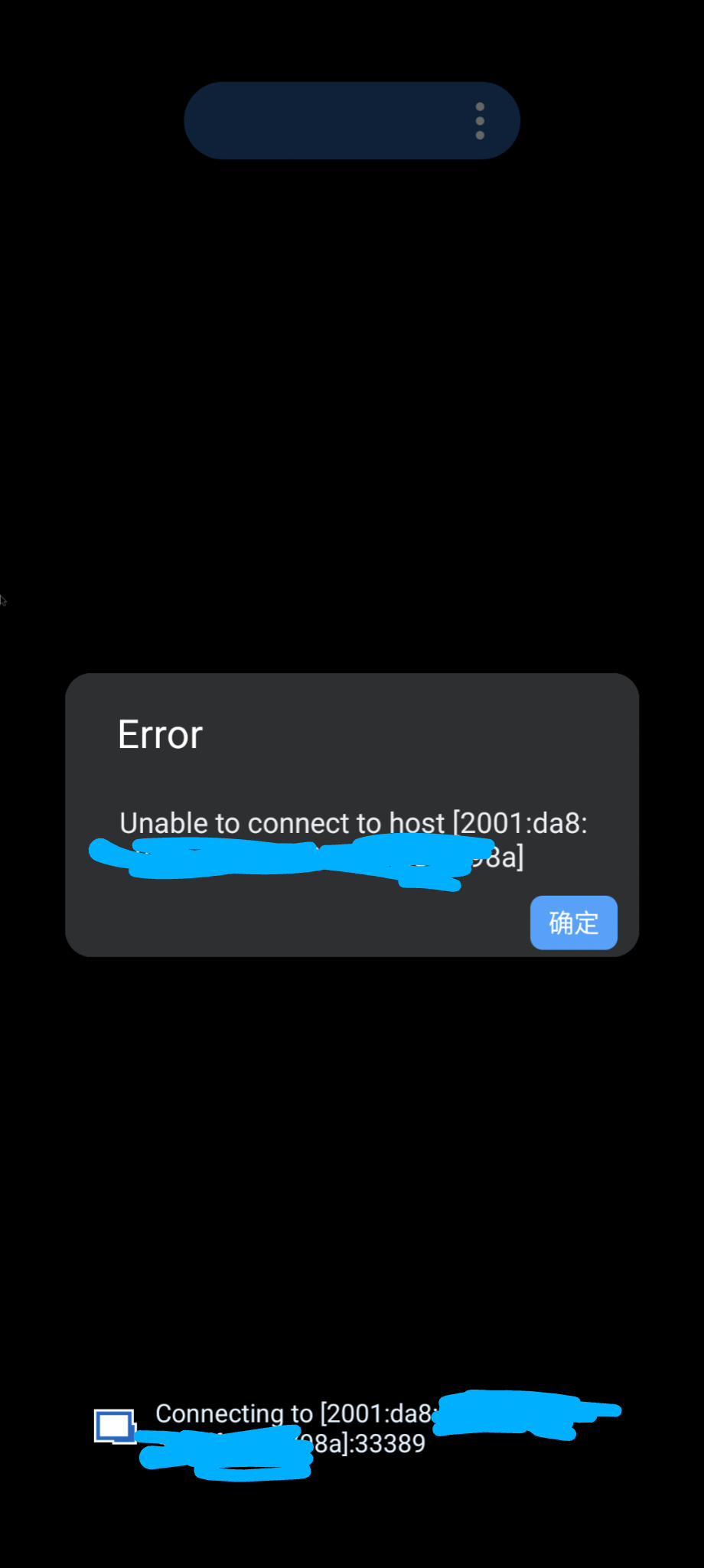
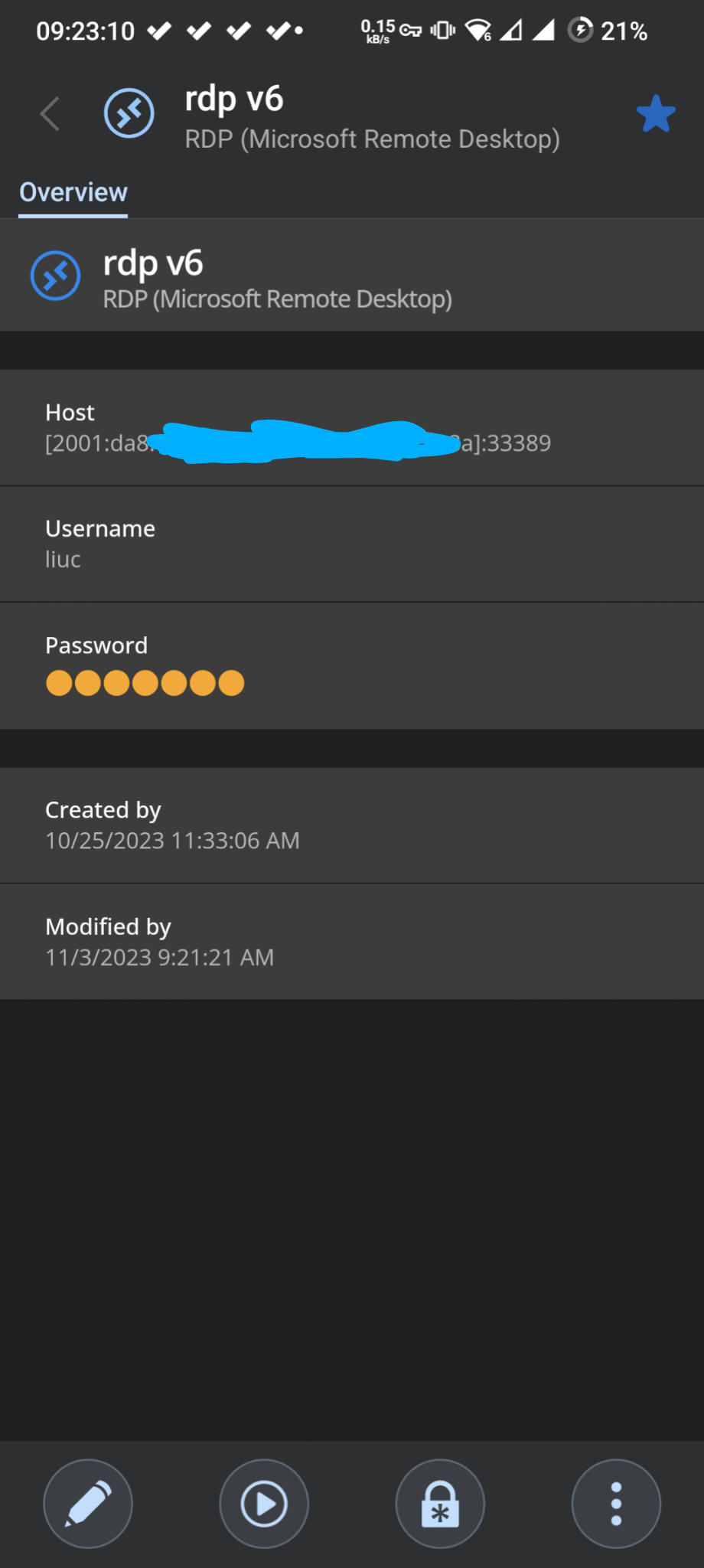
Is it working outside of RDM, for example with the Microsoft client?
Yes, MS RD client works with square brackets syntax.
Screenshot_20231103-092310_Remote Desktop Manager.png
Screenshot_20231103-092228_Remote Desktop Manager.png
Hi,
Could you please provide your current data source type and application version number?
Best Regards,
Nicolas Dufour
Could you please provide your current data source type and application version number?
I think the type is XML.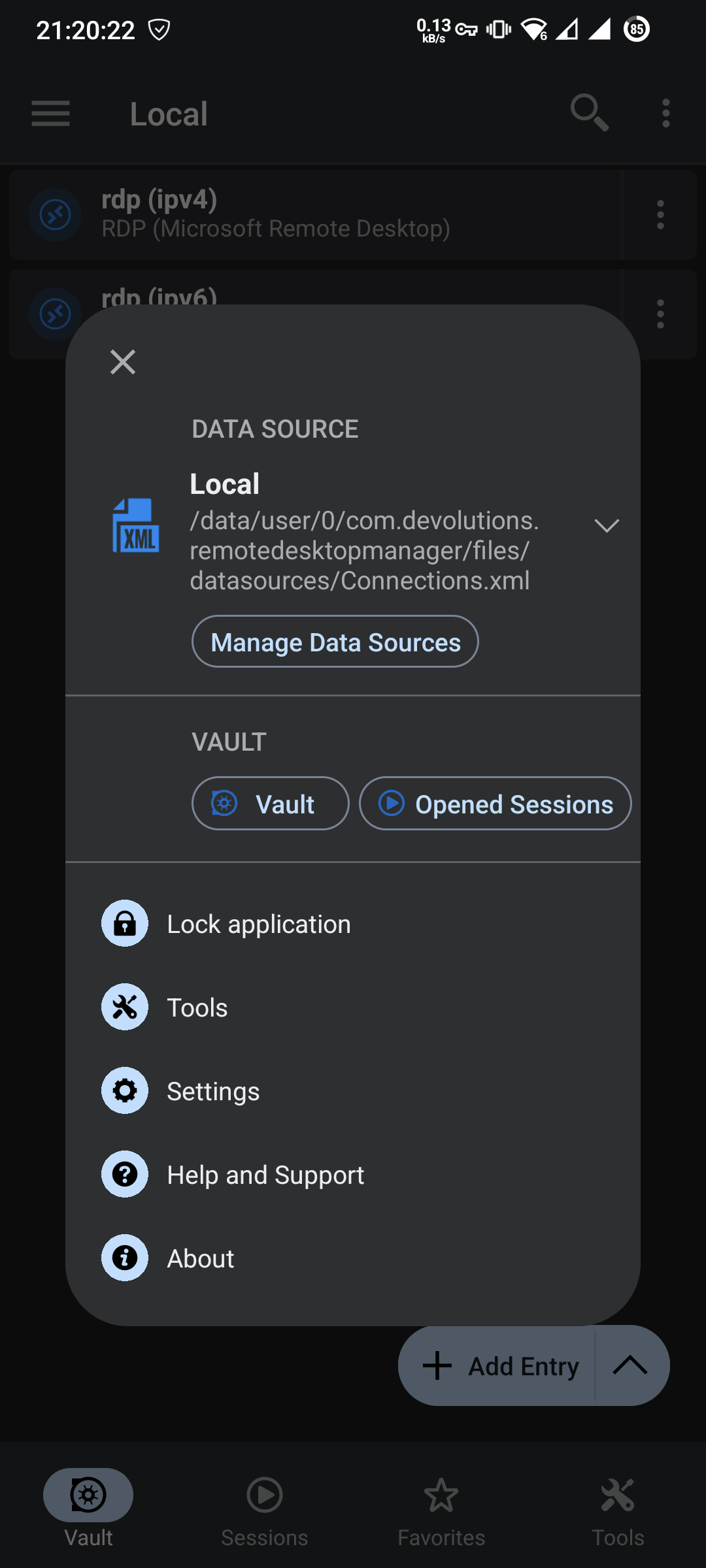
App version 2023.2.4.0 and 2023.3.0.24 and newest 2023.3.1.1 won't work.
Screenshot_20231104-212022_Remote Desktop Manager.png
Hi,
Thanks for the info. We wanted to know if you had version 2023.3.1.1.
We will investigate.
Best Regards,
Nicolas Dufour
Hi,
We could not reproduce your issue on our end. Could you generate RDP logs and send them so we can analyze what happens on your device?
To send RDP logs:
1) Go to Settings > RDP and turn on "Enable Logging" (this is the last option at the bottom)
2) open the session that doesn't work in order to generate logs
3) go to Help and Support > Submit a Support Ticket and fill the required fields. Make sure "Include diagnostic" is checked.
Best Regards,
Bea Racine
Hello
I'm somewhat confused by this issue, and the problem is hampered that I don't have a good test environment for IPv6 scenarios. The error coming back from the RDP component is "The specified network host exists, but does not have any network addresses defined" which doesn't mean much to me, I'm afraid.
Since this is working with the MS RDP client the problem should exist either in RDM or in FreeRDP (the RDP component we use on non-Windows platforms). FreeRDP _does_ support IPv6 although I can't say how well tested that is in the real world. So I see a few possibilities:
- The address and port are not being passed properly to FreeRDP
- The address and port are not being consumed properly by FreeRDP (in the function that converts these fields to a socket address)
- There is a deficiency (bug) in FreeRDP around IPv6 specifically with non-standard ports
To start with the first case; I see you attached a summary screenshot of the connection, but how are you actually entering the address information in the RDP connection? Are you stuffing everything into the host field, or are you just entering the host and configuring the port separately in the "Port" field?
Do you have any setup where you can test an IPv6 address using the standard RDP port (3389)?
Thanks and kind regards,
Richard Markievicz