First Time Startup Freeze on Windows 11

I am trying to install RDM on a fresh install of Windows 11 and the program freezes on startup. The picture below is all I can see: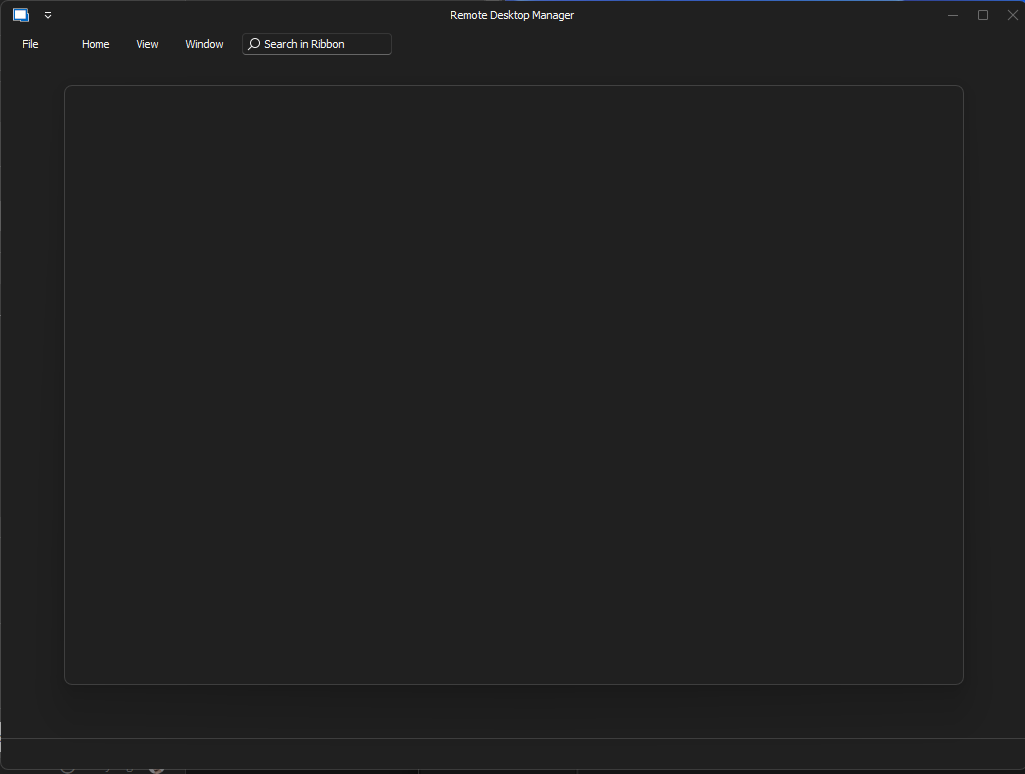
I am unable to close out of the program until I force close it through the task manager. I have downloaded previous versions and 2022.3.30 seems to be around the latest version that I am able to open and use.
This is on a fresh install of Windows 11 Pro 22H2. I have tried portable versions, installers, installing 2022.3.30 and upgrading, and all comes to the same result. Is there anything else I can try?
Screenshot 2023-10-30 222913.png
All Comments (3)
Hello,
Could you please validate that the WebView2 component is installed on your machine? https://docs.devolutions.net/kb/remote-desktop-manager/knowledge-base/download-microsoft-edge-chromium/
Most online components in RDM use it, but it can be disabled in the options. To skip the onboarding screen (which is blank for you), you should be able to press the Esc key.
Best regards,
Richard Boisvert
Hey Richard,
WebView2 was installed but apparently needed to be updated. Once that was updated, things started to work as expected.
I was not able to hit escape to exit out of the onboarding screen. I was not able to interact with the program and the only thing I could do was to force close it through the task manager.
Thanks
Hello,
Thank you for letting us know the update to webView2 fixed the issue. It is normally kept updated with the Windows update.
I will let the developer know about the Esc key.
Best regards,
Richard Boisvert