Management tools-prompting for password


When I use the services tool it prompts me for the credential password. This occurs regardless of my setting. I have had it use "Session cred" and I have also tried entering custom credentials. It picks up the proper user ok but it opens up a command window asking for the password. Is there any way to use the password from the credentials that is already stored?
RDM-Management tools-.png
All Comments (8)
Hello Douglas,
Thank you for reaching out to us regarding this matter.
Could you please let us know which tool you encountered the issue on?
Best regards,
Patrick Ouimet
The services control panel.
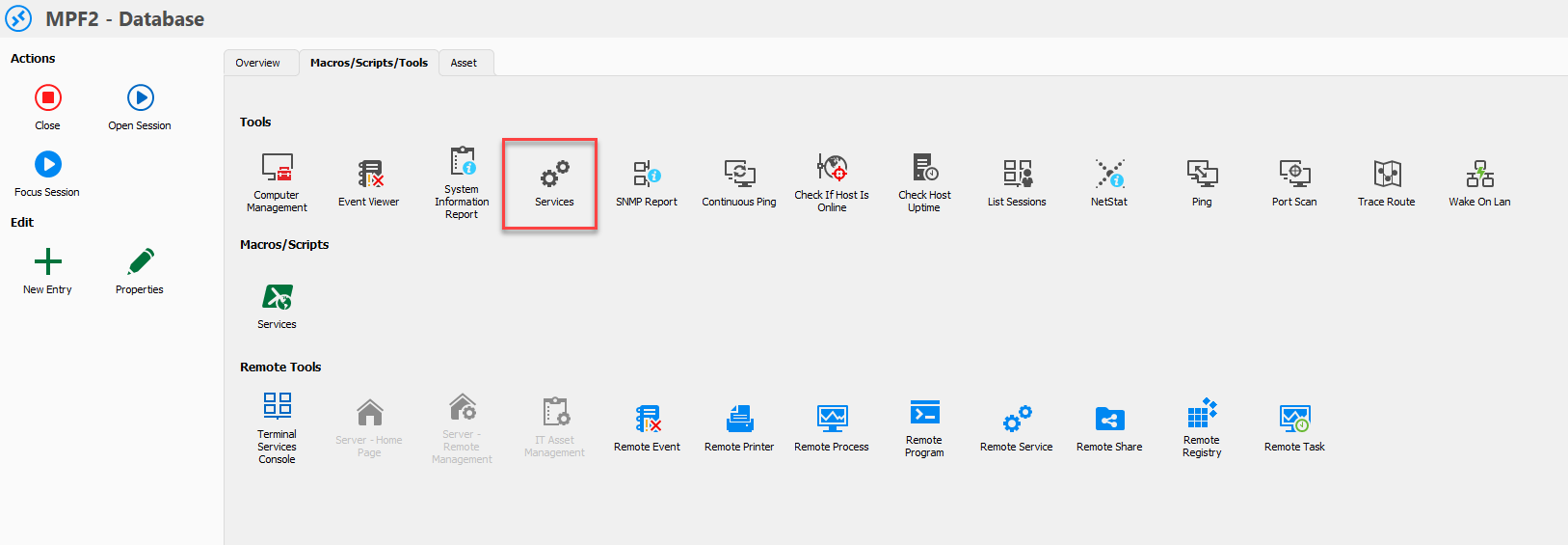
RDM-Management tools-services.png
Hello Douglas,
Could you tell me if, with the custom credentials, you have entered the domain admin creds?
Best regards,
Patrick Ouimet
The credentials are server admin creds. If I manually enter them when it prompts me the services control panel does come up ok. It just doesnt pull the password from the form
@douglasbell
Hello, I've tested this on an internal build and we have the same problem, after some digging we've isolated the issue.
My colleague can use the remote tools as before with the same setup but he's on windows 10. I do not know since when but on windows 11 at the moment I seem to be unable to make the remote tools work as they used to.
We're going to investigating on our side still see if we can figure this out.
Regards
Alexandre Roy
I am using this on windows 10.
Edition Windows 10 Enterprise
Version 22H2
Installed on 5/1/2023
OS build 19045.3448
Experience Windows Feature Experience Pack 1000.19044.1000.0
We do reproduce the issue on our side now, we'll investigate see what we can do.
Regards,
Alexandre Roy