Login Failed

When I tried to configure Enterpries Devolution Password HUB for first time, appear Login Failed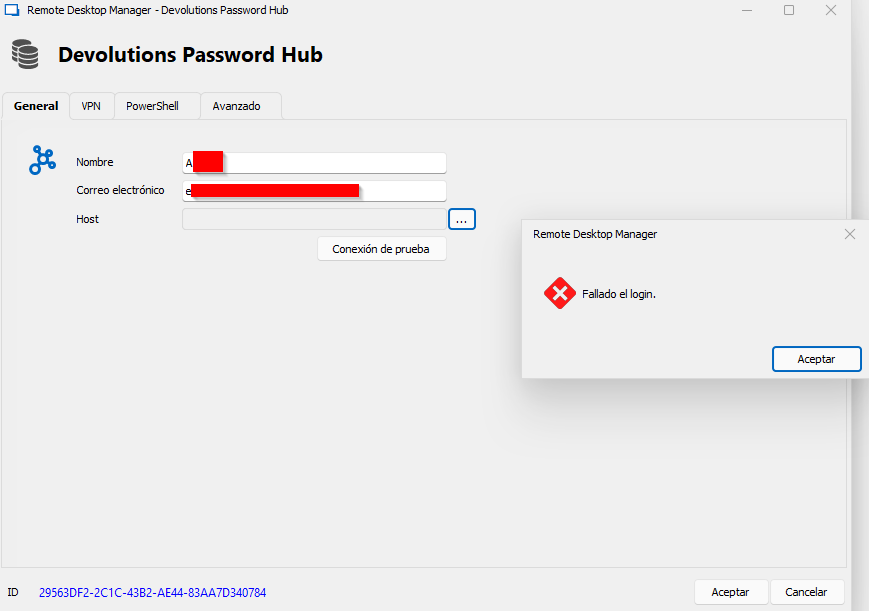
I have already configure am application password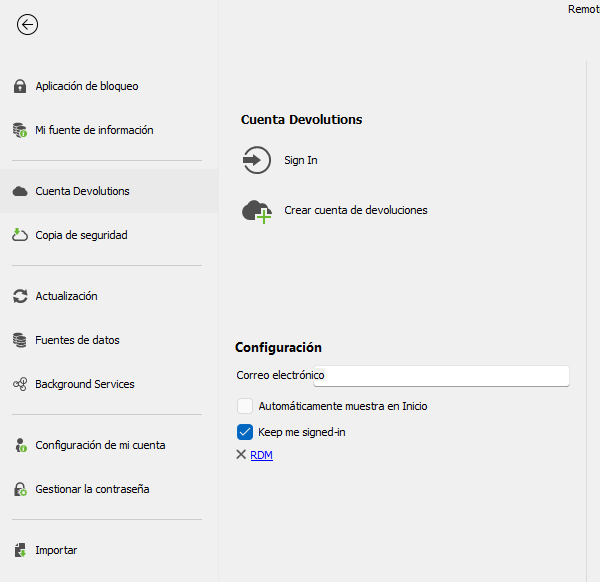
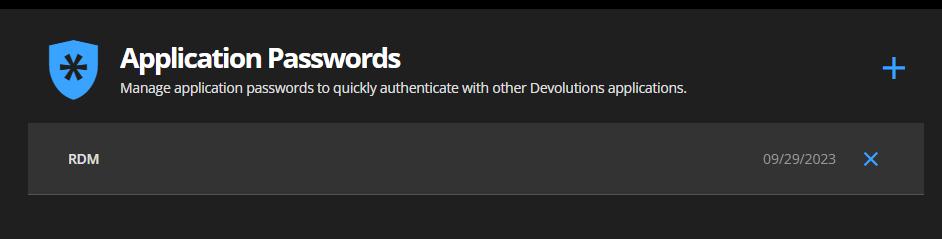
Best Regards
4bc8708c-ec3f-42c1-86ca-c09185b80b2d.png
8a119db6-ea9b-47d7-8a5a-28cdfbee0e1c.png
90e044e1-accb-46cb-bac1-5d32bcd46e6f.png
All Comments (3)
Hello,
It appears that your Devolutions hub might not be activated yet. To ensure it's up and running, please follow these steps:
1. Connect to the hub at least once.
2. Ensure you've downloaded your emergency kit.
You should have received an email from Devolution. This email contains a link to your new hub. Simply click on this link, and your hub will be activated automatically. Once active, you can then use this link as your host connection within RDM.
Best regards,
Carl Marien
Good morning!
I am connected to my HUB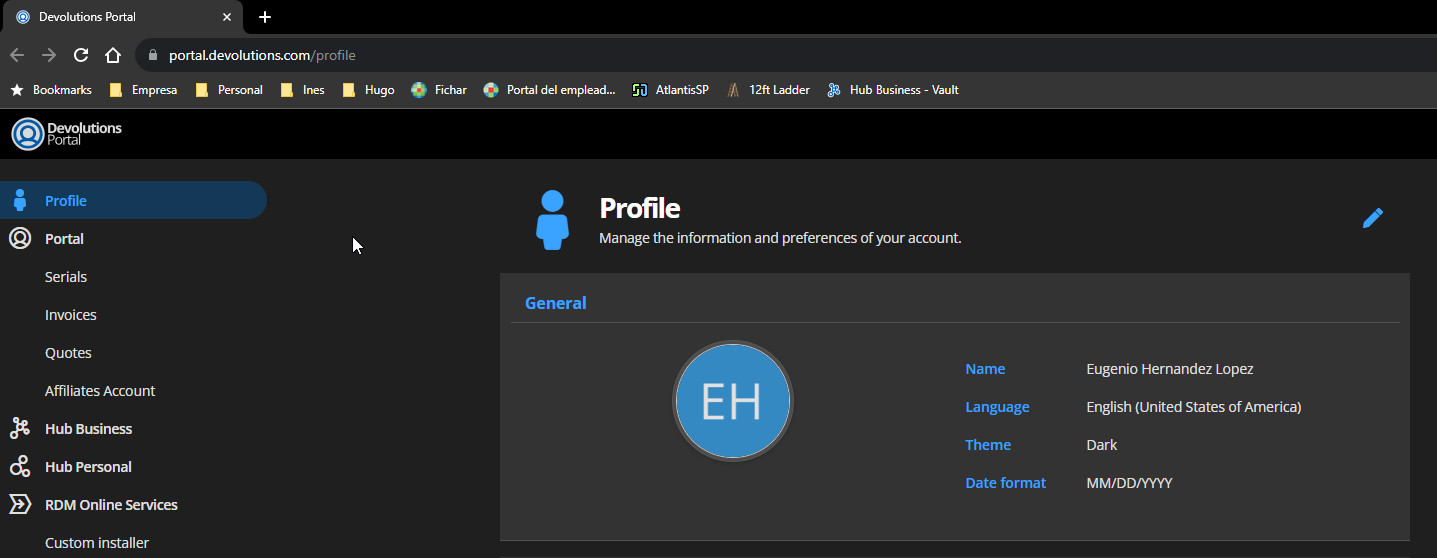
Even, RDM is connected to Devolution Password Hub in other Laptop, but not in mine.
Best regards
de7e488e-9939-422d-b904-9e6f5db027ae.png
Hello,
Would it be possible for you to create a portable installation of RDM and see if this issue still occurs? To do so, you will need to do the following:
1. Download the .zip file below: https://remotedesktopmanager.com/home/thankyou/rdmbin
2. Create a new folder on your Desktop.
3. Extract the content of the .zip file into the folder created at #2
4. Go to this folder once the .zip file has been extracted and run remotedesktopmanager64.exe
5. Connect to your data source.
This will tell us if the issue is tied to your local installation of RDM.
Best regard
Carl Marien