Dashboard fails to load after update to 2.24

This was working in 2.22, but after installing the update to 2.24, dashboard is blank.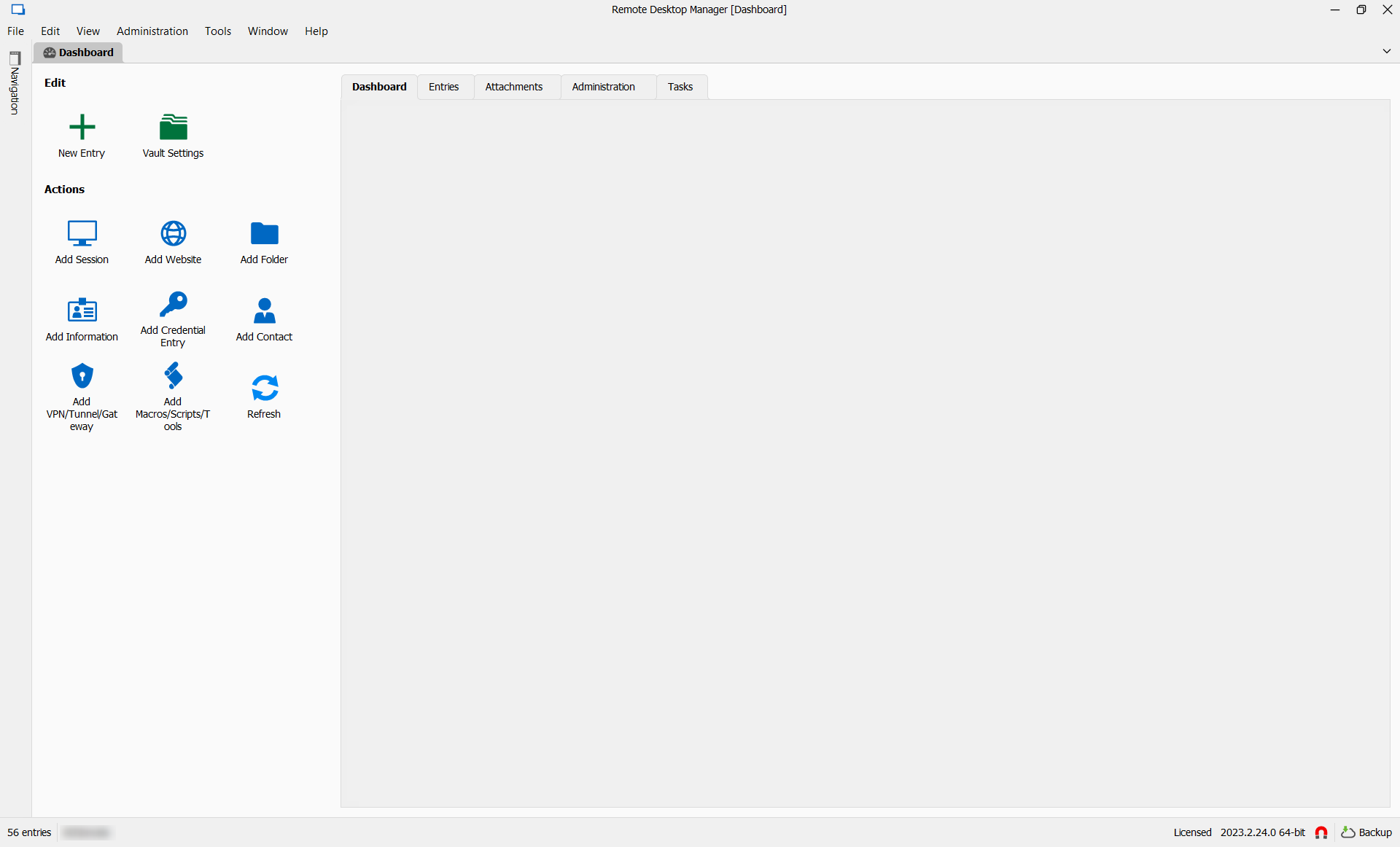
errDashboard.png
All Comments (9)
It isn't just the Dashboard that the Overview disappeared on.
It is each and every single entry within RDM.
--- Chuck
Overgaard, AZ (-7 MST / Zulu Year-Round)
RDM Version: 2026.3.2.0 64-Bit - Free
Hello,
Could you verify if you have WebView2 (Edge embedded) installed on your machine? I suspect that for an unknown reason, we are unable to load the local web page that we generate for the overview/dashboard.
Regards
David Hervieux
Verified and installed.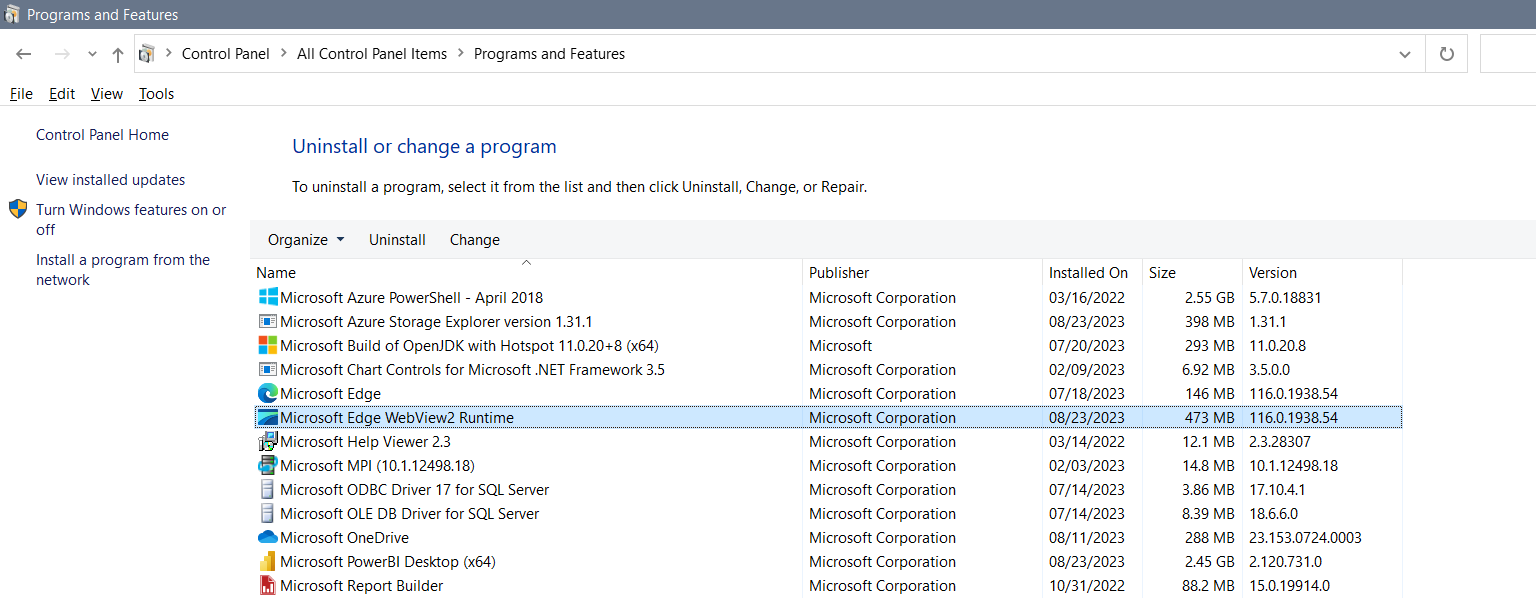
msWebView2.png
So the response I received in my post about this worked:
Hello,
We're aware of the issue you're encountering and have identified a workaround. Kindly follow the steps below:
1. Close RDM.
2. Open File Explorer and navigate to the local AppData.
3. Go to the "Devolutions" folder.
4. Access the "RemoteDesktopManager" directory.
5. Create a new folder and name it "Backup."
6. Move the file "RemoteDesktopManager.cfg" to the "Backup" folder.
7. Restart RDM; this should rectify the issue.
For a clearer understanding, please watch this video tutorial: https://devolutions.sharefile.com/d-s377081a216af49cabcc1f6f443d485a6
If the above steps don't resolve the issue, or if you have any other questions or concerns, don't hesitate to contact us.
Lastly, could you please send the backup folder to us? Our engineers would like to analyze it further. I've privately sent you a link where you can upload the folder.
Best regards,
HOWEVER.. It completely wipes out all configuration from RDM, and users will have to go back through RDM and adjust the configuration back to their likings.
--- Chuck
Overgaard, AZ (-7 MST / Zulu Year-Round)
RDM Version: 2026.3.2.0 64-Bit - Free
Believe I found the problem... By unchecking automatic sign-in at startup, the dashboard re-appears without issue.
Note: While I did bump my version to 2.25, the issue persisted until I unchecked automatic sign-in.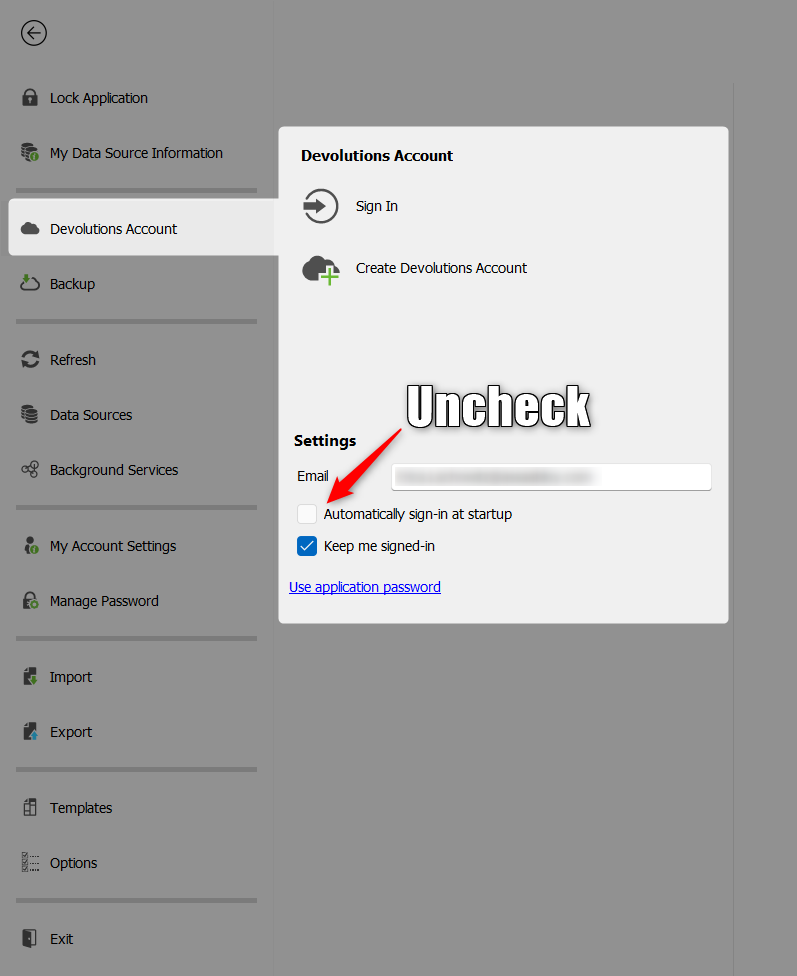
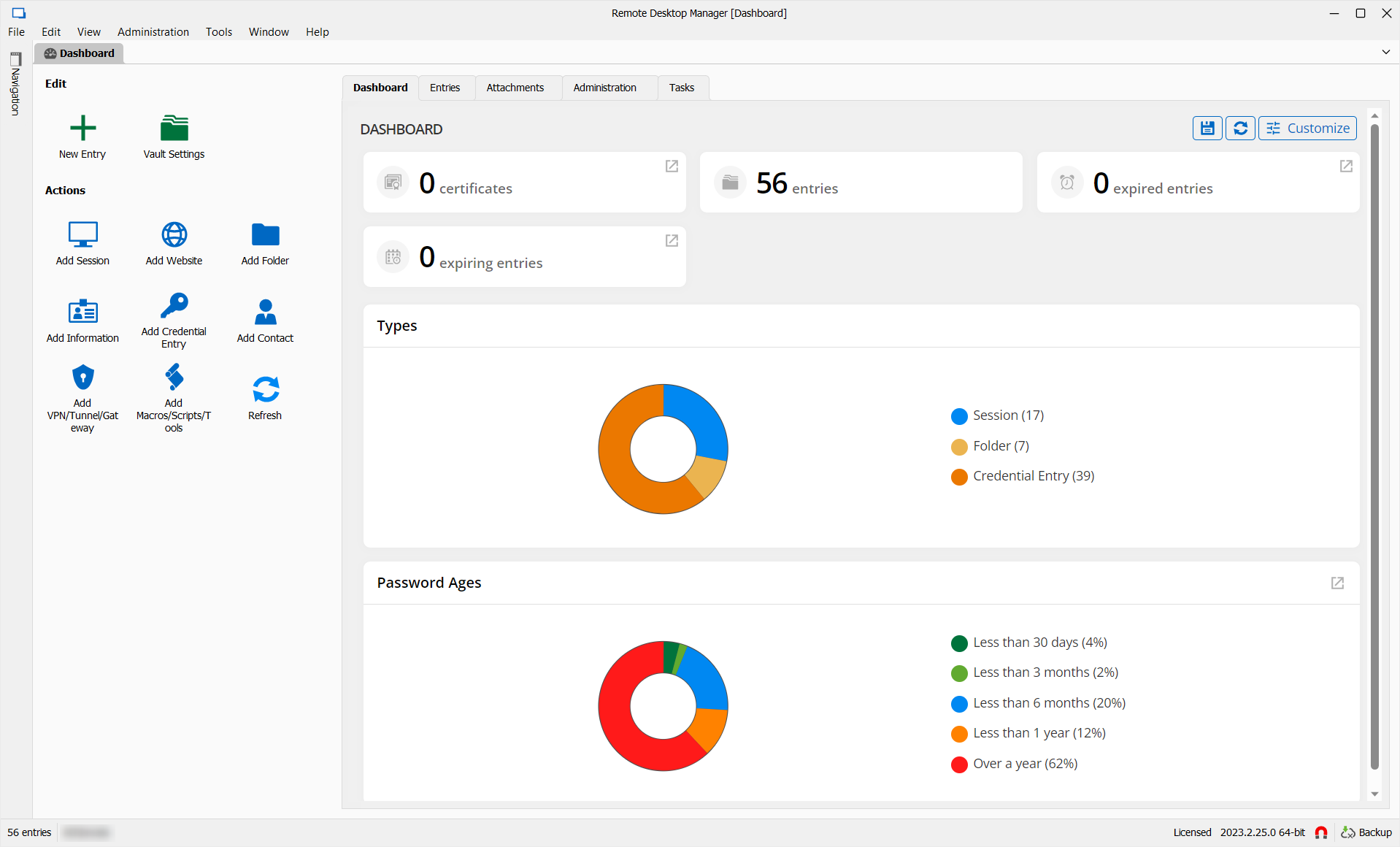
tempWorkaround2.png
tempWorkaround.png
I just did this as well and it fixed my issue, too.
I stayed on the release shown in my Signature.
Great find!
--- Chuck
Overgaard, AZ (-7 MST / Zulu Year-Round)
RDM Version: 2026.3.2.0 64-Bit - Free
Thanks!
I'm just glad to have found a simple fix until they can properly get this resolved (reconfiguring all your settings would be a huge time-suck). Further, while you can always export your configuration data, reimporting them into a "fresh instance" would have just toggled the switch back on (repeating the cycle).
Here's hoping 2.26 addresses the problem (backups are important and you won't always remember to manually log in).
hello,
We have reported this also to support, but the steps in this post did not resolve the issue. (In our situation)
It has been in the past few releases where this problem was noticed.
thx!
We have a fix for this issue. It should be released in the next few days if not sooner.
Sorry for the inconvenience.
Best regards,
Stéfane Lavergne