UI glitches at different DPI

we have the Remote Desktop Manager for Windows, with 10 user licenses
when screen DPI is set to 150 some windows (like one of the license/user management windows) don't show the OK/Cancel buttons, no way to save settings.
specifically when screen DPI changed to 150
setting File > Options > User Interface, and set the "Display scaling" option to "DPI Unaware" this helps,
BUT still have to max that little window to even see the buttons at 100 DPI.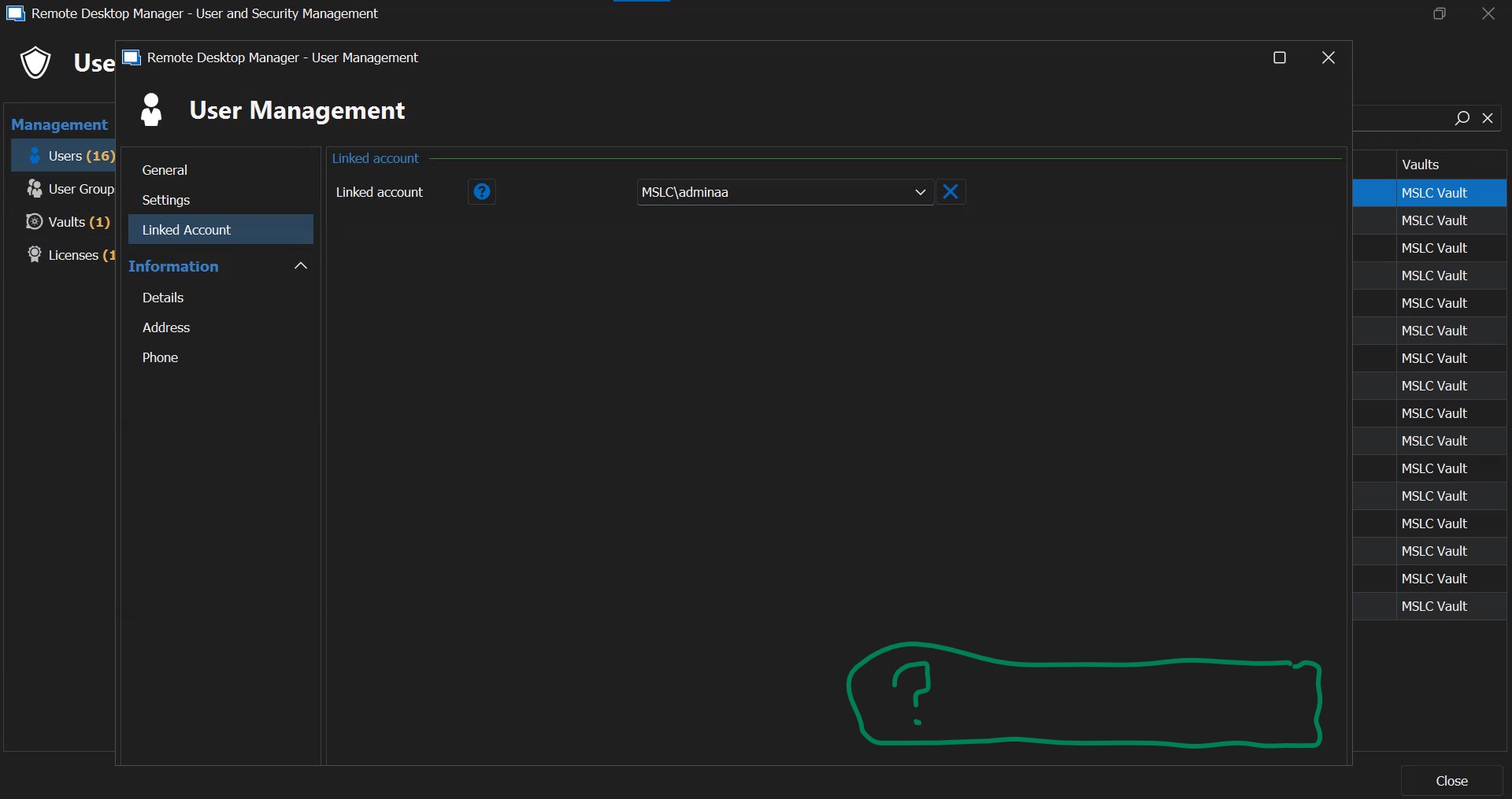
RDM-UI-glitch.jpg
All Comments (4)
Hello,
We are investigating the issue and will update you when we have more information.
Regards,
Jafran Majeau
Hello bpark,
Could you please provide us with your current RDM version number? You should be able to see it at the bottom right of your main interface.
Regards,
Jafran Majeau
we are on latest 2023.2.22
we noticed that the issue has been present since at least 2021 versions.
Hello,
We've done UI reworks recently that should be available this fall (with the 2023.3 version). Those include changes to the basic layout of several areas including the one you are experiencing issues with. These will likely fix the problem you presented. Once this version comes out, feel free to let us know if your problem persists.
Regards,
Jafran Majeau