## Micstro DNS

Hey guys.
I have setup a web-based profile. seems that it keep detecting the (discover) as IE , however when I open the profile it works fine. ( fo course it could not pass any paramters )
Attached. 
.png)
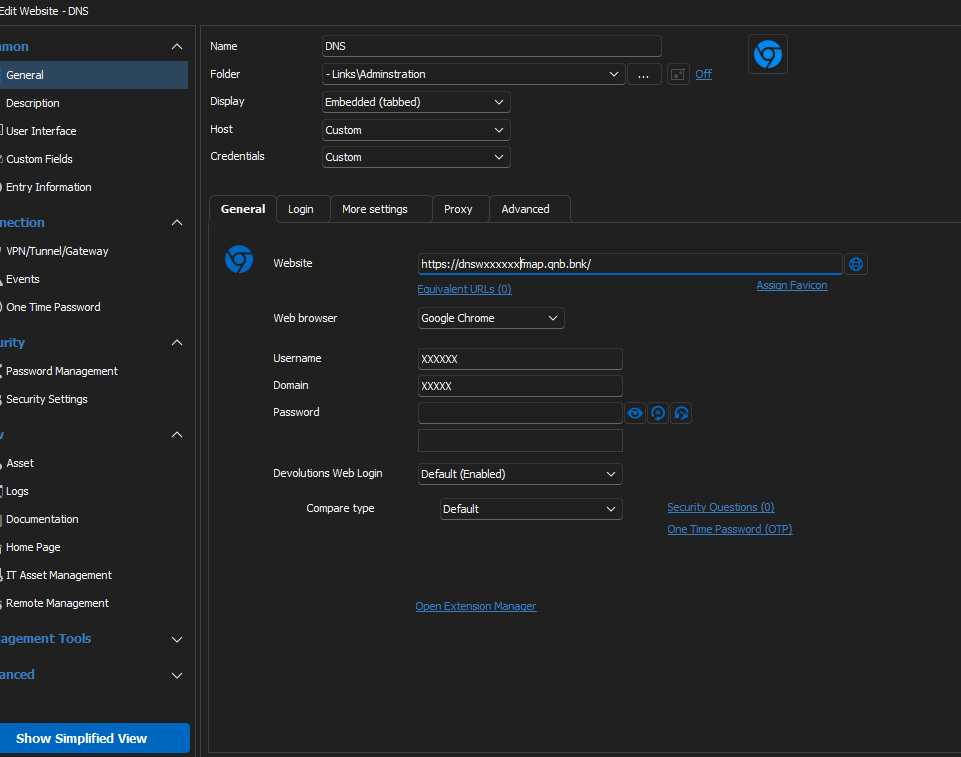
thumbnail_image002.png
thumbnail_image002 (1).png
thumbnail_image003.png
All Comments (1)
Hello,
Thank you for your patience,
It seems to me that the HTML Control IDs may be incorrect, despite what the "Discover" button may tell you.
I'm not able to to reproduce the issue, so this fact, along with what seems to be a Windows error message given from the wbe page leads me to believe that the issue may not be related to RDM, but rather how the web page is reacting to RDM.
It would perhaps be preferable for you to manually retrieve and add the proper Input IDs from the webpage in question and add them in their respective fields within the Website entry's properties.
You can find out how here: https://docs.devolutions.net/kb/devolutions-web-login/how-to-articles/website-authentication/
Best regards,