Keepass plugin not working

Hi,
I installed the latest update to RDM, and after it my Keepass Crendentials are gone, not working anymore. I tried to create a new Keepass entry but it's gone also.
I tried to reinstall everything (RDM, Keepass, plugins), restart everything, but it's not working anymore.
Can you help to solve the problem and work again with keepass.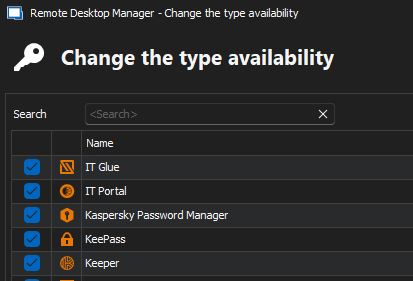
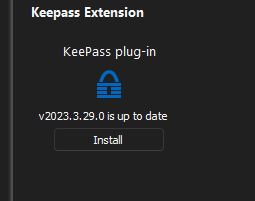
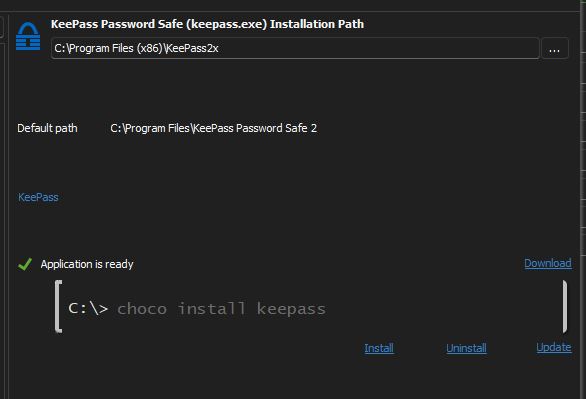
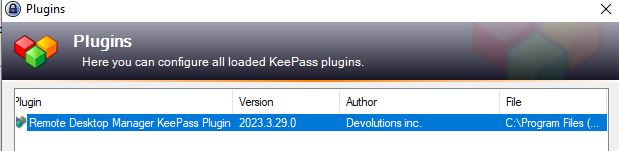
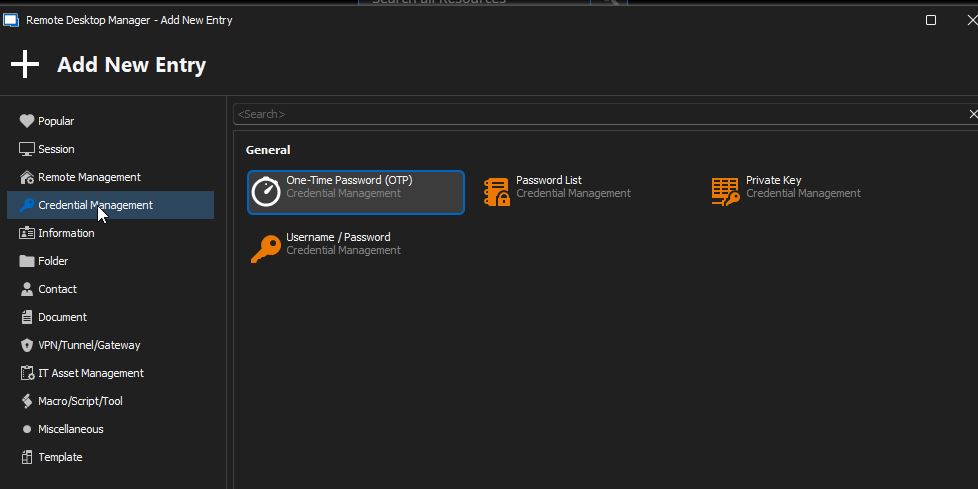
keepass4.jpg
keepass5.jpg
keepass3.jpg
keepass2.jpg
keepass.jpg
All Comments (1)
Hello,
Do you have your Remote Desktop Manager Registered (Enterprise Edition), if you do have a key, make sure that it is set under Administration - Licenses, from there, you will be able to add Keepass Entries again!
Best regards,
Etienne Lord