Adding Bastion entry causes NullExceptionError

Hi!
Adding a new entry with Azure Bastion causes an error for all our admins in both our test and prod environment.
Directly after trying to add one an error appears with "Unable to connect to the data source. Do you want to go in offline mode?"
Clicking yes just freezes your RDM and it has to be force restarted through task manager while clicking No gives you an error with NullReferenceException. Message attached.
RDM.txt
All Comments (4)
Hello Marcus,
Thank you for reaching out to us regarding your concern.
To assist you better, could you please specify the current version of RDM you are using and the type of data sources you have? Additionally, have you tried using the feature with MSTSC outside of RDM?
It would also be helpful if you could send us some screenshots of your entry properties. However, please keep in mind that this information will be visible to the community. We suggest that you hide any sensitive data before sending the screenshots.
We look forward to hearing back from you soon.
Best regards,
Patrick Ouimet
Hi!
Sorry was a little fast throwing out the post.
We just updated to RDM 2023.2.18.0 with a backend running Devolutions Server 2023.2.5.0.
Previously running 2022.3.
Our test environment is at the same version now but we tested 2023.1 in between. Using 2023.1 i was able to get the first UI after creating a bastion entry but the settings window was completely empty.
The problem is that the entry properties doesn't even show up. I pick Azure Bastion here to add as a new entry: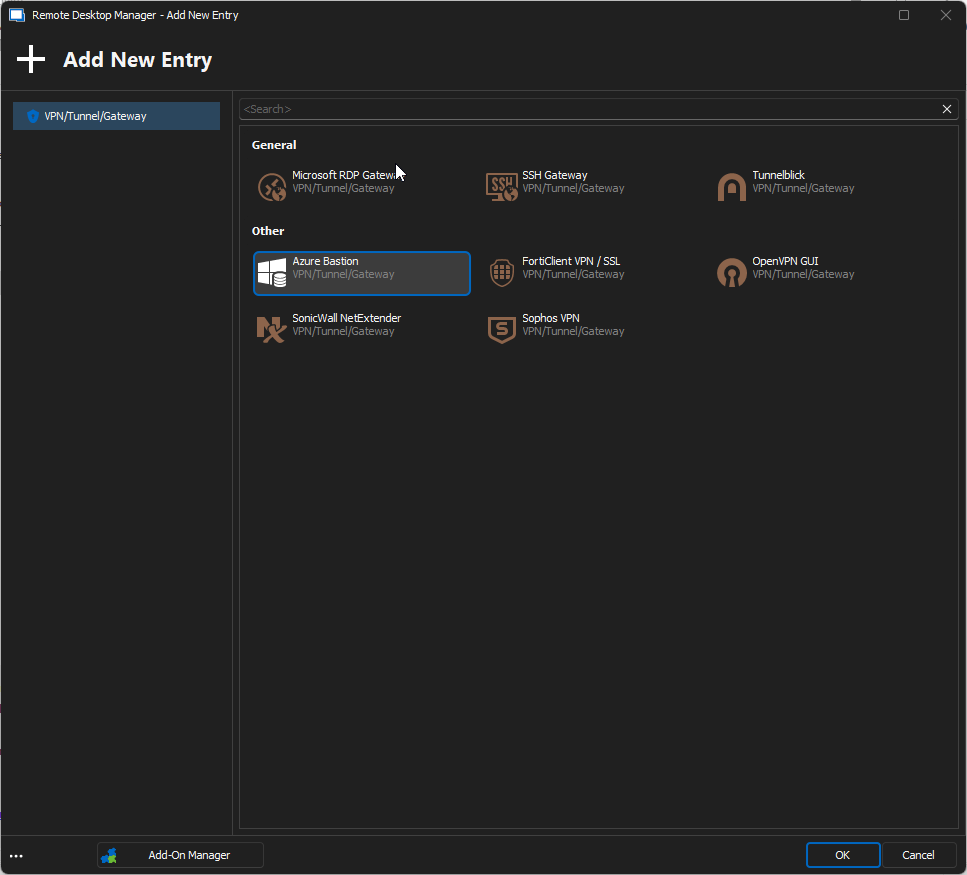
I get this error shortly after: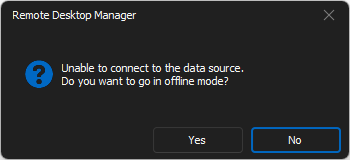
If I click yes the RDM window just freezes, if I click no I get this error and then after this error the RDM window freezes: 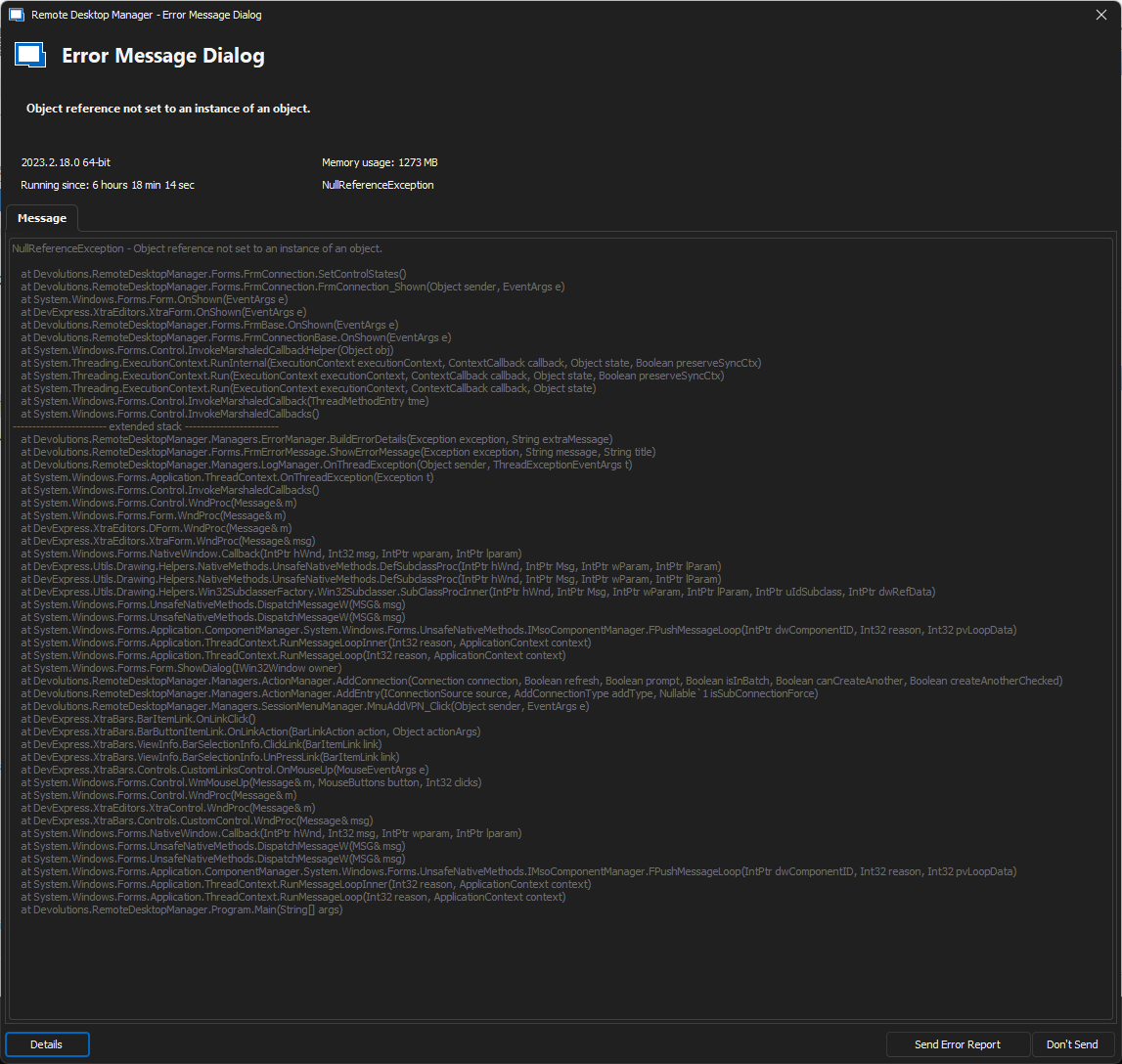
230808-15.41.40.png
230808-15.41.22.png
230808-15.41.02.png
Dear Marcus,
Thank you for your feedback. I would like to further investigate the issue you have raised by conducting a session with you. This will enable us to gather valuable information to aid the engineering department.
I have opened a case for you, and I will send you a private link through which you can schedule a meeting with me.
Best regards,
Patrick Ouimet
Hello,
We have not been able to reproduce the problem but we have added some protection to the code which will hopefully resolve the issue on your end.
The changes should be available starting from the next release of RDM (2023.2.23.0).
Please do let us know if you still experience the issue after updating to the above-mentioned version.
Best Regards,
Michaël Beaudin