Azure AD Login Prompt at RDM Start

 Hi all,
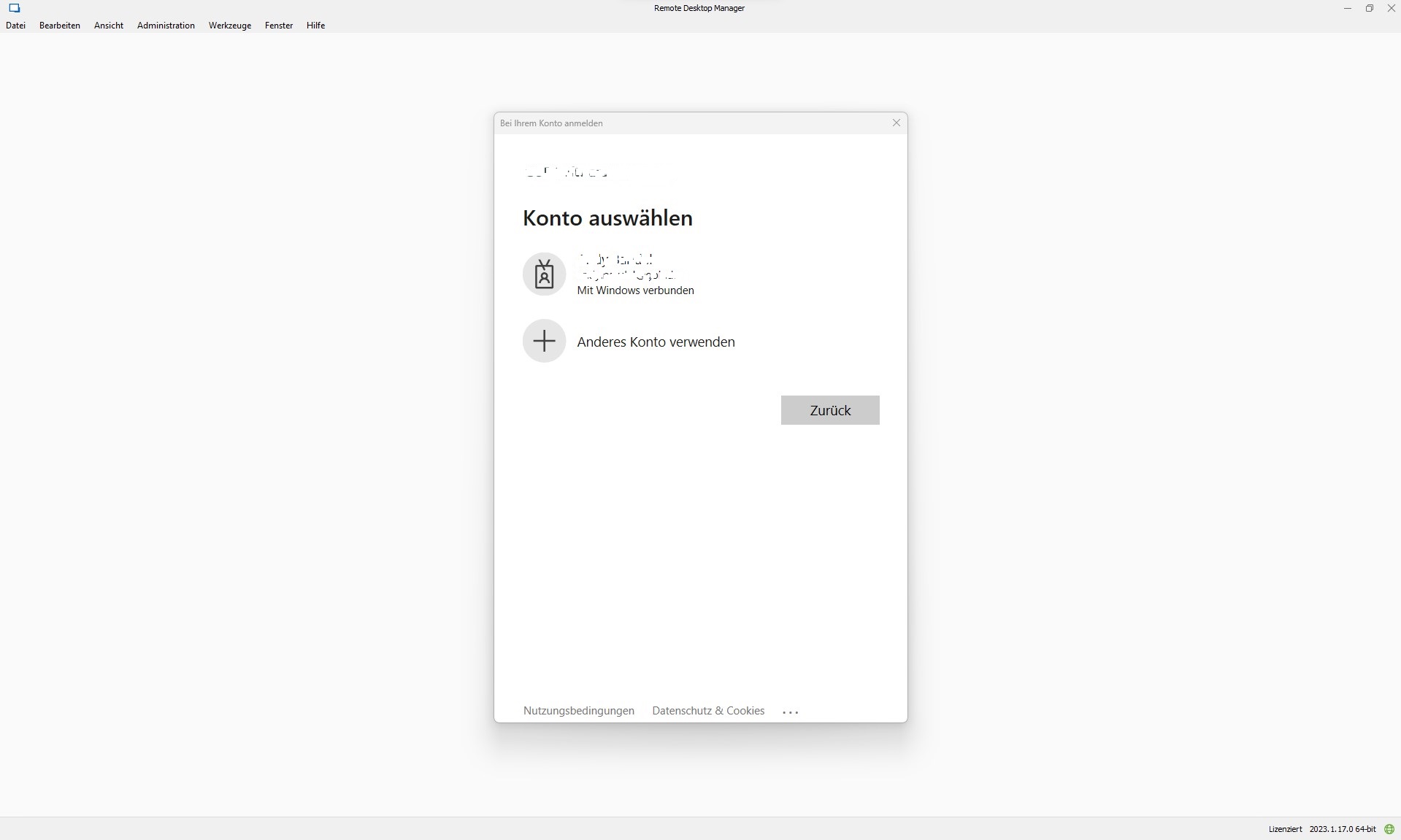
we use remote desktop manager with an Azure SQL data source and azure AD login. Since some update in the past, an Azure AD login prompt occurs every time RDM is started.
That's not too bad, because you can get further with one click, but it unsettles our users.
It wasn't like that before. RDM behaved similarly to Teams or Outlook and simply made a logon when the user already logged into Windows with their Azure AD account. Attached is an example of what I mean.
Does anyone know how to stop this?
Best regards
RDM_prompt.jpg
All Comments (4)
Hello,
Thank you for contacting us regarding this,
May I ask what your login method is set to in the Azure SQL configuration under File > Data Sources ?
Best regards,
Hi, yes, sure.
It´s Active Directory Interaktiv (with MFA-Support)
Best regards
Hello,
Thank you, I will inform myself further regarding this login method to see if the behaviour you're receiving is normal.
I believe it is, however I'll also see if there's a way to change that.
Best regards,
Hi,
When you chose Active Directory Interactive (with MFA support), we have no control over any of the login prompts, we send the command to the Microsoft library to authenticate and the rest is controlled by them.
Things to consider
- Has any Conditional Access Policy been added or changed recently that might have caused this to change in behaviour?
- If they are on an Azure AD joined machine, you can try Active Directory Integrated and see if works better for you.
Best regards,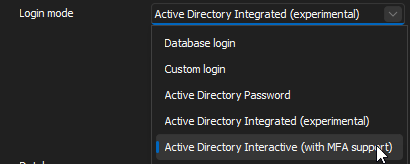
Stéfane Lavergne
df05517f-0731-4fc5-8d03-a4ad28db4c3c.png