Connect to Azure VDI / Cloud PCs
0 vote

Is it planned to support connecting to "Workspaces" like in the Remote Desktop and Azure Virtual Desktop apps?
Azure VDI and Cloud PCs are becoming more popular and they are inaccessible by RDM as of now.
Other companies, namely Teradici, have Azure VDI clients, so somehow it must be possible.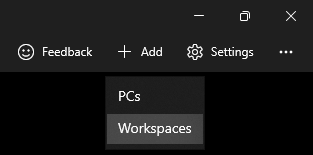
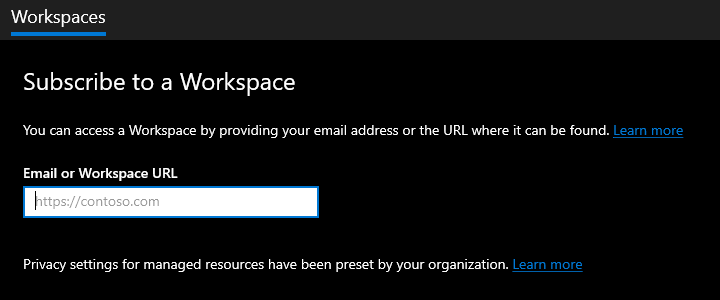
ApplicationFrameHost_V5jBMCjxP0.png
ApplicationFrameHost_ZrEAtgISpo.png
All Comments (10)
Hi,
We have partial Azure Virtual Desktop support in RDM. Microsoft provides no official third-party APIs for the integration, but we've managed to integrate MSRDC + AVD for external mode connections (embedded mode won't work). You can learn more about the work that has been put into it here:
https://blog.devolutions.net/2022/08/extending-the-microsoft-rdp-client-with-api-hooking/
https://blog.devolutions.net/2022/03/msrdc-is-now-supported-in-remote-desktop-manager/
There is no webfeed integration, so use the Microsoft app to fetch them, and them import the .RDP files into RDM from %LocalAppData%/rdclientwpf
Once this is done, change the "RDP Version" to "MSRDC" under advanced, and ensure that your RDP connection entry is set to the external mode.
Best regards,
Marc-André Moreau
I'm trying to follow these instructions, but after importing an RDP file from %LocalAppData%/rdclientwpf I'm not able to edit the "Advanced" settings - they disappear: 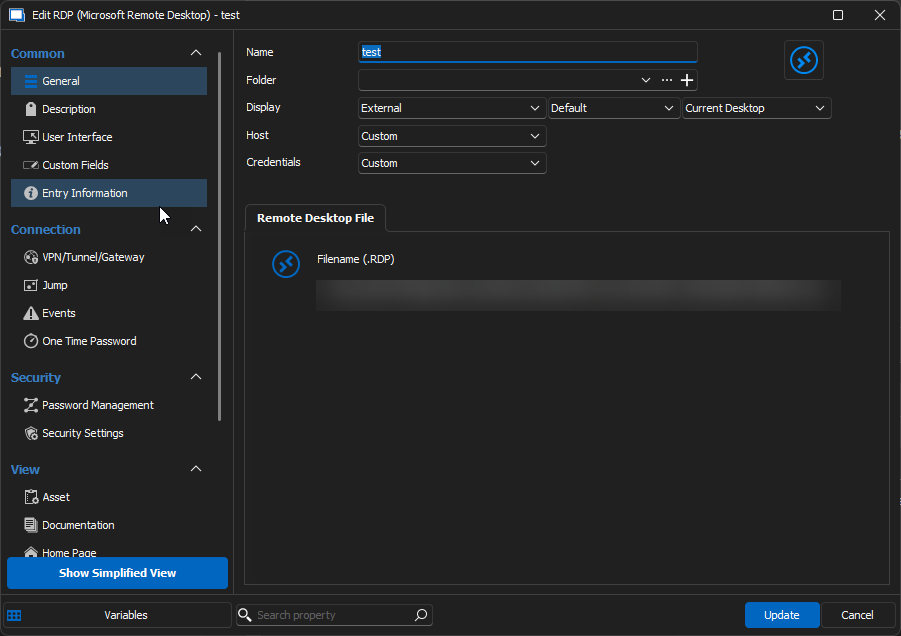
162de774-9a15-474e-8280-82c1f37ef180.png
You need to import the .RDP file into RDM, rather than link to the .RDP file on disk: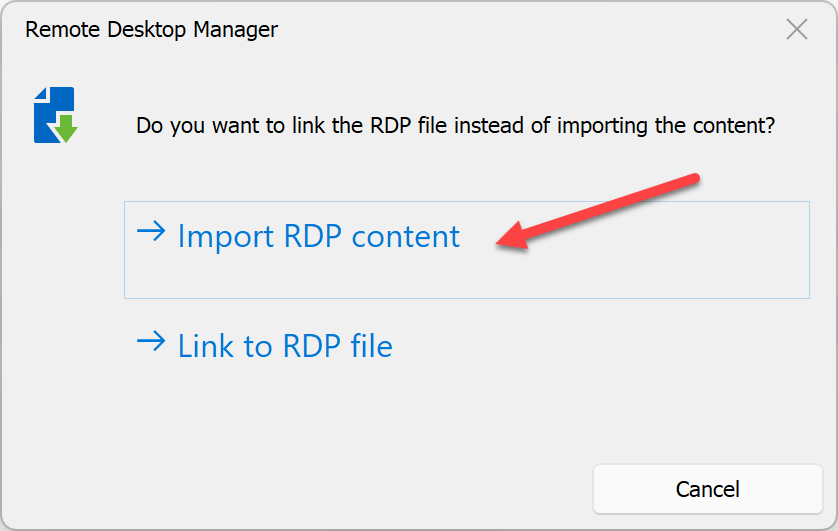
Best regards,
Marc-André Moreau
d23f9ccf-af5e-47d2-bff4-79e03fa0c8a7.png
Thanks for that tip - that worked. Unfortunately, after switching the connection type to MSRDC and launching, I got this error: 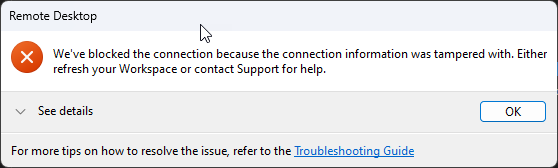
2cc0a68f-8be2-4482-9fa8-b2939bef2191.png
Can you re-export the .RDP file from RDM (it should be different from the original one you've imported), then install MsRdpEx, the same component used in RDM, and try launching your .RDP file this way from PowerShell:
& 'C:\Program Files\Devolutions\MsRdpEx\msrdcex.exe' .\AVD.rdp
If you can get the same error, it should be easier to try and debug this separately from RDM. I don't recall seeing "We've blocked the connection because the connection information was tampered with. Either refresh your workspace or contact Support for help." before, but for MSRDC to work with AVD connections, we had to use API hooking to disable the mandatory .RDP file signature check.
Now it looks like this error is also related to the signature check for AVD connections, so I'm really hoping Microsoft hasn't broken our workaround. What is your current MSRDC version?
Best regards,
Marc-André Moreau
Some odd findings here. Thanks for your guidance thus far!
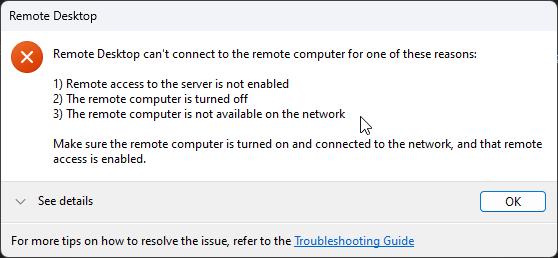
I followed these instructions. I was unable to get the re-exported .rdp file to work via MsRdpEx: 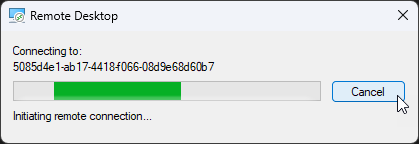
However, I was able to run the .rdp file found in %LocalAppData%/rdclientwpf successfully via MsRdpEx: 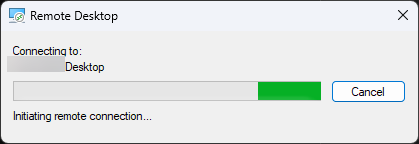
This same file does not work if imported into RDM after setting the RDP Version to "MSRDC". I'm using MSRDC version 1.2.4763.0.
a96b722a-09b6-4ff7-9531-c543a6ed12ce.png
04590977-2def-45d8-9829-48e6be486ad9.png
32665ce8-827d-4467-873c-3e7677a89ee7.png
e5a06df1-def7-411f-bafd-4a9003a85aa5.png
Hum... if it's trying to connect, then it must have passed the error you were getting from RDM. However, it looks like the VM was offline, and maybe became online for the second test? Can you send me both .RDP files in direct messages for me to compare and see if I can spot a meaningful difference?
Marc-André Moreau
Our AVD is set up to dynamically assign hosts, so if a host was offline, I'd be connected to one that was online. Also, I did try this multiple times with the same results so I think the offline/online theory doesn't work :(
Sent over the files via direct message for you to investigate.
Hi,
Can you also take the time to capture MsRdpEx logs, renaming the files so I know which one worked, which one didn't? The procedure is documented here. It would help me figure out more on the MSRDC internals as it goes through the "happy path" versus "failure path".
Best regards,
Marc-André Moreau
Hi,
I have found a regression in the .RDP file importer which unfortunately causes it to drop most important properties in the internal RDM XML format. I have pushed a fix which should be available in the next release (2023.3.34). Until then, I don't have an easy workaround, sorry about that.
Best regards,
Marc-André Moreau