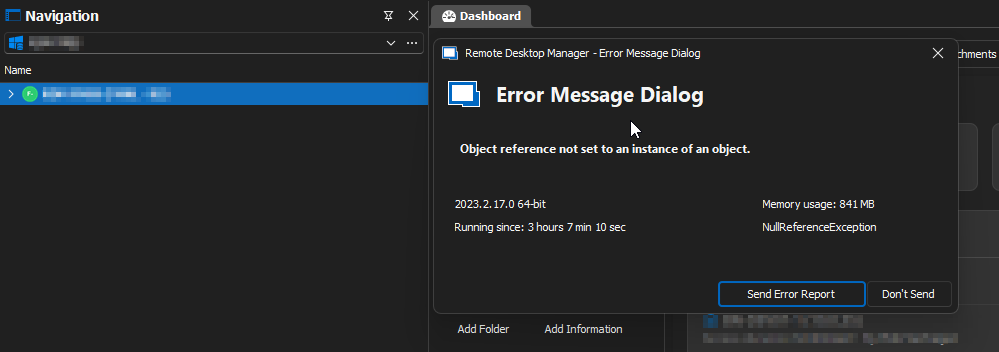
2023.2.17 - Error Message Dialog when clicking on "Connect" on a RDP Session
2023.2.17 - Error Message Dialog when clicking on "Connect" on a RDP Session

Hello,
I also just sent an Error Report, but 2023.2.17 has a big problem with RDP sessions and reconnect. It just does not work... ;)
NullReferenceException - Object reference not set to an instance of an object.
at Devolutions.RemoteDesktopManager.Managers.ActionManager.Reconnect(Connection connection, Boolean isKeepTabOpen)
at Devolutions.RemoteDesktopManager.Frames.FreEmbeddedPinnedToolbar.Reconnect()
at Devolutions.RemoteDesktopManager.Frames.FreEmbeddedPinnedToolbar.ButConnect_Click(Object sender, EventArgs e)
at System.Windows.Forms.Control.OnClick(EventArgs e)
at DevExpress.XtraEditors.BaseButton.OnMouseUp(MouseEventArgs e)
at System.Windows.Forms.Control.WmMouseUp(Message& m, MouseButtons button, Int32 clicks)
at System.Windows.Forms.Control.WndProc(Message& m)
at DevExpress.XtraEditors.XtraControl.WndProc(Message& m)
at DevExpress.Utils.Controls.ControlBase.BaseWndProc(Message& m)
at DevExpress.XtraEditors.BaseControl.WndProc(Message& msg)
at System.Windows.Forms.NativeWindow.Callback(IntPtr hWnd, Int32 msg, IntPtr wparam, IntPtr lparam)
------------------------ extended stack ------------------------
at Devolutions.RemoteDesktopManager.Managers.ErrorManager.BuildErrorDetails(Exception exception, String extraMessage)
at Devolutions.RemoteDesktopManager.Forms.FrmErrorMessage.ShowErrorMessage(Exception exception, String message, String title)
at Devolutions.RemoteDesktopManager.Managers.LogManager.OnThreadException(Object sender, ThreadExceptionEventArgs t)
at System.Windows.Forms.Application.ThreadContext.OnThreadException(Exception t)
at System.Windows.Forms.Control.WndProcException(Exception e)
at System.Windows.Forms.NativeWindow.Callback(IntPtr hWnd, Int32 msg, IntPtr wparam, IntPtr lparam)
at System.Windows.Forms.UnsafeNativeMethods.DispatchMessageW(MSG& msg)
at System.Windows.Forms.UnsafeNativeMethods.DispatchMessageW(MSG& msg)
at System.Windows.Forms.Application.ComponentManager.System.Windows.Forms.UnsafeNativeMethods.IMsoComponentManager.FPushMessageLoop(IntPtr dwComponentID, Int32 reason, Int32 pvLoopData)
at System.Windows.Forms.Application.ThreadContext.RunMessageLoopInner(Int32 reason, ApplicationContext context)
at System.Windows.Forms.Application.ThreadContext.RunMessageLoop(Int32 reason, ApplicationContext context)
at Devolutions.RemoteDesktopManager.Program.Main(String[] args)
Brgds Andreas
0c3ddbde-954b-4af7-994f-963c6b5032c1.png
All Comments (5)
Same here (also sended error-report via RDM) but then only most of the times changing/editing RDP session. After changing the focus in the navigation is fully collapsed and expanding it then there are maps/sessions missing. Only a restart gives all maps/sessions again available (with the change/editted values). Also happening in version 2023.2.14.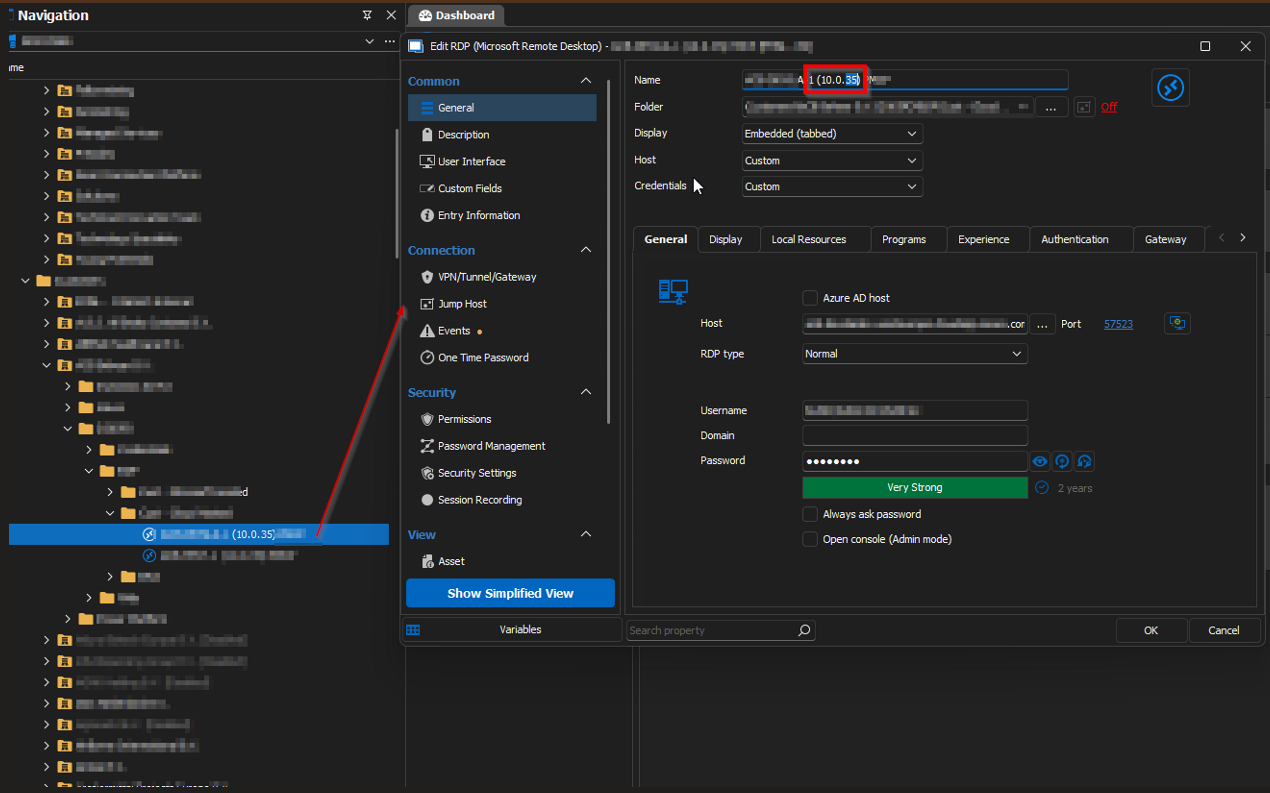
Regards, Marcel
RDMResult.png
RDMOptions.png
Hello,
Thank you for posting, we are aware of this issue and it will be fixed with 2023.2.18.0. For now you can either revert to 2023.2.14.0 or wait for the fix. We are hoping to release this update later this week.
Regards,
Hubert Mireault
Thanks a lot!
A workaround I found is to click on "Connect When Available" while the server is rebooting and when it is available the reconnect works...
Brgds Andreas
Hello,
With 2023.2.18 the problem is fixed. Thanks a lot for your help!
Brgds Andreas
Thanks for the feedback, Andreas! Glad to hear it works for you.
Regards,
Hubert Mireault