Disable File Explorer Pane in SSH Sessions?

I've gotta be missing something really simple, but I can't figure out how to disable the file explorer pane in SSH sessions.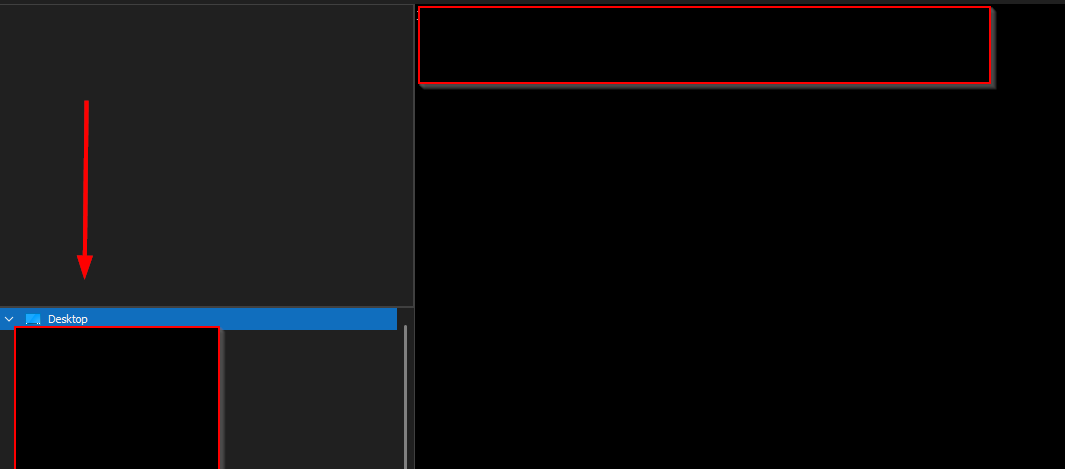
c9322262-72a4-49b8-b955-2bafb6a39a07.png
All Comments (2)
Hello,
Are you talking about SSH Shell sessions?
If so you will need to press the toggle button "SFTP" in your embedded view. It is situated here :
However, the file explorer should not be activated by default. If it is present when launching your session, please check its properties and see if this is activated :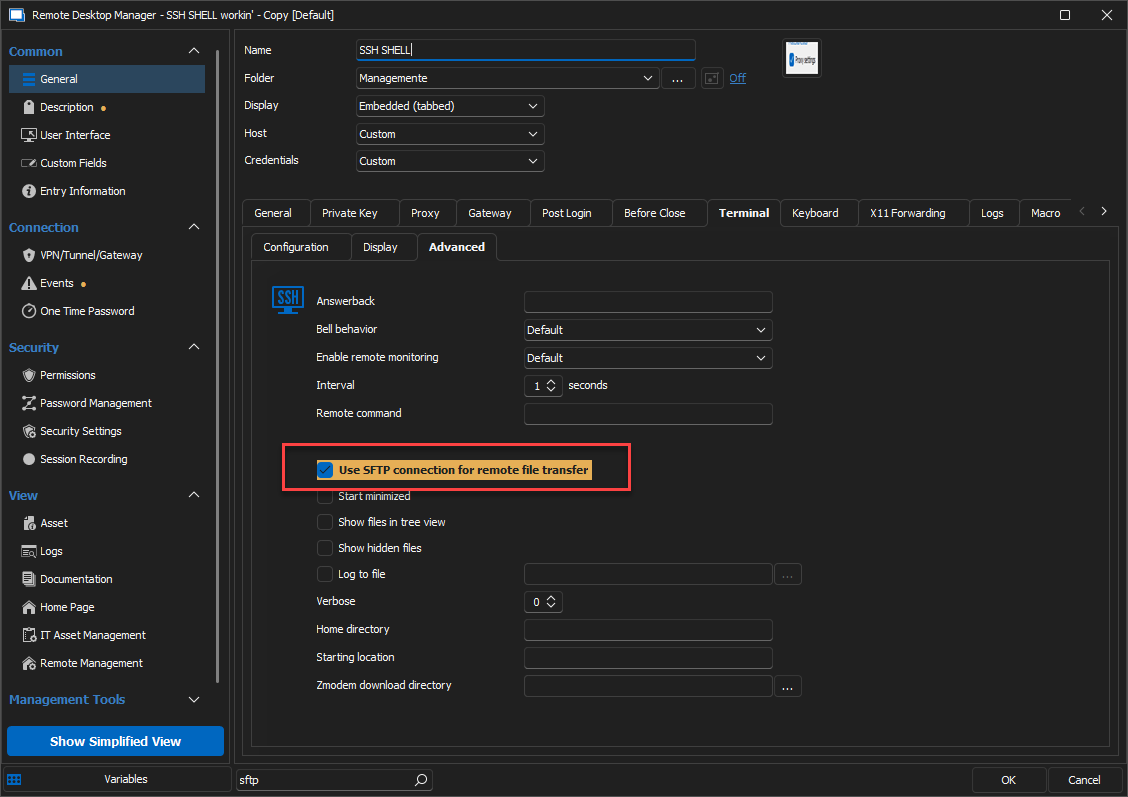
Unchecking this setting should launch your SSH Shell session without the file explorer. It can be activated at a later time with the "SFTP" button.
Best Regards,
Michaël Beaudin
2409642f-8d4a-4aed-bdb4-1c2acffa1be0.png
46c77ac6-a51c-4980-8de4-3e0b253e74c8.png
OK, thanks. For anyone else who finds this post, the session setting is under General -> Terminal tab -> Advanced tab