Can't access my RDM online Database! **urgent*

Following a computer reboot, I proceeded to open RDM (Remote Desktop Manager) and was prompted to log in. However, upon successful login, I discovered that only the local database was visible.
Do you have any suggestions or insights on how to address this issue?
Running the latest version
i see only local Datastore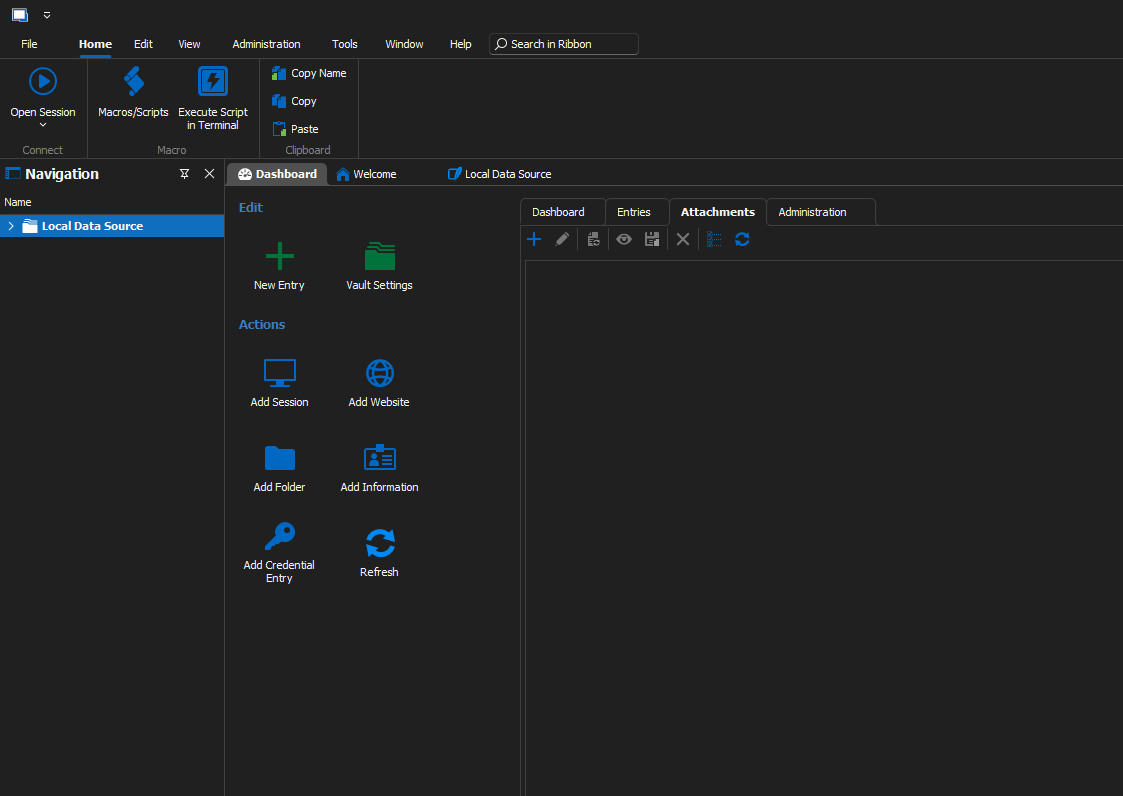
ea0f269a-dbf9-4ff9-8663-f83e704932a2.png
All Comments (8)
Hello,
Few quick question to try to help you?
Do you use the latest RDM version?
Is it possible that you have just updated from an old RDM Free version? If it's the case, it's possible that the old cfg was not migrated (you can search for remotedesktopmanagerfree.cfg on your computer). The new one is named remotedesktopnamanger.cfg
It's also possible that you just have to add in File->Options-Data Sources your DOD data source configuration.
Regards
David Hervieux
running this version 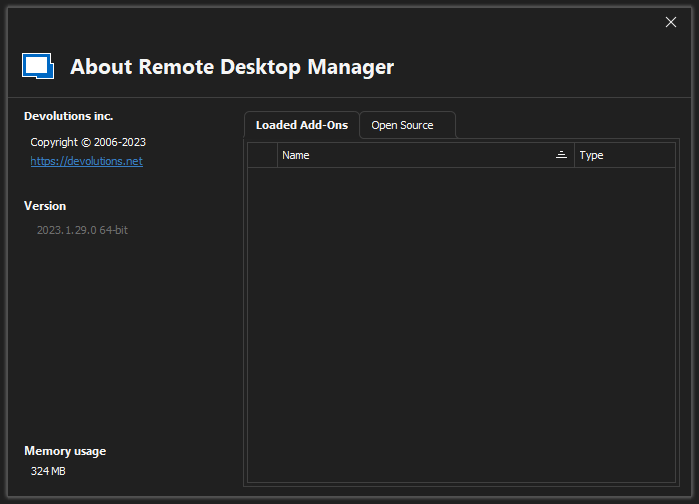
dfd73788-b1b4-4803-806d-09414a358ea6.png
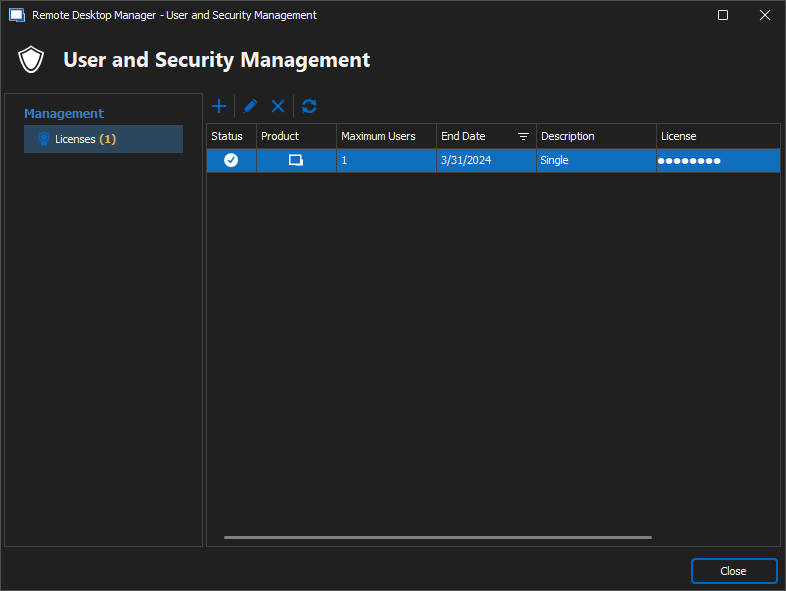
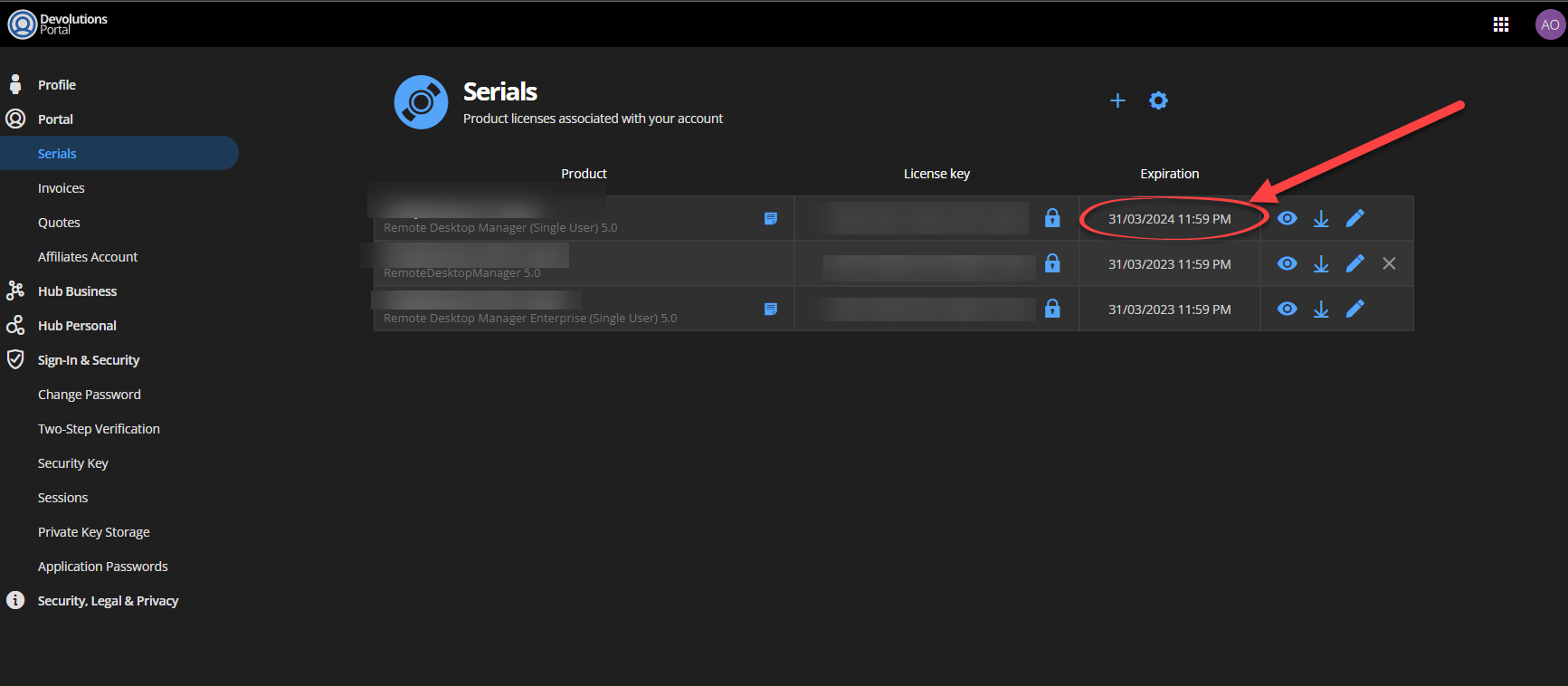
c17f71c2-2e6f-4101-a084-b3f9726b4177.png
e0c3adb9-a229-4966-9cde-40800bd6cd95.png
Thanks for the quick answer. Do you see your DOD when you go to the portal here:
https://rdm-online-services.devolutions.com/online-drive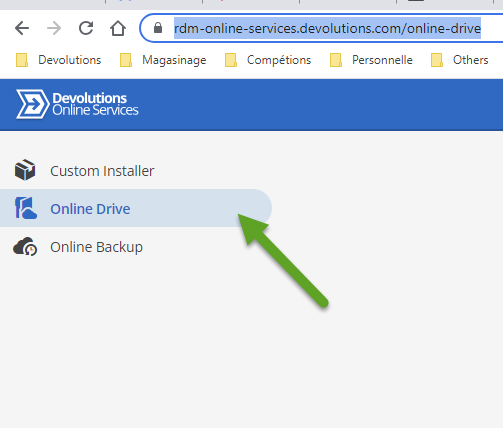
David Hervieux
8514c4f8-604d-4e50-b2c8-704a6f380ee1.png
yes 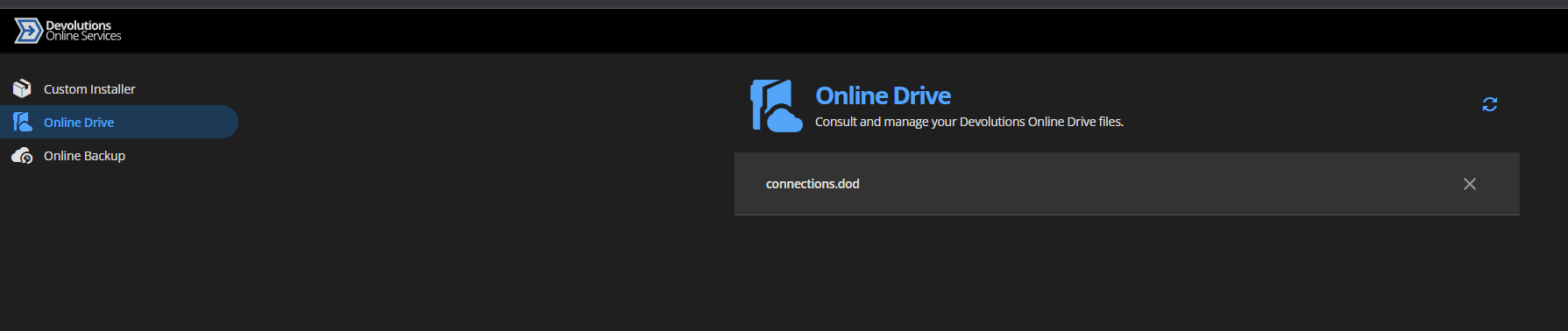
1001d8b4-9eda-4297-9579-ed6551cf557b.png
You could try to add it back in the RDM configuration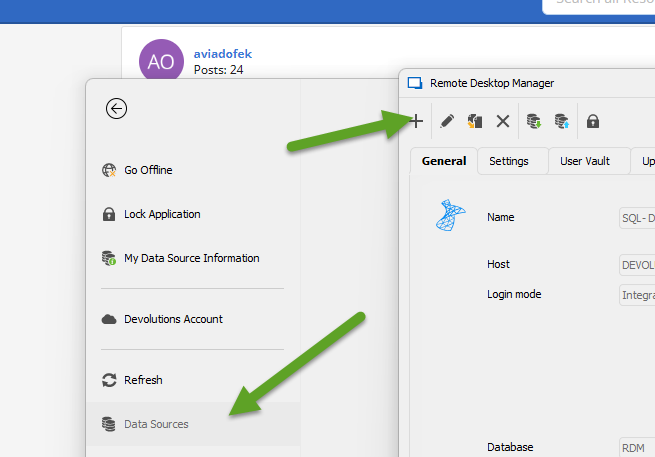
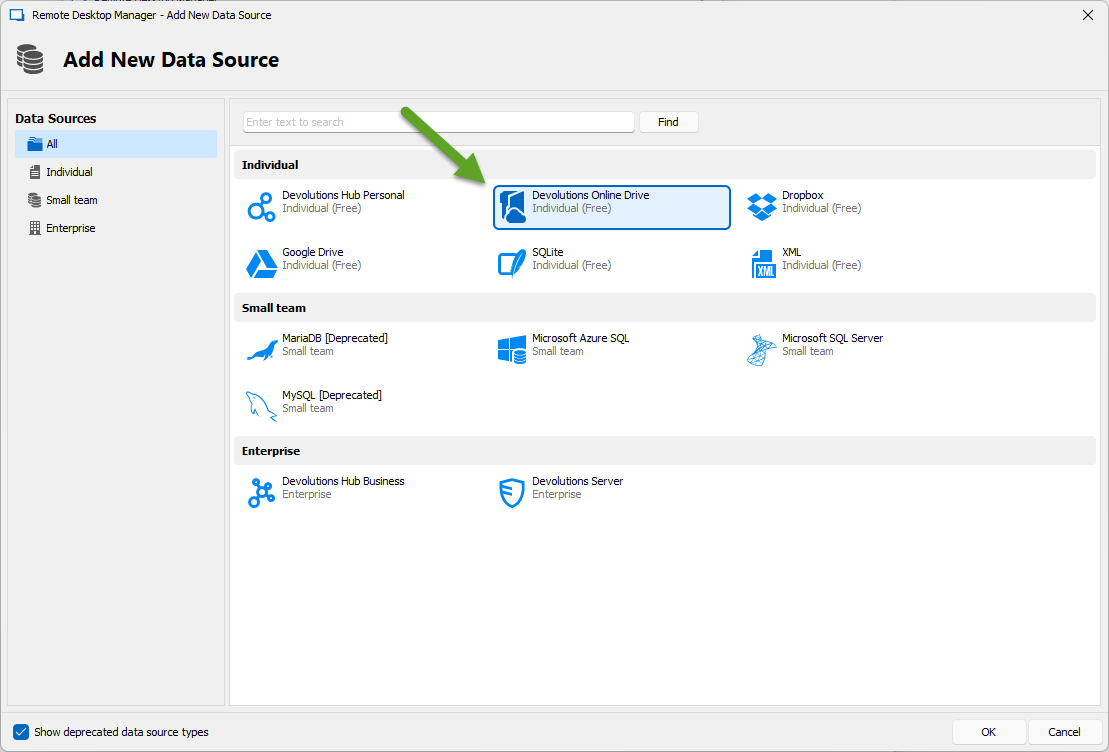
Regards
David Hervieux
0deedee6-303a-462e-a95a-6a60fca14d9f.png
5916c4c8-b533-43d2-b18f-4a9c8db35ab6.png
what is it ?
should i enter my password? 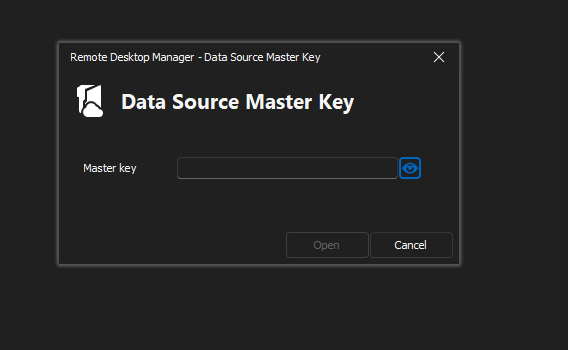
55dabd80-1aa8-417a-9541-1603cc661e07.png
download.png
now all OK
Thanks!!!!!!!!!!!!!!