RDM connection to KeePass

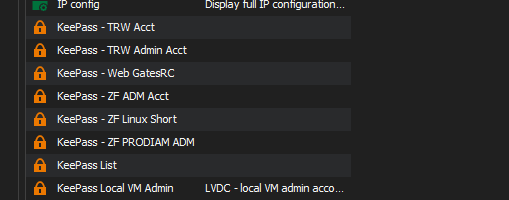
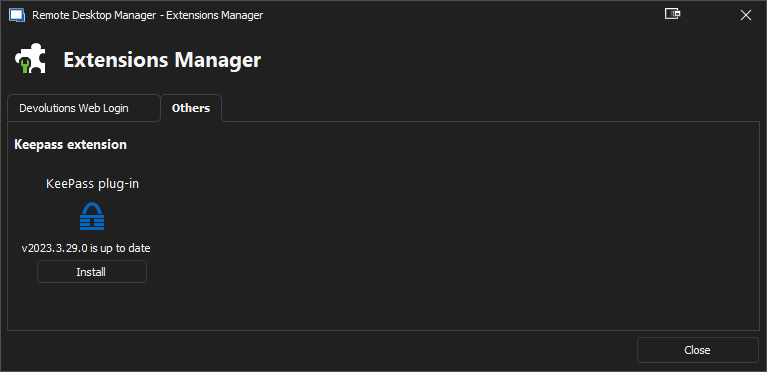
Hey, I have RDM version 2023.1.23.0 and KeePass version 2.54 installed with a local Data Source in RDM. I have KeePass Plugin 2023.3.29.0 install in KeePass, I also see in RDM, that the KeePass extension installed and it says it's up-to-date. I have some older entries for connection to KeePass credentials in RDM, and they work. I have added a couple of other credentials to KeePass and want to link them to RDM to use them in RDM. When I go to "Add Credential Entry", I don't see a KeePass option anymore. All I see is "One-time Password, Password List, Private Key and Username/Password". How do I add the new KeePass credentials?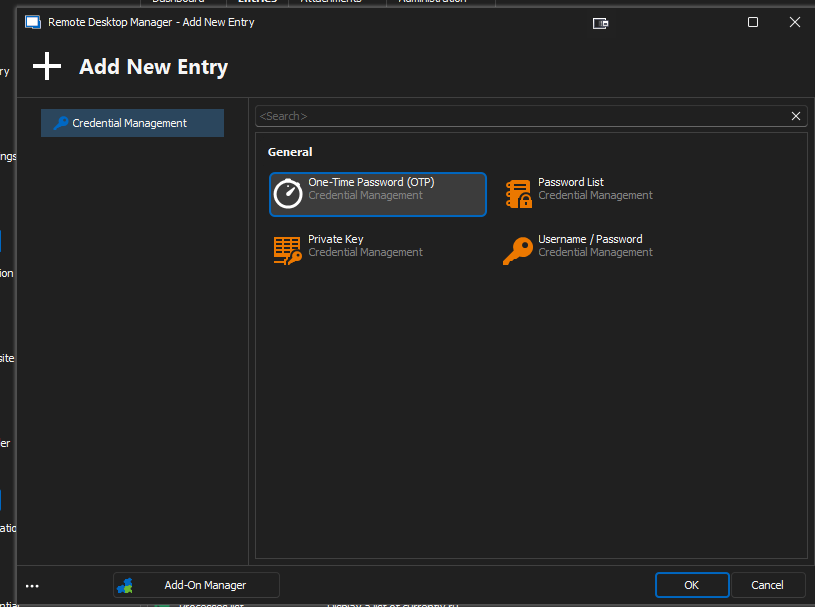
From KeePass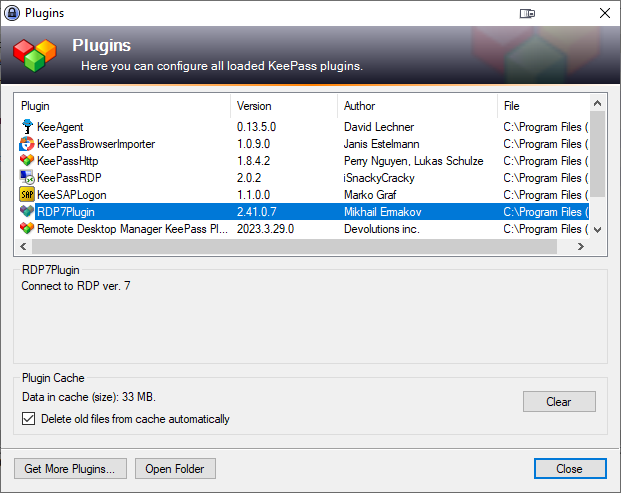
1d65cae7-aca1-4c20-88ca-4fca3fa44c45.png
a283bcdb-3db1-47cb-a7d0-2ee94dfed2a2.png
e8f3332b-dfc4-4bca-b499-790e5ba44e2b.png
41e15163-7e15-4dc3-b020-658db6d259b7.png
All Comments (1)
Hello Ricky,
Thank you for reaching out to us regarding this,
I see, I believe your current data source is not registered, you can add your RDM Team license by going under "Administration" -> "Licenses" once added you should be able to see the credentials manager entry types such as KeePass.
Let me know if this helps,
Best regards,
Samuel Dery