"Ghost" folder...

Hello,
I notice a strange behavior with my RDM admin user since a few months. This user has no entries in RDM and is only used for administration of the vault. But I created once some templates with it in his user vault, but deleted everything after I finished them.
Now when I open RDM with this admin, sometimes this root folder appears again. I delete it and then it is gone for some time, but the next day or so it appears again. Unfortunately I have no way to reproduce it directly, but I also have it with the current beta. I saw the folder yesterday, deleted it, and today it is there again and I deleted it...
Brgds Andreas
All Comments (3)
Hello Andreas,
When the folder is visible, please go in Help - Diagnostic - Data Source and send us the versions you have at the bottom of the report.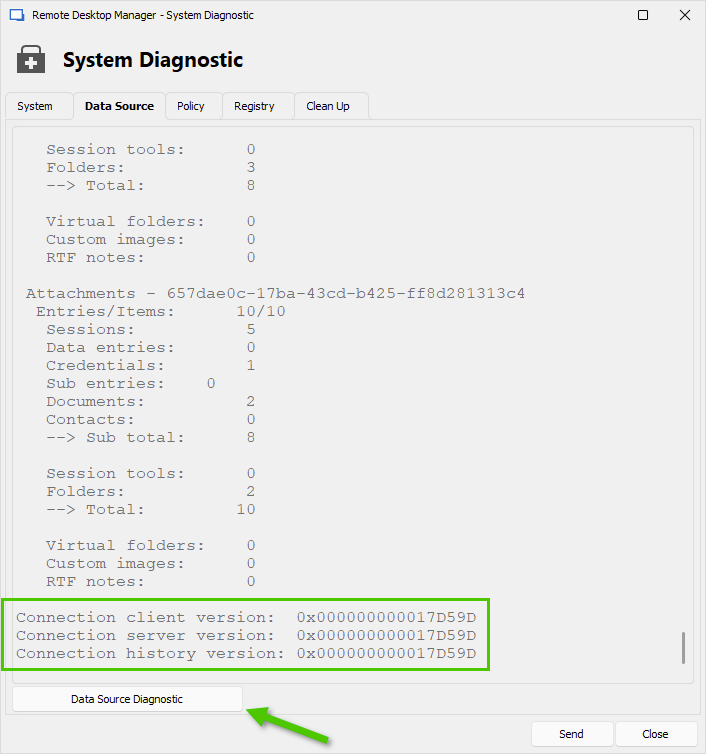
If the versions are closed, then open the Data Source Diagnostic report. Do you see any Duplicate groups or Virtual folders?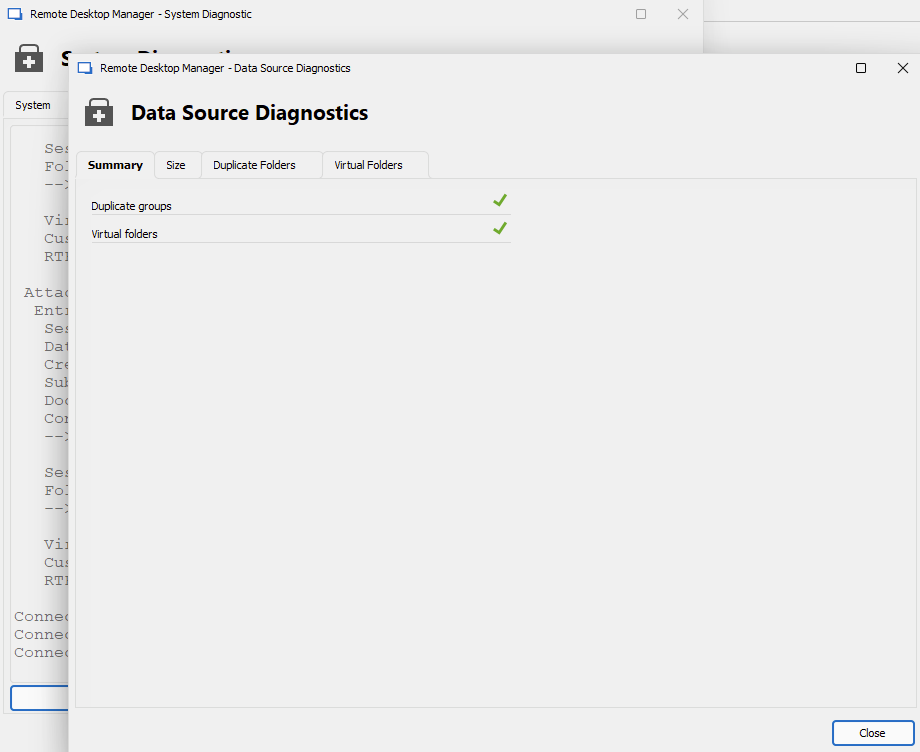
Best regards,
Érica Poirier
52a4f851-786d-4848-9766-fef0fb0b6347.png
93365d18-6e7e-4455-83b7-ee13471fa17c.png
Hello Erica,
It just happened again - i opened RDM, no folder there, and 1 or 2 minutest later it just appeared...
Connection client version: 0x00000000000566D5
Connection server version: 0x00000000000566D5
Connection history version: 0x00000000000566D5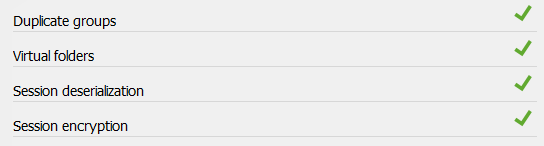
But I am able to reproduce it now! :)
If I click on Administration, Users, Close, the folder is shown. I delete it, click again on Administration, Users, Close and it is there again! As long as I don´t open the Users, the folder does not appear!
What I also noticed - after I deleted the folder, I see this at Help, Diagnostic, Data Source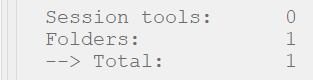
Brgds Andreas
1daadbff-6bc2-4223-83ea-ff88f1cadee0.png
332c549b-c74f-45b6-9cc8-527726f7a54f.png
Hello Andreas,
Thank you for your feedback.
Is the templates still exist and is the folder came from one of these templates?
When you see the folder, could you please get its ID and verify if this ID exists in the Connections table in the database?
Best regards,
Érica Poirier