Unable to get user information for Devolutions Cloud

When I try to connect to Devolutions Hub Personal, browser window opens with a success message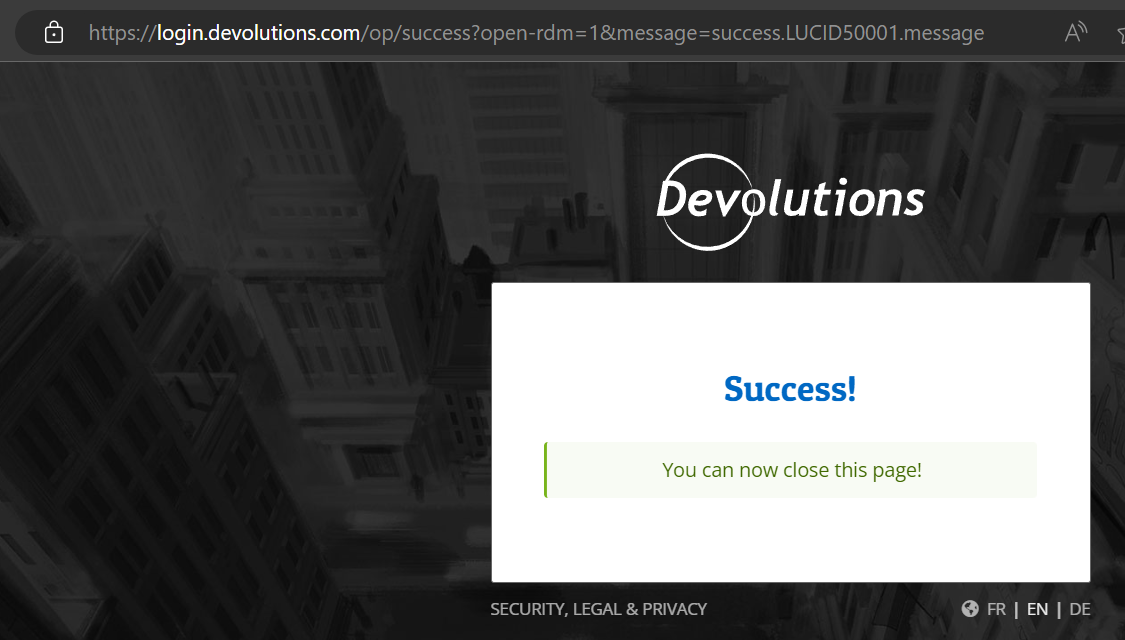
but in RDM I get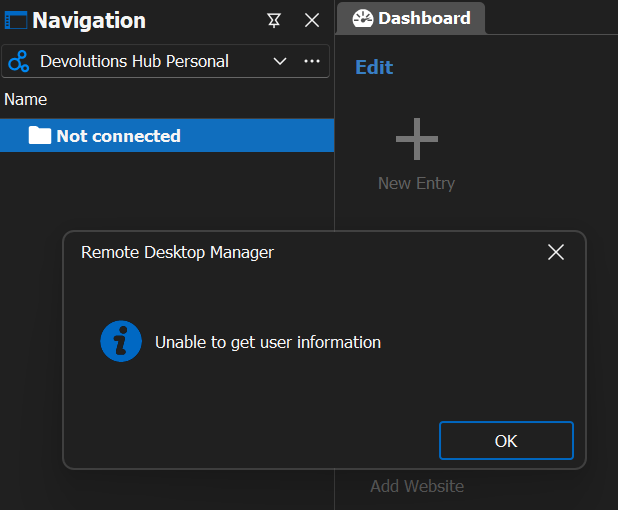
What should I do to resolve this?
Thanks!
- Petre
cbae7afe-a078-4e36-a4a7-4344b8fb810f.png
320f127c-33e9-4765-8b8f-a7cc2d742b6c.png
All Comments (10)
Hello Petre,
Could you please go to https://hub.devolutions.com/ and make sure the Hub Personal loads properly, and then try in RDM again.
If it still fails, can you please try with the latest version of RDM? https://devolutions.net/remote-desktop-manager/home/download
Best regards,
Richard Boisvert
Hello Richard,
The Hub Personal loads properly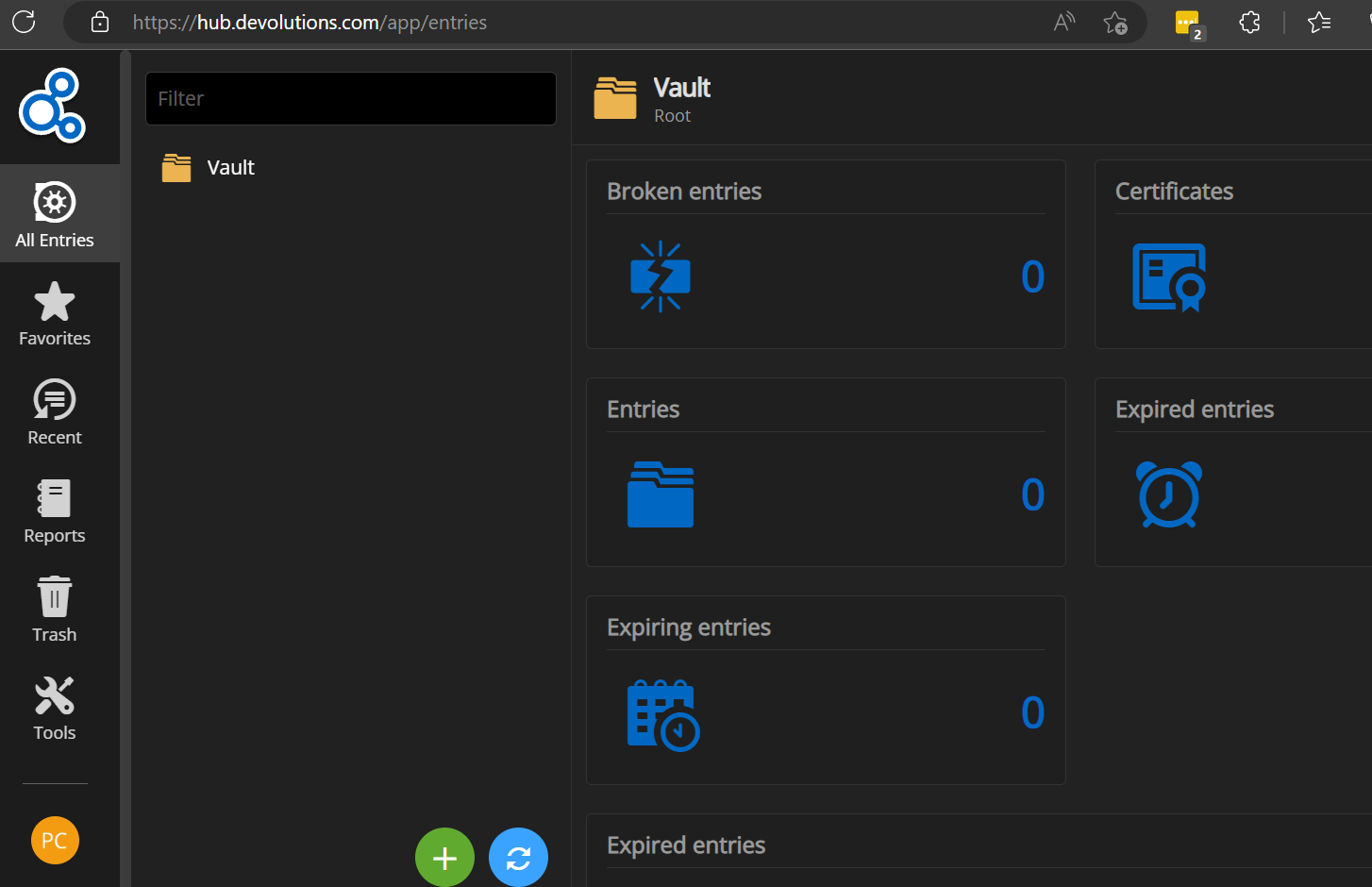
I have the latest version of RDM 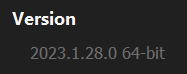
Still, same issue.
Thanks!
- Petre
37294e67-d973-40d3-a03d-332027b3837e.png
4ab10f54-1be2-45c0-8eed-78f3f4b9dd12.png
Hello Petre,
It loads properly on my end with the same version: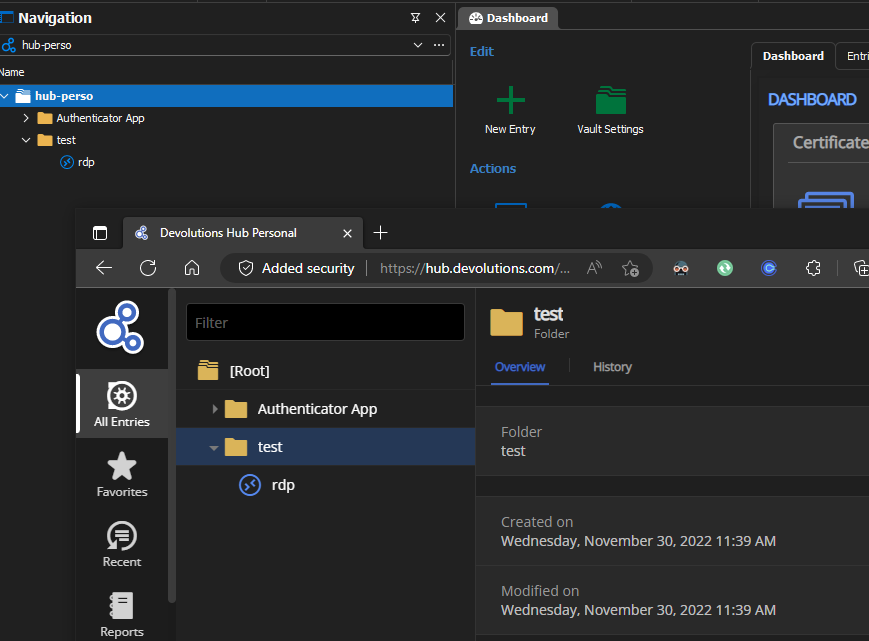
As a test, would it be possible for you to create a portable installation of the latest version of RDM and see if this issue still occurs? To do so, you will need to do the following:
1- Download the .zip file below:
https://remotedesktopmanager.com/home/thankyou/rdmbin
2- Create a new folder on your Desktop
3- Extract the content of the .zip file into the folder created at #2
4- Go to this folder once the .zip file has been extracted and run remotedesktopmanager.exe
5- Connect to your data source
This test will allow us to rule out your local installation of RDM as a possible cause for this issue.
Best regards,
Richard Boisvert
a6471f75-471f-4a66-bdee-d81d113b181b.png
I fixed it by creating a new Hub Personal profile and manually exporting and importing my connections from the Online Drive to the Hub Personal.
Thank you for your help and have a great day!
- Petre
Hello Petre,
Glad to see the issue is resolved!
Best regards,
Richard Boisvert
I'm having the same issue on Mac. I have the latest downloaded. 
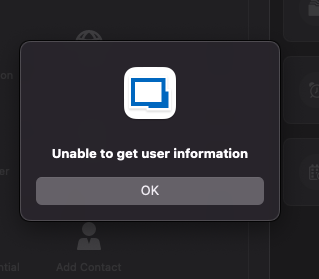
Screenshot 2023-11-01 at 4.46.13 PM.png
Screenshot 2023-11-01 at 4.46.01 PM.png
@glopez,
Are you running the latest version of RDM Mac?
Could you try version 2023.2.6.3? You can download it here https://devolutions.net/remote-desktop-manager/home/download/
Best regards,
Jeff Dagenais
Hi,
Had same problem. Resolved by removing/renaming local folder C:\Users\[USERNAME]\AppData\Roaming\Devolutions
On next start after same account setup RDM managed to connect to Personal Hub.
@petrechitashvili thanks for an idea
Hello VooV,
Glad to see it fixed your issue!
Best regards,
Richard Boisvert
if you have the issue on Mac, juste delete cache directory
/Users/<your user>/Library/Application Support/com.devolutions.remotedesktopmanager
Be aware that it delete everything locally stored!