Devolutions Web Login "issues"...

Hello,
We use Web Login for Chrome and Edge and I wonder if it is possible to control the settings by GPO? I was not able to find settings in the current GPO you provide, but maybe there is something I did not find. If not - would it be possible to add this possibility?
And for some sites I notice, that autofill is not working as expected. We use M365 and wehen I need to change my user account to my admin, I open portal.microsoft.com. Then I click on my user icon, select use different user and select the admin account from the list provided. Then I am at https://login.microsoftonline.com/common/..., but the password is not filled. There is also no star in the field that indicates, that Web Login has detected that this field can be filled. But the Plugin knows it:
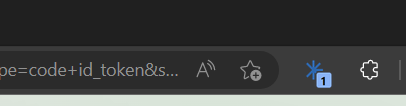
I have to click on the Web Login, select the M365 credential, then I get the star in the password field, but no autofill and I must click again on the star to select the credential to have it filled.
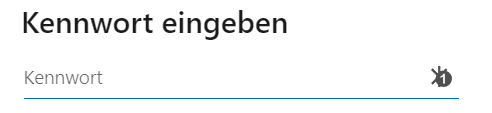
Any idea why? The extension is up to date.
Brgds Andreas
All Comments (16)
Hello Andreas,
Could you please try the Inspect method described in the following article?
That should help to fill in the password on O365 authentication page and identify the field with the DWL star icon.
About the GPOs with DWL, you will find all the information in this article. But these GPOs cannot control what we are saving in single Website entry's settings.
https://docs.devolutions.net/kb/devolutions-web-login/how-to-articles/deploy-dwl-chrome-gpo/
Let us know if that helps.
Best regards,
Érica Poirier