Database Upgrade v11 to 2023

We are using version 11 of RDM and purchased the latest version.
We are using a SharedDatabase in MSSQL. How can we get our old database upgraded to the latest?
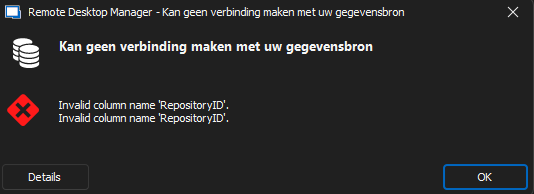
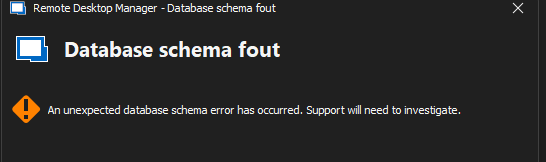
When connection with the new client we get serveral errors but no option to upgrade.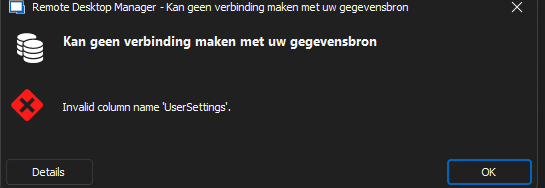
rdm3.png
rdm2.png
rdm1.png
All Comments (4)
Hello,
Thank you for contacting us on that matter.
A solution would be to install an in-between RDM version 2020.3.29 on your machine and update the database from version 252 to 669 using an account that has enough privileges to update the database schema. It would be important to do a full backup of your SQL database between each steps for safety measures.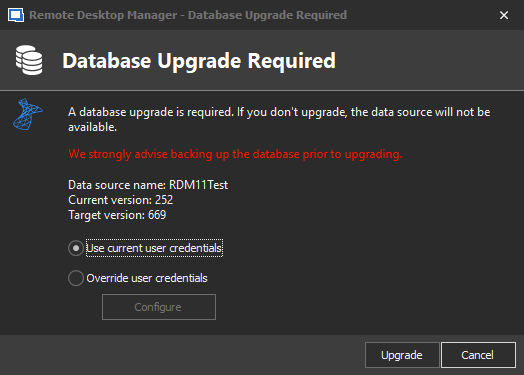
Then, you would be able to connect the latest RDM version 2023.1 to this database and do the final update.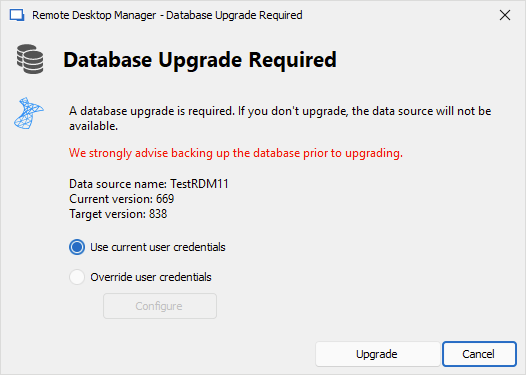
Please note that you would need your RDM license key as once updated to the latest version, you will be prompted for your license key and assign it to the users.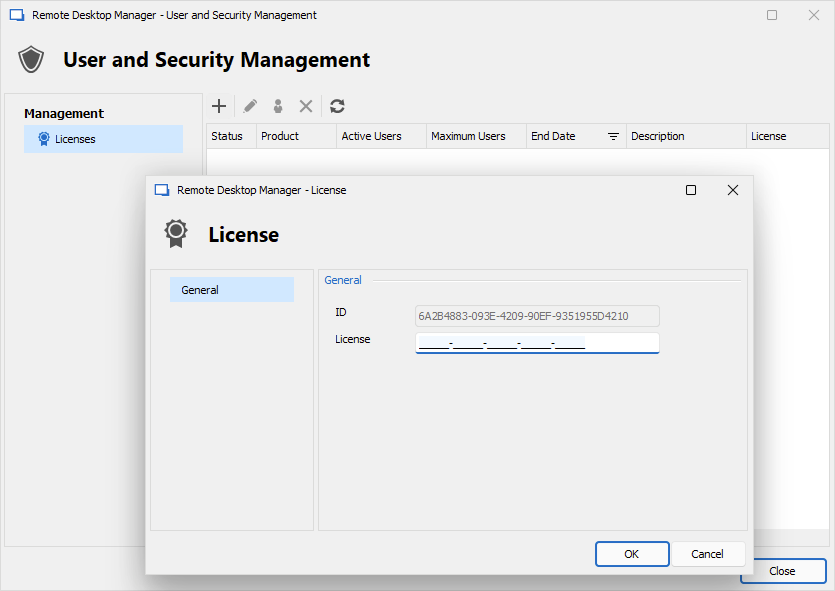
Let us know if that helps.
Best regards,
Érica Poirier
c1065855-3a11-4f57-8c1b-15d3403d1c7d.png
36116013-832f-4565-8afb-248f1ac655e3.png
15326274-1af5-4769-b7e9-f232df2ebf53.png
Hello,
Thank you for contacting us on that matter.
A solution would be to install an in-between RDM version 2020.3.29 on your machine and update the database from version 252 to 669 using an account that has enough privileges to update the database schema. It would be important to do a full backup of your SQL database between each steps for safety measures.
Then, you would be able to connect the latest RDM version 2023.1 to this database and do the final update.
Please note that you would need your RDM license key as once updated to the latest version, you will be prompted for your license key and assign it to the users.
Let us know if that helps.
Best regards,
Thank you! This solved our issue!
@Erica Thank you, I am also facing the same issue and because of you, I solved it. You made my day.
Hello,
Thank you for your feedback and glad the solution has solved your issue.
Best regards,
Érica Poirier