custom icons collection lost

Hi!
Today we found out that the custom icons collection got lost during any of the latest RDM updates! We had dozens of icons there but now only the one saved in the attributes is shown ...
Any ideas how to restore the collection?
Thank you!
Best regards,
Clemens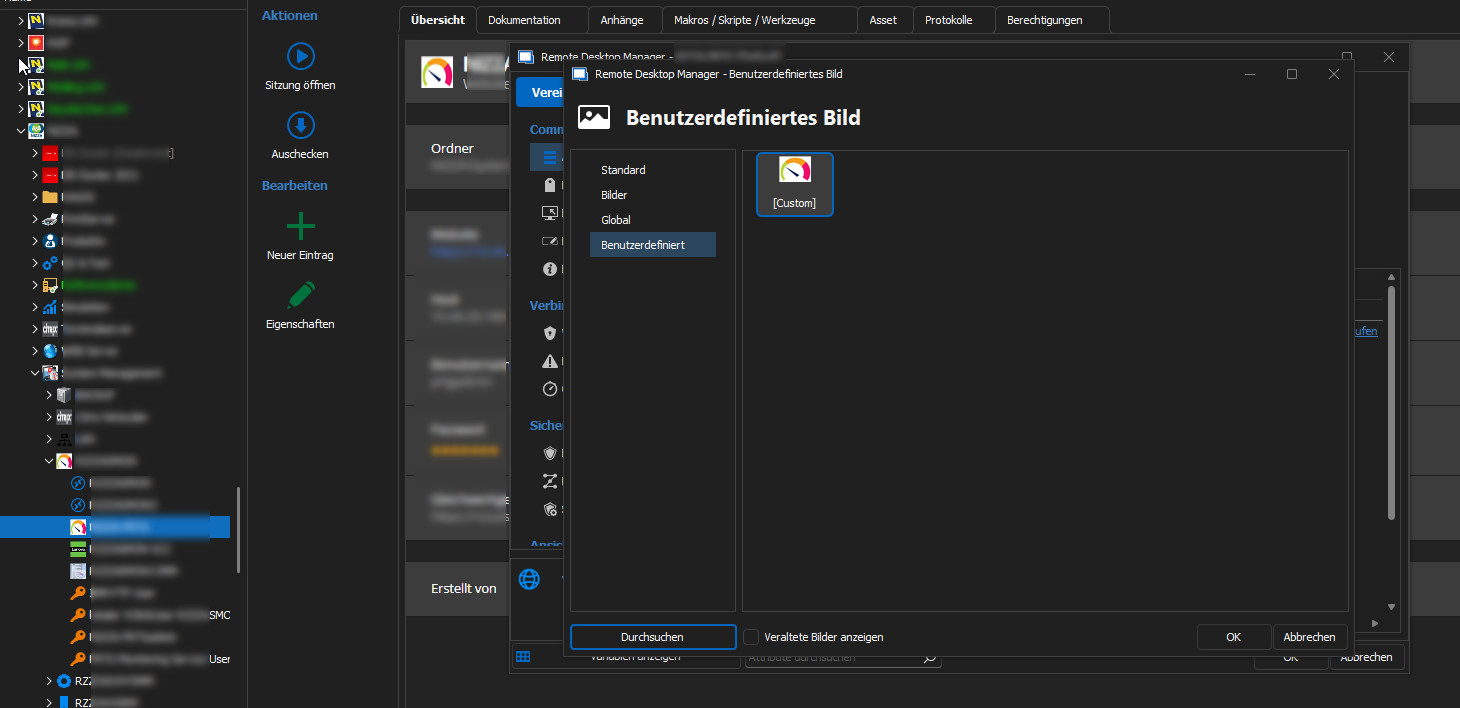
grafik.png
All Comments (12)
Hello,
To give you some context, we have introduced a new functionality in RDM 2023.1 for global images, which you can see in your screen capture (the "Global" tab). The goal of this feature is to allow having one centralized place to store your images that can then be reused across multiple entries in all of your vaults. This saves space in the database and makes it easier to update images across your multiple vaults.
When we added this feature we made changes to the "Custom" images, but we're realising from our user feedback that these changes are confusing (you aren't the first to tell us you're unable to see the other images in your vault). Without a way to migrate from one system to the other, it's too limiting for our users as well.
We will make the necessary changes in a minor update to change this behavior to act like in 2022.3. We will post back here when it has been done.
Regards,
Hubert Mireault
Hi Hubert,
ah ok, I understand! Thanks for the info!
Best regards,
Clemens
Hi!
I just found out that with version 2023.1.20.0 the custom icons are available again :)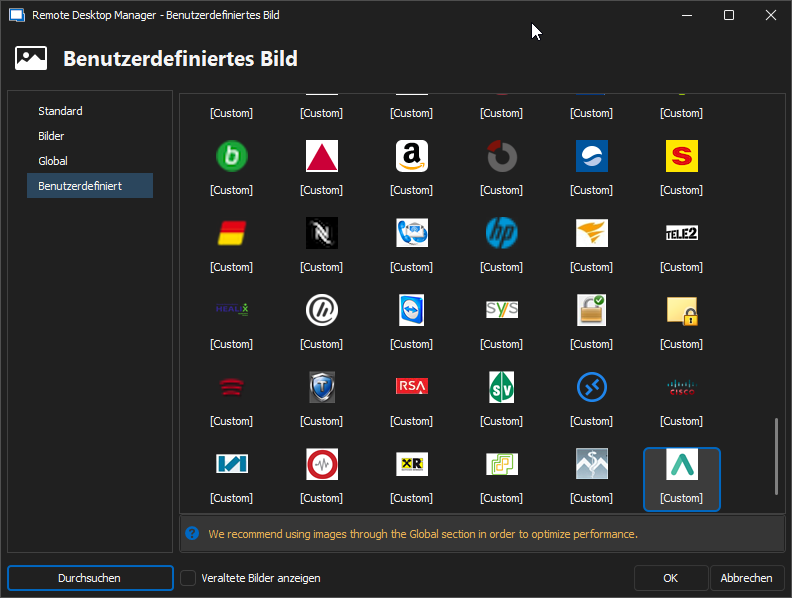
Is there any instruction how to copy/move them into the global place?
Thank you!
Best regards,
Clemens
grafik.png
Hello,
Glad to hear this works for you.
At the moment there is no easy way to do this, but we will be working on a way to migrate images in the future. For now you can keep using the "custom" method of handling images in vaults with a lot of existing images, but you could try the global images in a new vault since there would be nothing to migrate.
Regards,
Hubert Mireault
Hi!
Some other questions about images:
- where are they actually stored? And is it possible to edit them? we have a lot of duplicates for example ..
- what's about the actually used ones - does they have to be saved again / edited when we change to global images?
Thank you!
Best regards,
Clemens
Hello Clemens,
For your first question:
- Custom images (the way RDM has always supported prior to 2023.1) are saved directly in the entry's XML. Any time you add a new entry and "reuse" the image, RDM simply saves that image again in the new entry. This can lead to quite large database sizes if you use custom images everywhere. If you modify one custom image, that change will not be reflected on other entries using that image, as they all have their own 'reference' to that image, rather than a global one.
- Global images are saved in the database separately, with their own unique ID. When you create an entry and reference a global image, we only save the ID to that image in the entry, thus it doesn't take much space. It also has the added benefit of modifying the image at the source replicating across all entries referencing that image, due to the ID never changing. This makes editing images much easier, without requiring you to edit every single entry that used that image individually.
For your second question, if I understand correctly, I think this is covered by my description of the global images above. If you use a global image in, for example, 10 different entries across multiple vaults, modifying the Global Image once in the image management menu will change that image for every entry that referenced that image.
Hopefully this answers your questions. If I missed something, please let me know and I will try to be clearer.
Regards,
Hubert Mireault
Hallo Hubert!
Sorry, I did'nt see the email notification of your update, and wasn't in the forum some time ...
Thank you for your answer! I've got it.
Can we get the custom images somehow out of the database/XML? We have a lot and if we have to search for them all again ...
With the second question I wanted to ask, when we swap to glogal images, then all images/entries have to be changed individually ... I think that's also clear now ...
Just another question: when a custom image is changed to a global (or 'images' or 'default') one, then the occupied space in the database will be released?
Thanks!
Regards,
Clemens
Hello Clemens,
You would be right, as of our current latest release:
- It's not possible to get the custom images out of the entries easily
- You would need to modify all the entries using custom images manually to switch them to using system images
We have discussed this internally and for the RDM 2023.3 roadmap, we want to add a way to migrate the custom images to system images. It would make things much, much easier for users with a lot of vaults and a lot of custom images to migrate to the new system images. We're still in the planning stages for this migrating feature but we want to make sure it's as easy as possible for our users.
As for your other question, you are right. The custom images take up a lot of space in the entry data. The system images and "default" images do not take much space by comparison.
Custom images require saving the entire image as a string and storing that in the entry. Every entry using the "same" custom image will also have the entire image saved as a string stored in the entry. This can accumulate very quickly over hundreds or thousands of entries.
Meanwhile for system images (and "default" images that are already provided by RDM), the only thing saved in the entries is an identifier to the image, which is a short string. The system images themselves are saved as an "entry" in the database.
If you don't reuse any images among multiple entries, then you won't save much space, but if you have a few custom images you reuse across multiple entries and over multiple vaults, then the size saved gets bigger and bigger. Performance might also increase a little due to needing to transfer less data when refreshing the vault.
Regards,
Hubert Mireault
Hi Hubert,
thank you for your extensive information! :)
We are looking forward to use the feature in 2023.3 ;)
Thank you!
Best regards,
Clemens
Hi Hubert,
are there any news on this topic? I didn't find anything about it in the release notes and in RDM itself.
Thx!
Best regards,
Clemens
Hello Clemens,
Sorry for not contacting you sooner. You should be able to migrate your custom images to system images more easily using the "migrate custom images" button, located in the administration tab of the ribbon:
Let me know if this helps, or if anything is missing.
Regards,
Hubert Mireault
b75be884-6586-43c0-a17f-eeb189b179b0.png
Hi!
No problem! ;)
Oh, completely overseen! thx!
Best regards,
Clemens