autostart playlist stops after first entry

we have an autostart playlist which, since ugrading to 2023.1.14.0 64-bit doesn't load completely anymore. there are three entries, only the first ist loaded at startup. open it manually works, tho..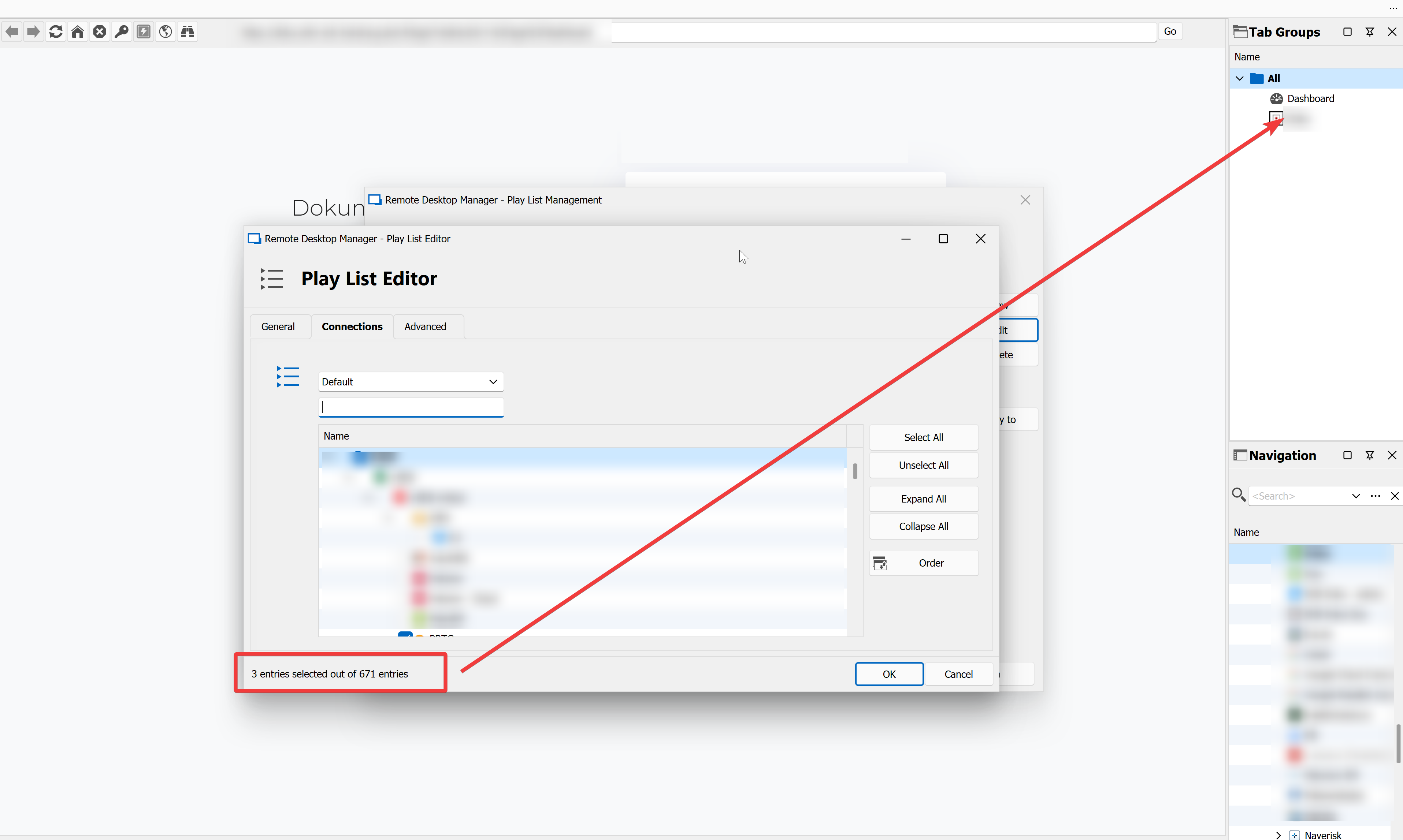
image.png
All Comments (9)
Hello Perler,
Thank you for reaching out to us.
I understand you're experiencing an issue with your Playlist. Have you tried recreating the Playlist to see if the issue persists?
If the problem persists, could you please provide more information about the type of entry that is being launched? This will allow me to perform some tests on my end to better assist you.
Please let me know if you have any other questions or concerns.
Best regards,
Samuel Dery
playlist is brand new, copied to local from datasource. on another notebook playlist isn't running at all. content is three website entries.
Hello Perler,
Thank you for your reply.
To further investigate the issue you are experiencing, we would appreciate it if you could provide us with some additional information.
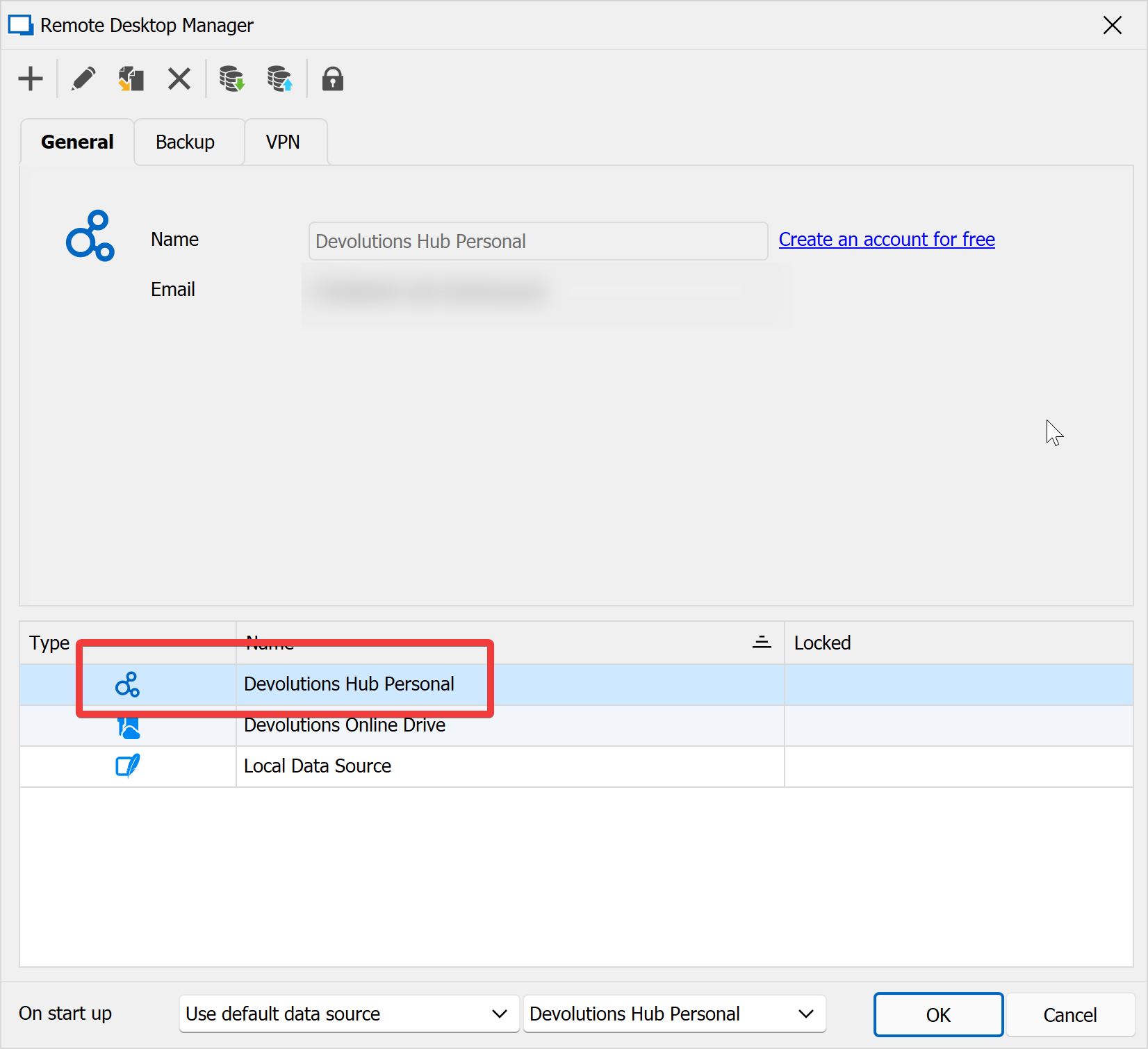
Could you please confirm which type of data source you are using?
In addition, could you please provide us with a screenshot of your "Playlist Management" section?
Thank you for your cooperation. Please do not hesitate to contact us if you have any further questions or concerns.
Best regards,
Samuel Dery
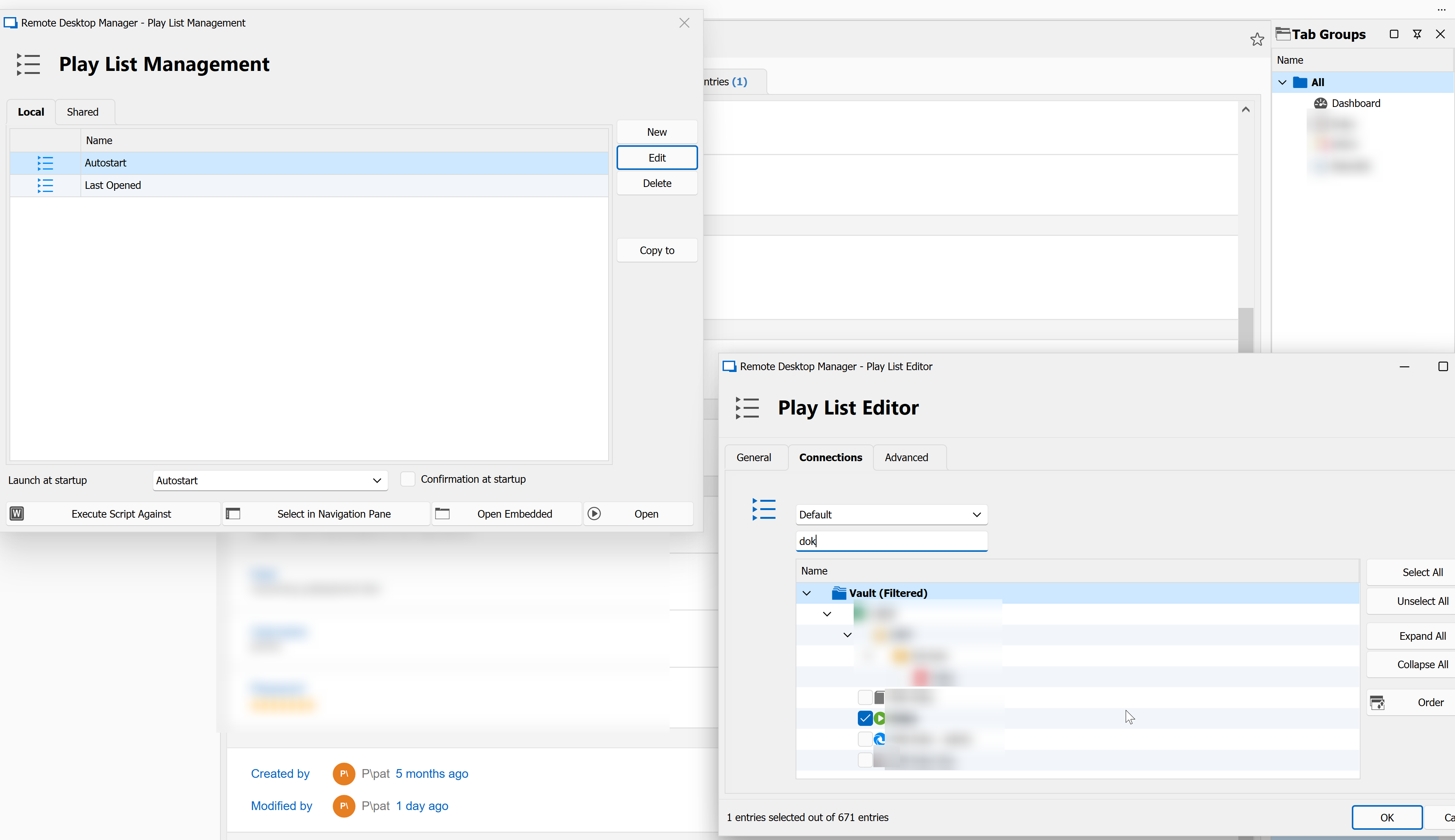
screenshot_2023-03-24_09-13-16.png
screenshot_2023-03-24_09-08-15.png
Hello perler,
Thank you for your reply and for the screenshots,
Could you test with a portable instance of RDM and let me know if you still encounter the issue?
To do so, you will need to do the following:
1- Download the .zip file below:
https://remotedesktopmanager.com/home/thankyou/rdmbin
2- Create a new folder on your Desktop
3- Extract the content of the .zip file into the folder created at #2
4- Go in this folder once the .zip file has been extracted and run remotedesktopmanager.exe
Let me know,
Best regards,
Samuel Dery
so, what do you want me to do here, recreate an autoplaylist? this you could do yourself, can't you? ;)
Hello Perler,
Thank you for getting back to me.
Indeed, After conducting some tests on my end, I have been unable to reproduce the issue you described. However, performing a test with a portable instance of RDM would help us determine if the issue is related to your current installation of RDM.
I would like you to install the portable version of RDM, connect it to your data source, and recreate the playlist. Once done, you can perform the test to check if the issue persists.
Please let me know if you would like assistance in creating a portable instance of RDM or if you have any other questions.
Best regards,
Samuel Dery
portable RDM:
- connected to DHP
- recreated the playlist
- set to autostart
- works
- connected to DHP
- copied the playlist from DHP to local
- set to autostart
- doesn't work
Hello Pat,
Thank you for the comeback.
I did some investigation on your issue and it appears that if you use the same playlist on another data source with the same entry but a different ID, the playlist doesn’t work.
The playlist works in a way that will grab the entry ID and not the name.
If you want to use the playlist on a different data source with the same entry, the best practice would be to create a new playlist for every one of them.
Let me know if you still have this issue when you create a new playlist instead of copying it from one data source to another.
Best regards,
Patrick Ouimet