RDM GUI is not reacting after updating to 2023.1.10.0

Hi,
I just updated RDM from version 2022.3.35.0 to 2023.1.10.0 (both x64 using a local data source). Now the app is unusable.
The GUI does not react anymore after clicking in the Navigation pane. I cannot connect to a server, the menu does not react, nothing.
When I hover over "Customize" on the right side, it turns to grey and displays rdm://CustomizeDashboardLayout in the lower pane, but nothing happens when I click on Customize.
At the same time, things looked good at the beginning. I moved the navigation separator to the right to display the whole server names again, but this was the one and only interaction that succeeded.
If I want to close it I have to do that via Windows start menu. I restarted RDM a couple of times already and rebooted my device. I already uninstalled and reinstalled 2023.1.10.0. No chance.
However, If I do not click in the Navigation pane, but just click in the menu e.g., the app is behaving normally.
I've never seen that before. My colleague does not suffer from this problem (he does not use KeePass integration – see below).
Any ideas?
Kind regards,
Klaus
All Comments (19)
It seems that is has something to do with KeePass integration. All of my connections use KeePass credentials.
If I create an RDP connection that prompts for Windows credentials, it's the one and only connection that is working.
If I single-click or double-click on any other connection in the Navigation pane, the GUI becomes unusable.
Latest KeePass version 2.53.1 was installed with previous RDM version and is still installed. KeePass plugin files were and are existing in KeePass installation directory. Nevertheless, I downloaded Devolutions KeePass plugin from here again and copied the files to KeePass installation directory after deleting the existing ones. It did not help (they are the same version as before).
Same issue here....
Please Help!
I have restored a backup here and removed the latest 2023 client and installed the latest 2022.3 version.
Everything is working here again, hopefully they come up with a fix soon.
Hello,
Our QA team has been able to reproduce the issue.
A ticket has been opened to our engineering department.
Thanks for reporting.
Best regards,
Jeff Dagenais
Thank you for your investigation and the escalation.
2023.1.13.0 was released to fix this bug.
Release notes tell us: "Fixed an issue with Keepass plugin - must be updated with the packaged version"
No more instructions, so:
You will find the updated plugin "Devolutions.KeePassPlugin.2023.3.16.5.zip" in C:\Program Files\Devolutions\Remote Desktop Manager\Applications after updating to latest version 2023.1.13.0.
Be sure to close RDM and KeePass before next step:
You will have to extract the archive to your "KeePass Password Safe 2\Plugins" directory (not the install directory "KeePass Password Safe 2\" anymore!). I copied all files from the archive there and I deleted the two previous plugin files from mentioned install directory.
Start KeePass and RDM and it will work again. Thank you for fixing.
Hi Klaus,
thanks for summarizing your solution, we were struggling with the same issue.
@Devolutions, could you please update the documentation for the keepass integration? We were troubleshooting the issue for about 2 hours before finding this thread. Would have been nice if the documentation was in place with the new version.
Thanks and regards
Sascha
Hello again,
we still have issues with one KeePass file which won't load properly in RDM. We always receive the message, that the entry is not found in the database. Prior to the upgrade, it worked fine and without issues. Also, when we try to search the database no entries show up, the list is empty (KeePass Entry -> Entry -> Type: UUID and then the three dots "...")
Other KeePass files work without problems.
Regards
Sascha
Hello Sascha,
Thank you for your replies.
I have contacted the team in charge of our documentation and we will see what can be done.
As for the latest issue you reported, have you encountered it on RDM 2023.1.13.0 or RDM 2023.1.14.0?
The latest version of RDM can be downloaded here: https://devolutions.net/remote-desktop-manager/home/thankyou/rdmsetup
Best regards,
James Lafleur
Hi James,
thanks for getting the docs team involved.
As we tested, the version was not yet released. From the changelog (https://devolutions.net/remote-desktop-manager/release-notes), it does not seem to address the issue we are having, that the file is not opened properly. The only change regarding KeePass I can see is
Added prompt for install/update when KeePass plugin is not installed or outdated
We will try to install the version and verify if it changed anyway.
Cheers
Sascha
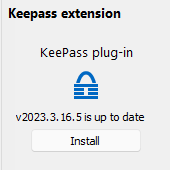
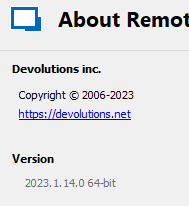
I can confirm that we are using RDM version 2023.1.14.0 and KeePass plugin 2023.3.16.5 and certain keepass items result in a prompt that it "will now try to access KeePass", which causes the GUI to freeze. Clicking cancel results in a 15-30 second pause before it resumes function. It never loads the entry. I can also duplicate this when attempting to create a new credential entry. Reverting back to RDM version 2022.3.35.0 and plugin version 2.1.2.0 fixed it for me.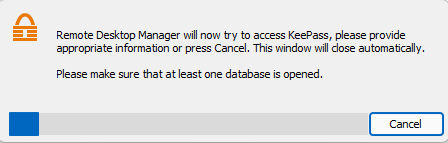
RDM_KeePass.png
RDM_version.png
Screenshot_8.png
Hi,
we just tested with version 2023.1.15.0 and the issue still persists. We can not open some specific keepass files.
Hello Sacha,
Thank you for your reply! Would it be possible for you to provide me with a screenshot of the configuration of your Keepass entry?
In the meantime, I will try to reproduce this issue.
Best regards,
James Lafleur
Hi James,
please find the screenshots attached. All other settings are default. Please keep in mind it is not regarding a specific entry, it is the whole KeePass database that can not be opened.
The KeePass file is located on a network drive and uses a key-file. Our first thought was, that it may has to do with the network drive, but a local copy is not working as well. Also, we tried to replicate the issue with other KeePass files, without success.
cheers
Sascha
Entry.png
Database.png
Hello,
This is simply to let you know we managed to fix multiple potential issues with KeePass on the latest version of RDM (2023.1.17.0)
Could you attempt to update to the latest version of RDM ?
You can find the executable for this version here: https://devolutions.net/remote-desktop-manager/home/thankyou/rdmsetup
Best regards,
Hello,
we just installed Version 2023.1.20 and the issue seems to be fixed.
Thanks for the support!
Cheers
Sascha
Hello,
we just installed Version 2023.1.20 and the issue seems to be fixed.
Thanks for the support!
Cheers
Sascha
Hello,
That's great !
I'm glad the behaviour seems to be back to normal.
Best regards,
Hello,
I have the same issue, since update i lost keepass add/modification options
Versions :
RDM : 2023.1.23.0 64-bit
RDM Keepass plugin : 2023.3.29.0
Keepass : 2.53.1
Can you help me please ?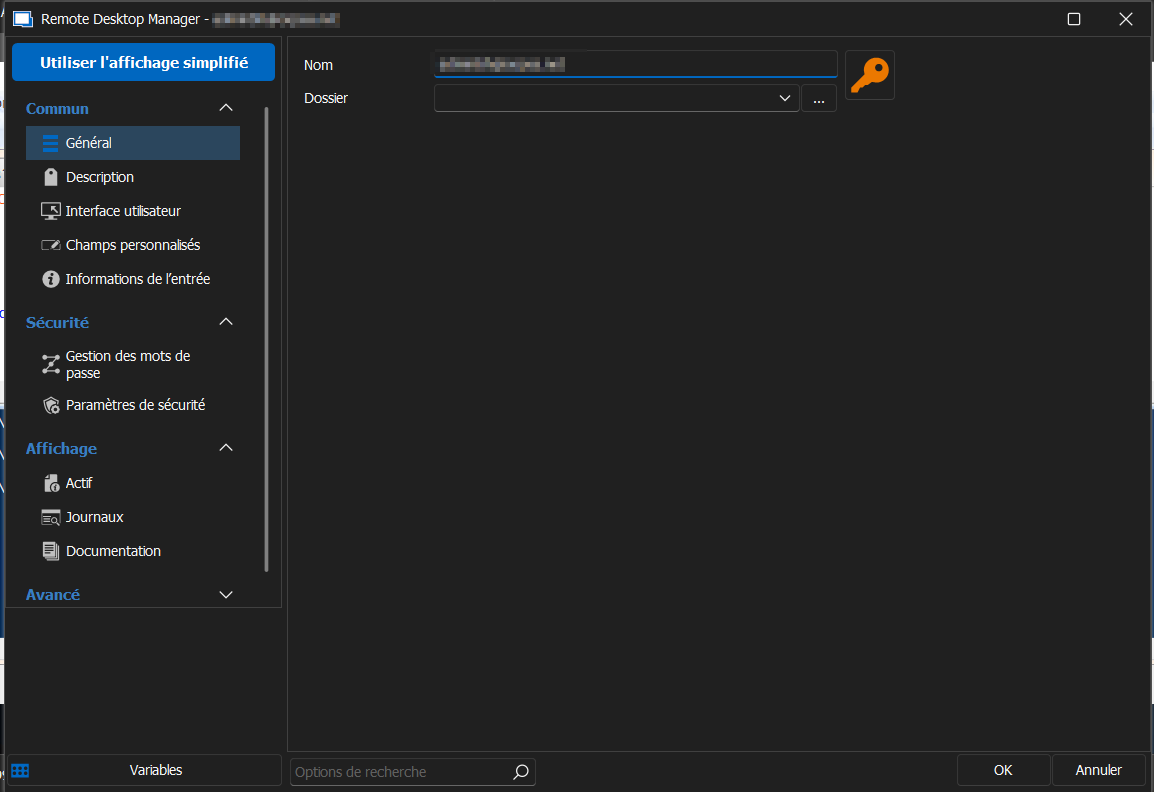
2023-05-22 16_01_27-.png
Hello,
It seems that the screenshot you've sent me is not from a KeePass entry.
I suspect that this is the case due to the icon of the entry itself not matching the KeePass entry icon.
Which looks like this: 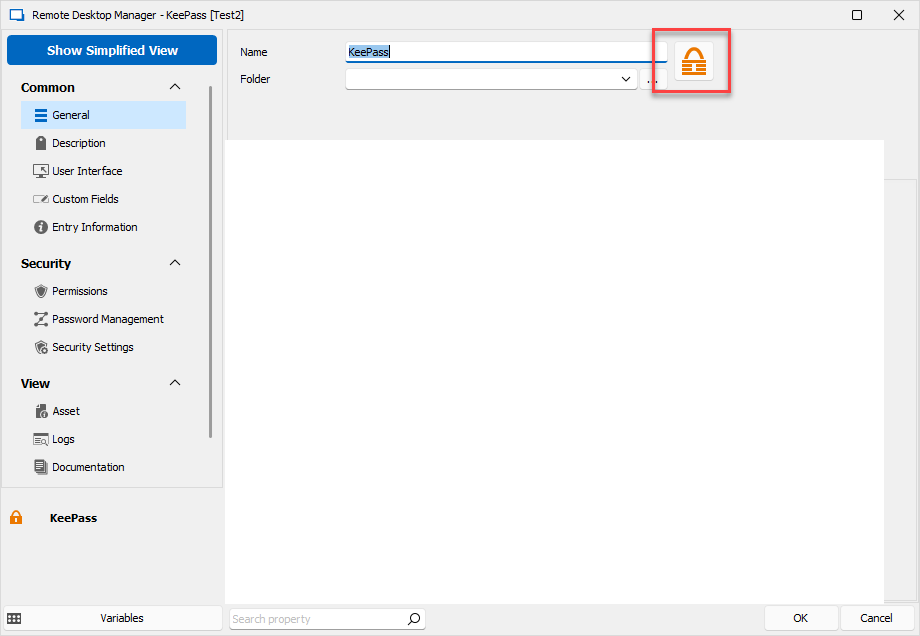
Best regards,
efa6c24f-3dd9-4419-b2a3-378f1b0f375f.png