How to disable the smart zooming in SSH embedded window

Hi, I'm a visually impaired user and use the zoom feature a lot to read the screen contents.
When I'm in an SSH terminal session, while using zoom for the screen, I keep zooming out the SSH session. very annoying and I need to keep zooming in the window using the cmd+ keys ...
How can I disable this in RDM?
Appreciated.
Regards.
JG
All Comments (7)
Hi jasggomes,
Just to confirm, are you referring to the zoom in SSH entries with Ctrl + Scrollwheel?
Best regards,
Xavier Fortin
Hi Xavier, yes, I used the 'scroll wheel' on the magic mouse to zoom,-in / zoom out in order to read the contents on the screen.
Sometimes, a lot, when on the terminal window of the SSH, it zooms out too. There is something causing this in combination with the mac option.
I just want to disable the zoom-in/zoom-out on the embedded terminal.
Thanks for the reply.
JG
see the examples attached.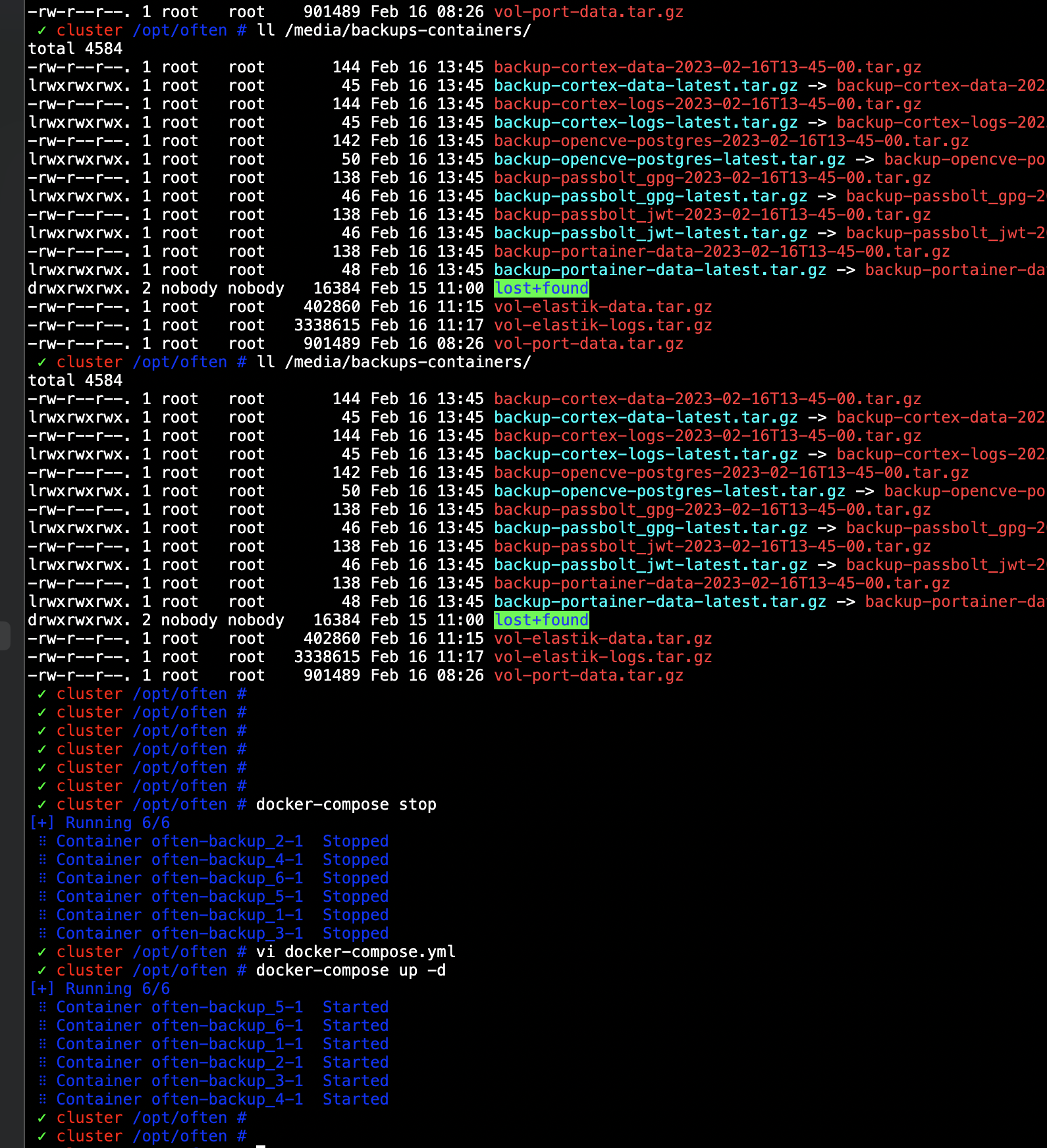
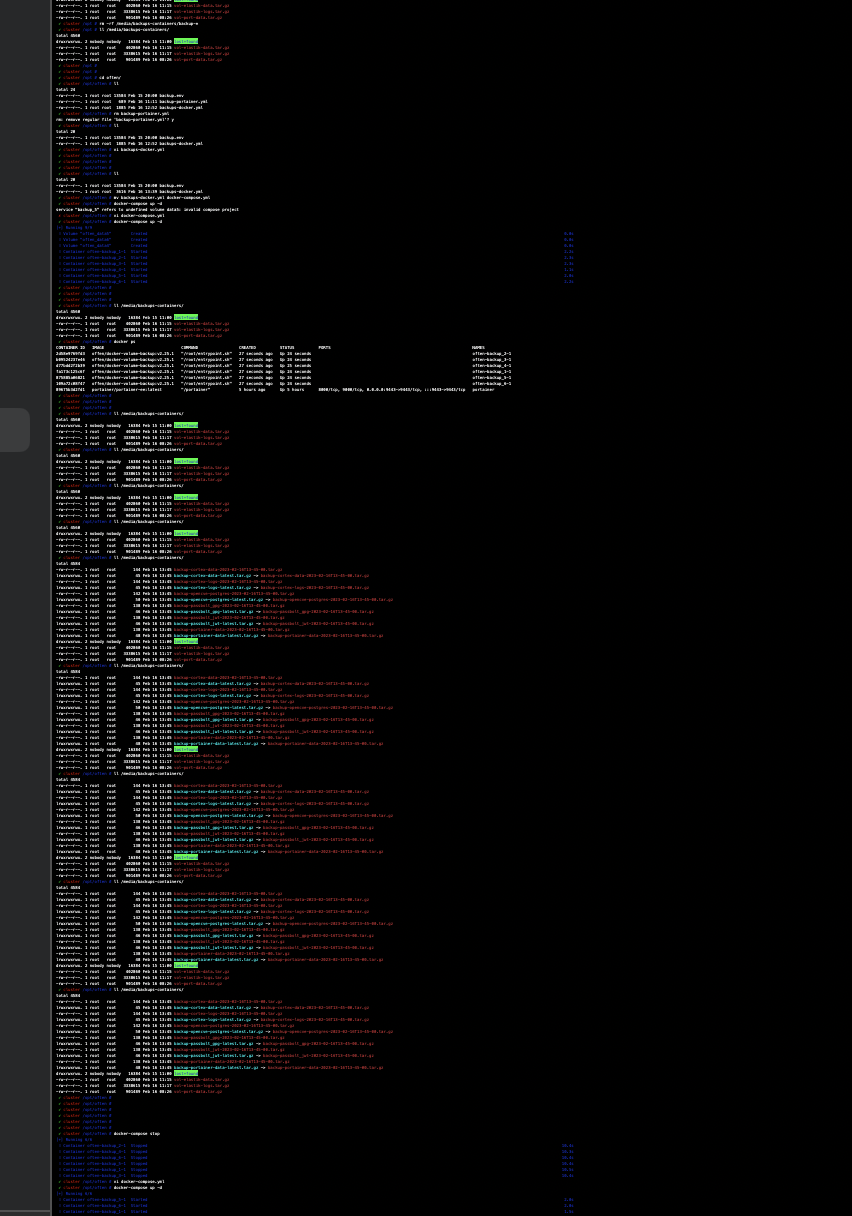
Screenshot 2023-02-16 at 13.53.19.png
Screenshot 2023-02-16 at 13.53.43.png
Unfortunately, we don't have a setting for this at the moment.
I'm opening an improvement ticket and we will inform you when a version with it is available.
Best regards,
Xavier Fortin
Thank you so much Xavier for your kind support.
Regards.
JG
Hi jasggomes,
RDM Mac 2022.3.19.0 is available and it's now possible to disable the zoom in/zoom out feature in SSH entries by unchecking the following option: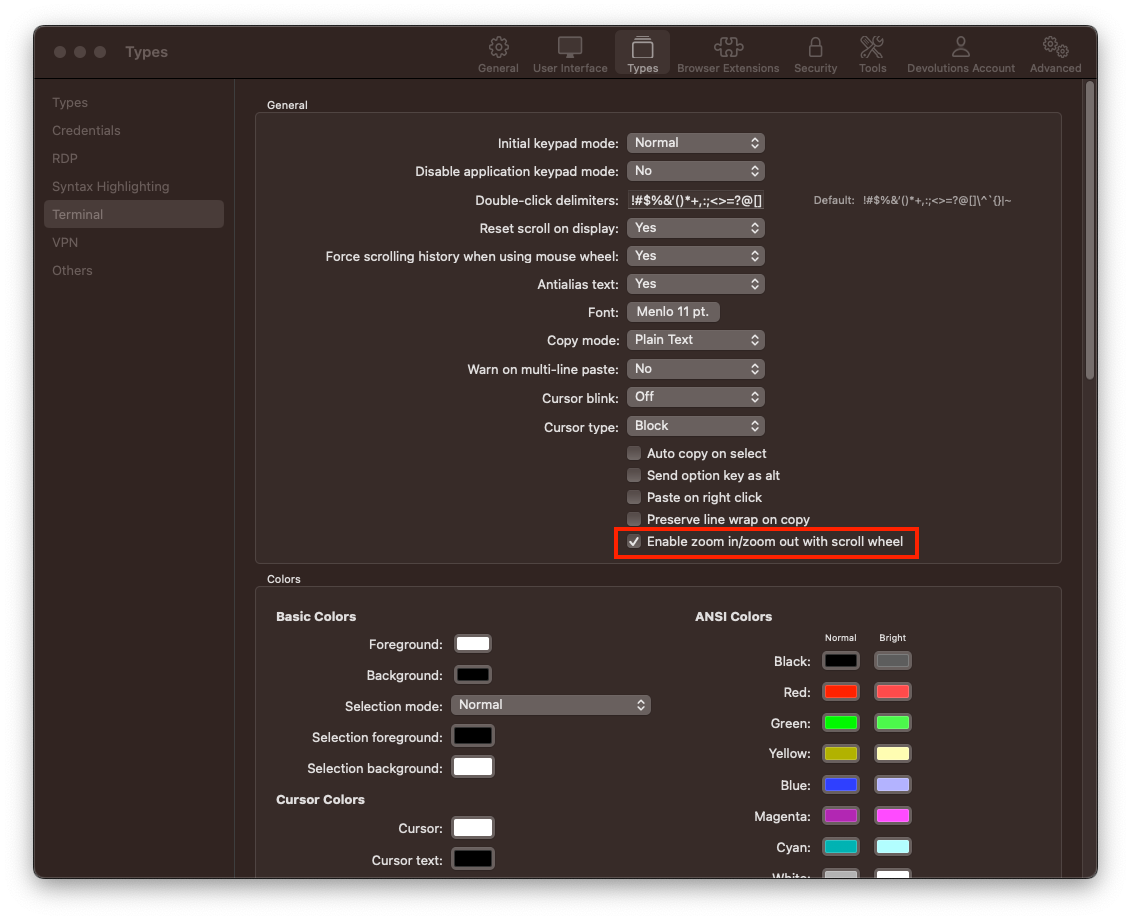
Best regards,
Xavier Fortin
ZoomInZoomOutEnabled.png
Dear Team, I have no words for this.
A big thank you !!!
With my best regards and thanks.
Jorge Gomes